Mastering Custom Graphics & Lower Thirds with Titler Pro & Titler Live | NewBlue Tutorial
Автор: NewBlue
Загружено: 2019-08-20
Просмотров: 74809
Описание:
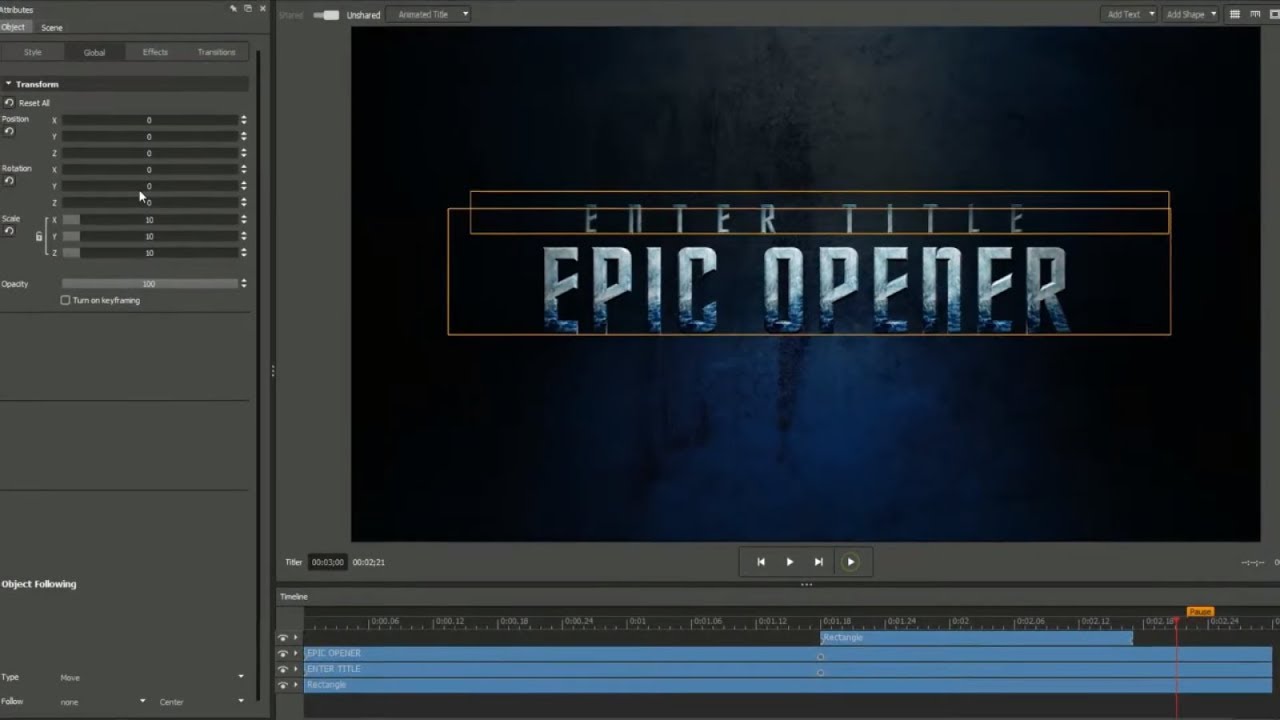
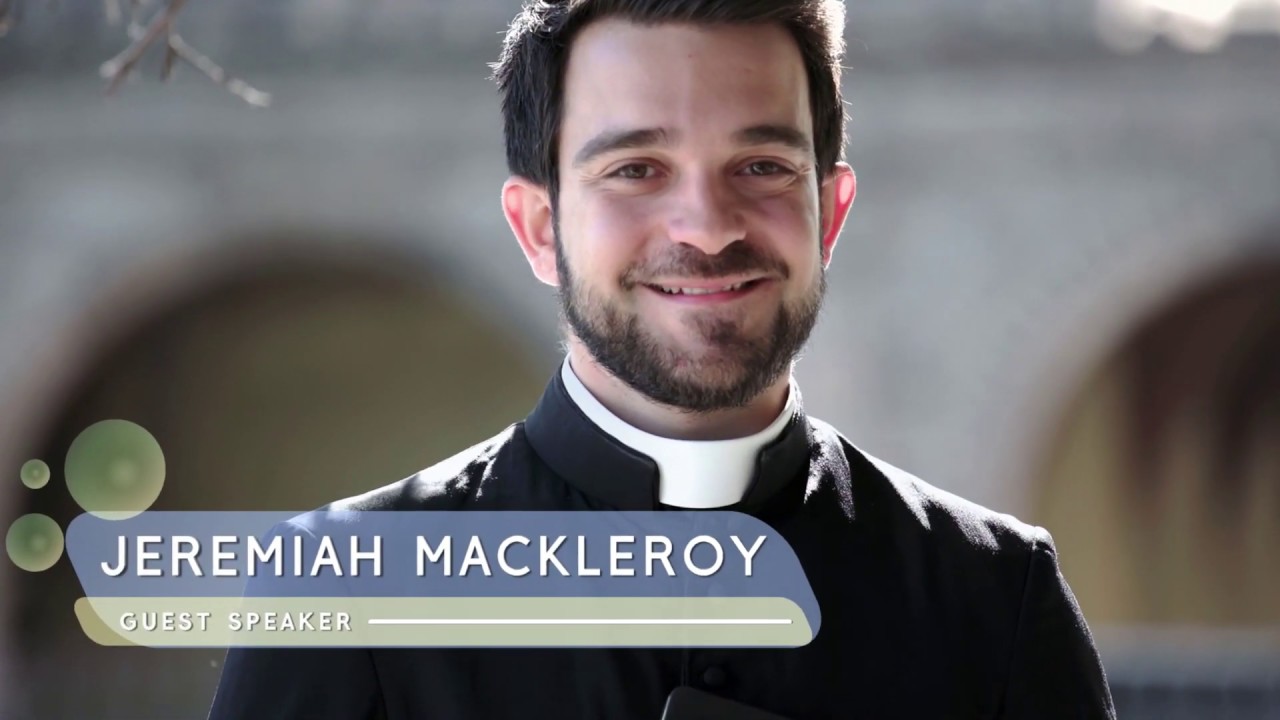
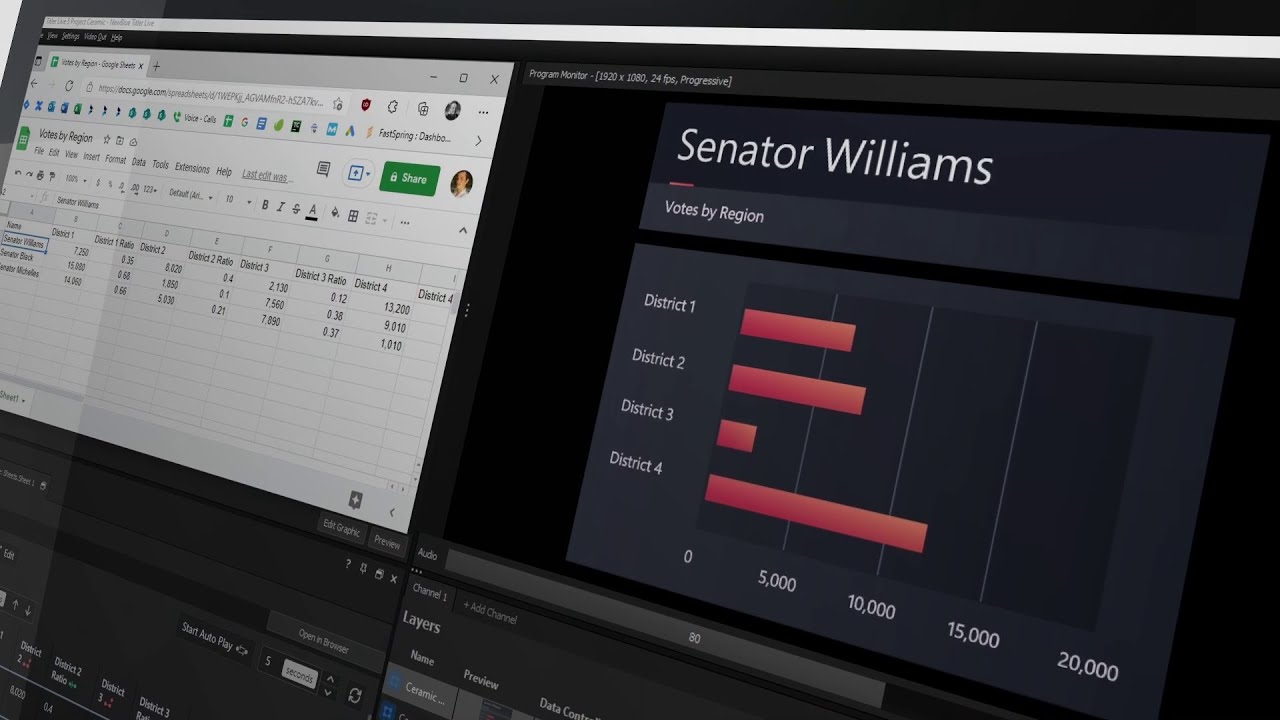
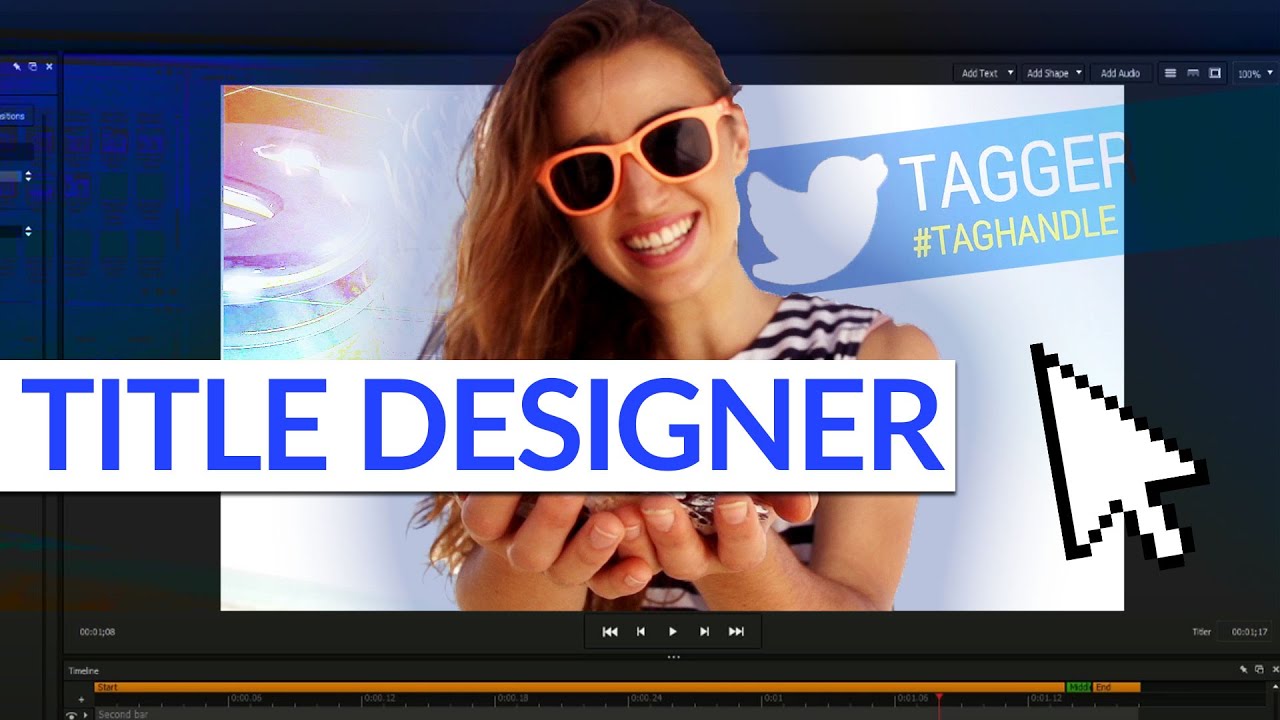
Welcome to this tutorial on creating custom graphics and lower thirds using the intuitive interface of the NewBlue Title Designer. Learn how to leverage its library of pre-built animations, effects, and creative tools to design professional 3D animated titles seamlessly in both live and post-production video projects.
Try NewBlue Titler Pro 7 FREE for 14 Days
https://newbluefx.com/titler-pro/?utm...
Try NewBlue Titler Live FREE for 14 Days
https://newbluefx.com/titler-live/?ut...
Topics covered in this video:
🖊️ Title Designer Interface Overview: Attributes, Workspace, Timeline, Title List, Library.
✏️ Text and Object Modification: Font, size, alignment, kerning, style breaks, and transformations.
🔶 Adding and Customizing Shapes: Ellipse, rectangle, star, color adjustments, resizing, and transformations.
🔄 Layer Arrangement: Managing layers, grouping elements, and arranging them effectively.
🔊 Audio Integration: Adding, adjusting, and managing audio within titles.
📁 Media Import and Export: Importing various file types and exporting designs with bundled assets.
🔄 Efficient Title Switching: Navigating between multiple titles, pre-rendering, and template selection.
#newblue #newbluetitlerpro #newbluetitledesigner #videoeditingsoftware #newbluetitlerlive #tutorial
Stay up to date on our latest software updates:
Facebook / newbluelive
Instagram / newbluelive
Learn more about NewBlue's titling solutions, including products, templates, and more: https://newbluefx.com/?utm_source=you...
Повторяем попытку...
Доступные форматы для скачивания:
Скачать видео
-
Информация по загрузке: