Howto use the Revolve Tool in FreeCAD's Part Design Workbench
Автор: Glasson Design Studio
Загружено: 2020-08-28
Просмотров: 18972
Описание:
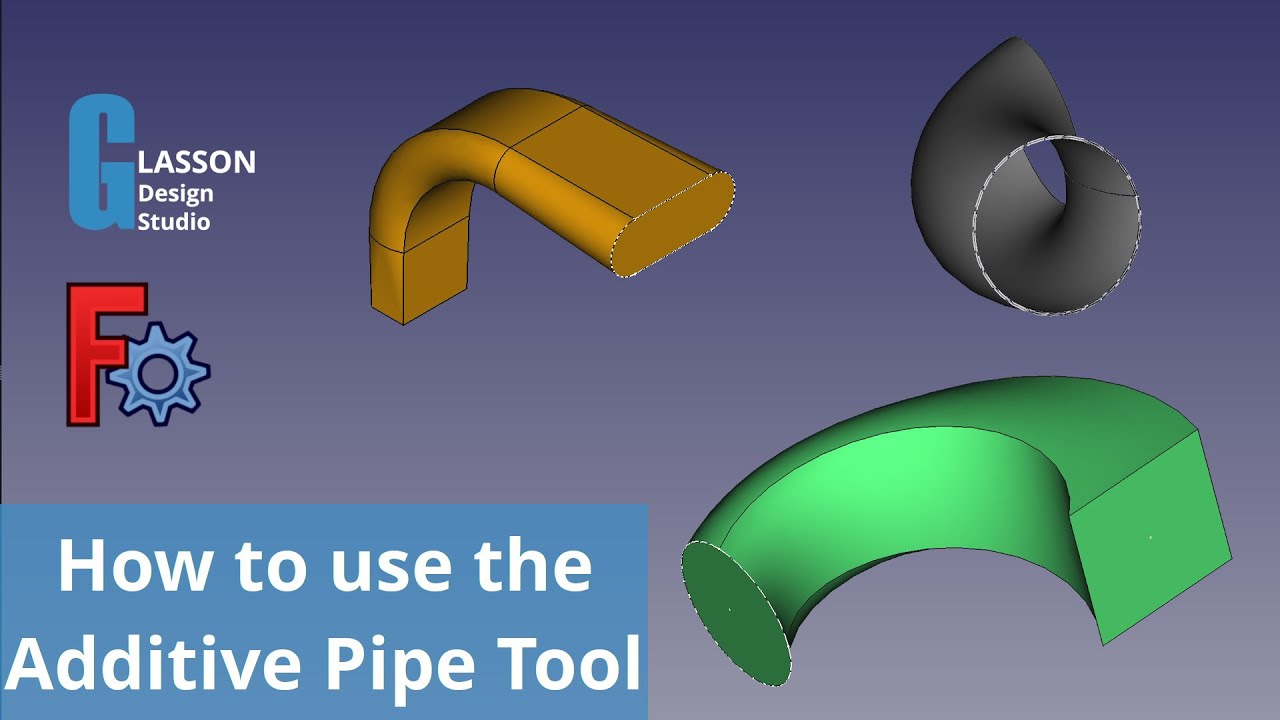
This video shows you how to use the Revolve Tool. The Revolve Tool allows you to revolve a sketch to produce a solid, and provides several ways of doing so. This video shows you each method for revolving a sketch.
Support this channel
I am very grateful that you watch my videos. I am constantly trying to improve the quality of the videos on this channel. If you'd like to help me do this, please consider supporting this channel to allow me to continue to produce content for your enjoyment.
👉 Help support this channel by buying me a coffee: https://www.buymeacoffee.com/gds
All donations will be used to purchase equipment to improve my productivity and increase the quality of the content that I produce.
Contents
🔹 00:00 Introduction
🔹 01:42 Revolving around the vertical plane
🔹 02:17 Overview of the tool's options
🔹 03:04 Revolving around the horizontal plane with options
🔹 03:35 Revolving around other axes
🔹 04:00 Revolving around a vertical construction line
🔹 05:15 Revolving around an angled construction line
Workbenches used:
🔹 Sketcher
🔹 Part Design
FreeCAD links
👉 FreeCAD website: https://www.freecadweb.org
👉 Downloads: https://freecadweb.org/downloads.php
Copyright Glasson Design Studio 2020. All rights reserved.
Where to find us
👉 Website: https://www.glassondesignstudio.com.au
👉 Facebook: / glassondesignstudio
👉 Instagram: / glassondesignstudio
Credits
Writer, Editor, Producer: Geoff Glasson
This video would not have been possible without help from the following people:
👉 Steven Taylor: https://stinstruments.com.au
Music
Title: Gentle Sorrow
Publisher: S.I. Publishing (SOCAN)
Available through AUDIOHERO
Повторяем попытку...

Доступные форматы для скачивания:
Скачать видео
-
Информация по загрузке: