OPPO Reno15 Pro: Ho to Use Split Screen & Flexible Windows
Автор: HardReset.Info
Загружено: 2026-01-24
Просмотров: 9
Описание:
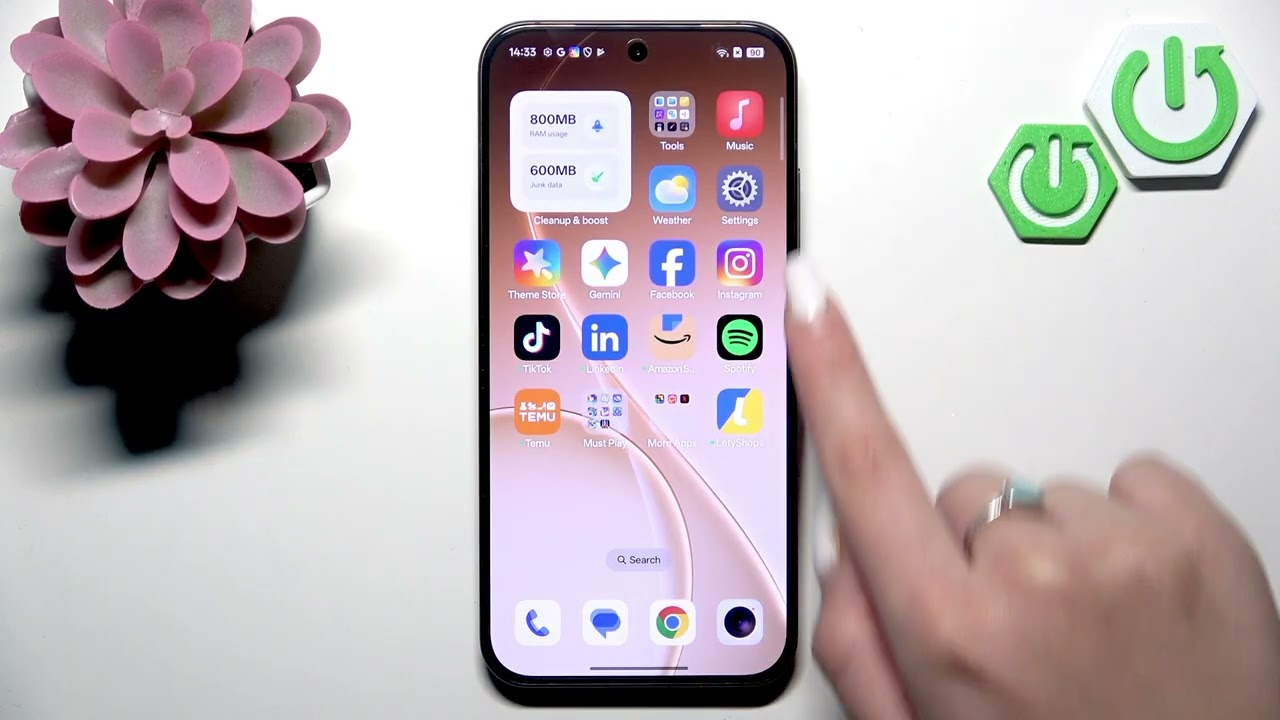
Learn how to use Split Screen and Flexible (floating) Windows on the OPPO Reno15 Pro. This video shows two simple ways to open split view (gesture and Recents menu), how to resize each split window, and how to enable floating/flexible windows using the Smart Sidebar or the Recents app list. You’ll also see how to move, resize, minimize and close a floating window so multitasking on your OPPO Reno15 Pro is fast and easy. Perfect for messaging while watching video, copying text between apps, or keeping a small app on top while you work.
How to use Split Screen on OPPO Reno15 Pro?
How to enable Flexible Windows (floating window) on OPPO Reno15 Pro?
How to resize, minimize and close a floating window on OPPO Reno15 Pro?
0:00 Intro — OPPO Reno15 Pro and what we’ll cover
0:11 What is Split Screen and when to use it
0:36 Method 1: Activate Split Screen with gestures (drag from navigation bar)
0:58 Open second app and start Split View
1:15 Method 2: Activate Split Screen from Recents → app icon → Split View
1:23 Resize split windows using the middle bar
1:36 Exit Split Screen
1:49 Intro to Flexible (floating) Windows
1:55 Method 1: Open floating window from Smart Sidebar
2:27 Method 2: Open floating window from Recents → three dots → Floating Window
2:46 Floating window controls: resize, move, minimize
3:25 How to minimize into mini window
3:44 How to close a floating window and wrap up
#OPPOReno15Pro #SplitScreen #FlexibleWindows #FloatingWindow
Find out more:
https://www.hardreset.info/devices/op...
Follow us on Instagram ► / hardreset.info
Like us on Facebook ► / hardresetinfo
Tweet us on Twitter ► / hardreseti
Support us on TikTok ► / hardreset.info
Use Reset Guides for many popular Apps ► https://www.hardreset.info/apps/apps/
Повторяем попытку...
Доступные форматы для скачивания:
Скачать видео
-
Информация по загрузке: