How to Add AI Visual Effects to Any Shot Without Leaving DaVinci Resolve (2026)
Автор: Kevin Vandermarliere
Загружено: 2026-06-10
Просмотров: 2547
Описание:
🎥 Use my FREE templates & AI tools: https://www.skool.com/vfxbasecamp/about
📚 Virtual Production & DaVinci Resolve Courses: https://www.skool.com/thevfxroom/about
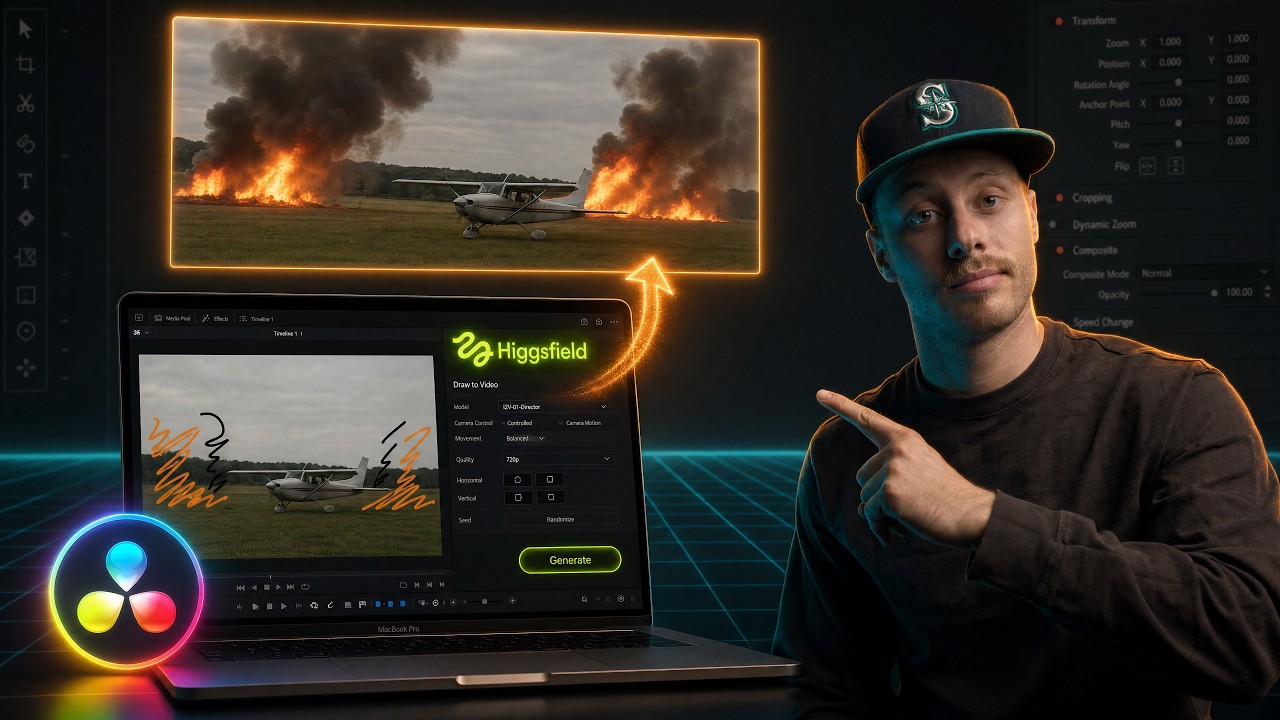
In this video I experiment with the brand new Higgsfield plugin for DaVinci
Resolve Studio. I test changing car colors, adding smoke & fire to shots,
generating missing B-roll, object removal, and even AI color grading. All
from inside your timeline.
⏱️ TIMESTAMPS:
0:00 - Intro
0:17 - What You Need (DaVinci Resolve Studio)
0:44 - Installing the Higgsfield Plugin
1:06 - Test 1: Changing Car Color with AI
1:34 - The Compression Issue & How to Fix It
2:26 - Masking with Magic Mask in Fusion
2:54 - Test 2: Adding Smoke & Fire to a Shot
3:03 - Draw to Video Feature
3:49 - Using Claude to Generate Better Prompts
5:00 - Fixing Frame Rate & Smooth Cut Trick
5:39 - Test 3: AI Color Grading with LUTs
6:36 - Test 4: Generating Missing B-Roll
7:44 - Reframe / Extend Frame Feature
8:11 - Test 5: Object Removal
9:06 - Final Thoughts & Future Ideas
🎥 Watch more related content:
How to use Fusion in DaVinci Resolve 21 (2026):
• How to use Fusion in DaVinci Resolve 21 (2...
How to Create an Interactive 3D Gaussian Splat From 1 Image (2026)
• How to Create an Interactive 3D Gaussian S...
This Virtual Production Workflow Changes Everything (UE5 + AI):
• This Virtual Production Workflow Changes E...
I Built an AI Background Generator With Claude + DaVinci Resolve:
• I Built an AI Background Generator With Cl...
SOCIALS:
https://www.instagram.com/kevinvander...
https://www.kevinvandermarliere.com/
/ kevinvandermarlierepage
#DaVinciResolve #VFX #GenerativeAI
Повторяем попытку...
Доступные форматы для скачивания:
Скачать видео
-
Информация по загрузке: