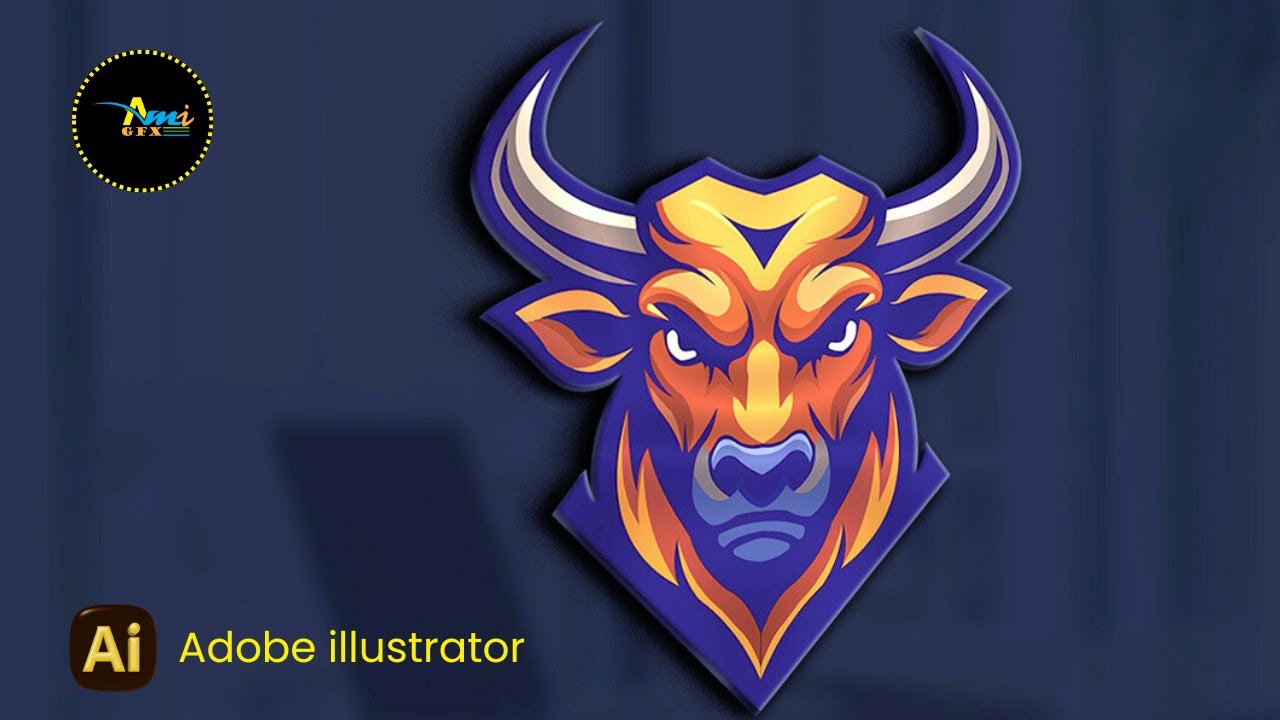
How to Vectorize a PG Image in illustrator | How to Create Bull Face Logo in illustrator | Mascot
Автор: AmiGFX
Загружено: 2026-01-26
Просмотров: 39
Описание:
How to Vectorize a PG Image in illustrator | How to Create Bull Face Logo in illustrator | Mascot
Okey GUYS today we have an Bull Mascot Design, Which is in PNG form we will convert into a vector form,
Now right- Click your mouse and click copy image, Then Past it into the adobe illsutrator now
Okey fist of all, we have to lock the image, so for that you have to go the Object and click on lock, which will
lock the image. After locking we will click on the pen tool.
Okey now we will create the outline of the enter design using the pin tool.
Guys! I want to tell you something
When using the pen tool, where you want to create a Curve in the design Use the Anchor point tool by pressing
Shift +C
Once the outline is complete , we will now trace the inside design
Okey now When any of our layer in the design is complete we will fill the colour using the Eyedropper tool.
Okey now Watch the video completely so that you understand the vector tracing properly.
__________________________/SOCIAL LINKS\_________________________________
Pinterest ➤ / ami252t
Instagram ➤ / ami2gfx
Facebook Page ➤ https://web.facebook.com/profile.php?...
For Business inquiries email us: [email protected]
_________________________________________________________________
#amigfx #Graphicdesign #AdobeIllustrator #Adobephotoshop #Canva #Logodesign #mascot #mascot #bull #amigfx
Повторяем попытку...
Доступные форматы для скачивания:
Скачать видео
-
Информация по загрузке: