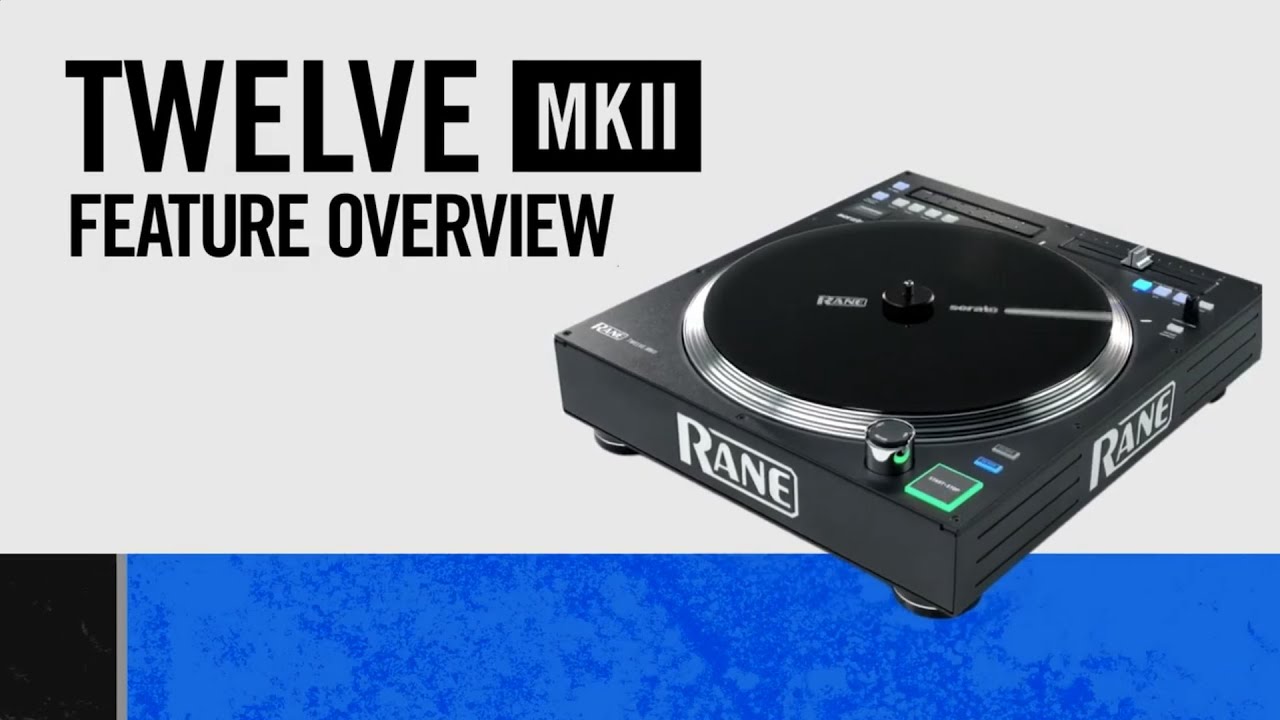
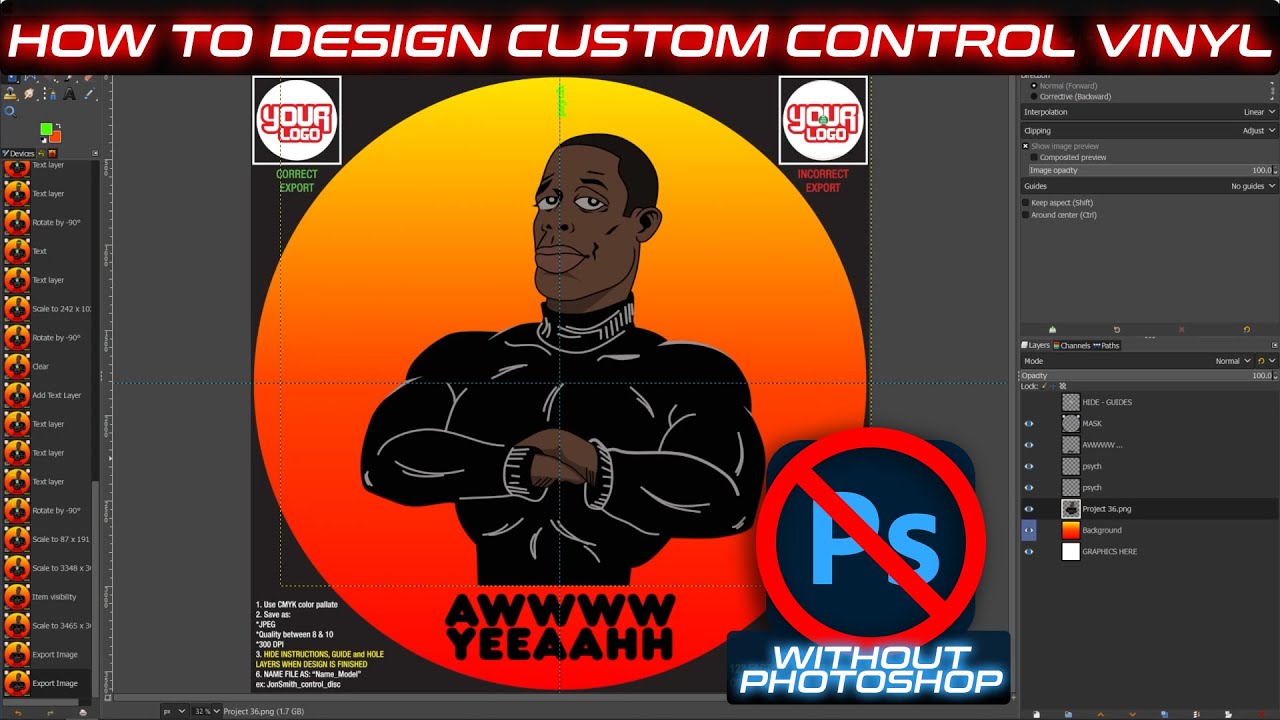
How to Create Custom Control Disc For RANE TWELVE WITHOUT PHOTOSHOP (DENON, NUMARK, TECHNICS)
Автор: XFaderz
Загружено: 2021-12-19
Просмотров: 2186
Описание:
So, you want to design your very own control disc/vinyl but the thought of purchasing or using Photoshop changed your mind. I'm happy to let you know you don't need to purchase Photoshop or a subscription, let alone be an expert to develop a personalized control disc, control vinyl, or slipmats.
The good news is there is an alternative. With the help of GIMP (GNU Image Manipulation Program) along with a couple other tool, may help bring your vision to reality. Bear in mind this is not an advanced tutorial, but if you need some help YouTube Search will be your friend if you are looking for "specific" techniques or designs for your control disc/vinyl. Don't get me wrong Photoshop is great and there are quite a few things you can do that exceed the capability of GIMP but the software will definitely get the job done and it's FREE.
This video is not a definitive walkthrough, rather a starting point for creating your very own designs. If you would like to showcase your designs with me and the channel feel free to provide a link with a snapshot in the comment section below.
I am not sponsored by any of the brands/websites shown in the video but if you found the tools helpful consider donating to the developers.
GIMP: https://bit.ly/3Fcf6uT
CYAN: https://bit.ly/3EbcETS
12inchSkinz: https://bit.ly/3J3FmKg
Fiverr: https://bit.ly/3JfxQvZ
MyFonts: https://www.myfonts.com/WhatTheFont/
Timestamps:
0:00 - Intro
0:27 - The Challenge (Creating Custom Control Disc/Vinyl)
1:20 - Tools Needed
2:05 - Themes and Layout (Optional)
3:10 - Open PSD Template
3:20 - Configuration and Saving PSD Files
4:47 - Creating Layout (IMHO)
5:35 - Inspiration for Design
5:49 - Creating a Palette and Background
7:00 - New Layers and Gradient
8:57 - Importing Subject/Foreground & Scaling Images
10:45 - Adding Text and Choosing Fonts
11:21 - Verifying Guidelines
11:56 - Cue\Vinyl Marker
13:03 - Hiding Template Guides
13:44 - GIMP - Exporting to Photoshop PSD File Format (Optional)
14:14 - Using CYAN and Exporting to CYMK Color Profile (JPG)
16:23 - Final Checks
16:53 - Ready to Place Order (Uploading, Cart, Checkout)
17:55 - Uploading Files (File & Size Restrictions)
18:57 - Final Tips and Suggestions (Fiverr, MyFonts, Custom Fonts, Options)
21:06 - Alternatives (Slipmats and Clear Vinyl)
21:25 - Outro (Happy Holidays)
Повторяем попытку...
Доступные форматы для скачивания:
Скачать видео
-
Информация по загрузке: