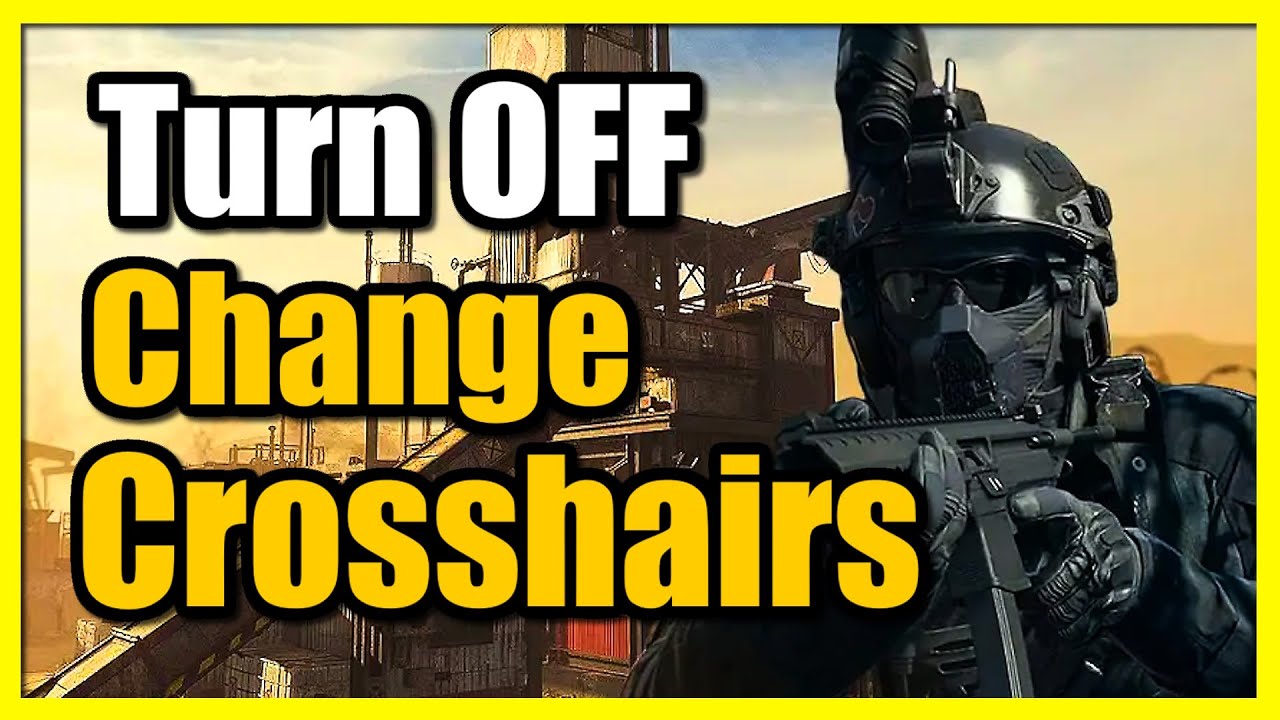
How to Change Crosshair Settings & Turn Off in COD Modern Warfare 3 (Fast Tutorial)
Автор: YourSixGaming
Загружено: 2023-10-13
Просмотров: 73876
Описание:
To change crosshair settings and turn off crosshairs in Call of Duty Modern Warfare 3, follow these steps:
Launch the game and go to Options.
Select Settings from the options menu.
Click on Interface.
Scroll down to the bottom of the screen and navigate under the Advanced Interface Settings.
Turn ON the Center Dot option.
Set the Center Dot Size to the largest.
If you want to turn off crosshairs, go to Interface, then select Crosshairs, and turn it off
...
Twitter: https://twitter.com/YourSixStudios?la...
Twitch: / yoursixstudios
Discord: / discord
Instagram: / yoursixstudios -
((( Subscribe to my LIVE STREAMING )))
((( Gaming Channel "YourSixGaming" )))
/ @yoursixgaming ...
((( Subscribe to my ADVENTURE CHANNEL )))
((( Travel, Cameras & More "YourSixAdventures)))
/ @yoursixadventures
Повторяем попытку...
Доступные форматы для скачивания:
Скачать видео
-
Информация по загрузке: