igloohome Smart Mortise || Installation and pairing
Автор: igloohome
Загружено: 2018-03-27
Просмотров: 47184
Описание:
Congratulations on purchasing your very own igloohome Mortise! Here’s a video tutorial on how to install your Mortise, and pair it to your igloohome mobile app.
This video includes:
The parts that you should have received in your parcel
A list of the tools that you would need
Step-by-step tutorial on how to install your mortise on your wooden door
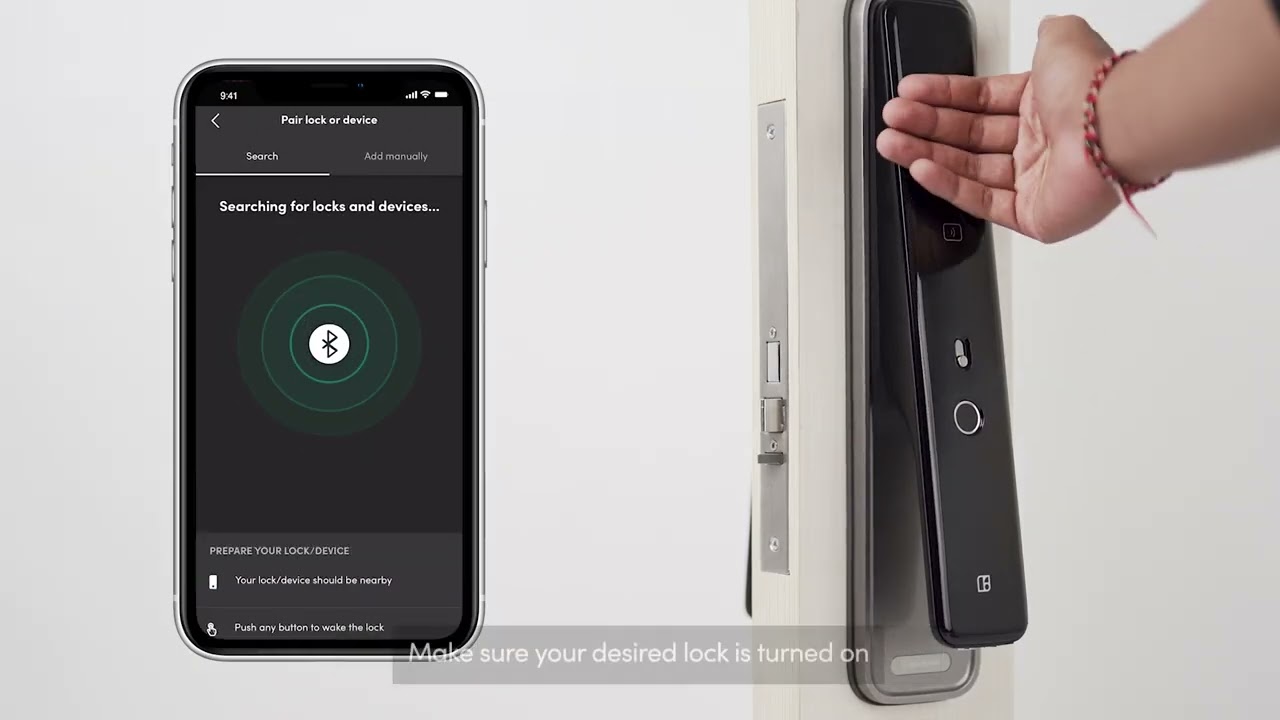
Pairing your igloohome account to your brand new Mortise
Pairing of keytags/stickers to the Mortise
All you will have to do is to follow the video accordingly and viola, you will have your deadbolt installed and paired in no time! Have fun!
Please take note that the mobile app is constantly being updated and the version in the video may not be the most updated one.
For resellers - Join our reseller programme today! If you are interested, do contact us at [email protected]
More information on the Igloohome Smart Mortise:
4 modes of access -
1) PIN Code
Master PIN code which is permanent for the home owner
Visitor PIN codes which you can create via the igloohome mobile app wherever you are. Set the validity period (eg. one-time or duration).
2) Bluetooth key
Basic Unlock: Press 'unlock' on your smartphone within bluetooth range, then tap the lock keypad to unlock.
3) RFID keytag/sticker
Simple tap to unlock
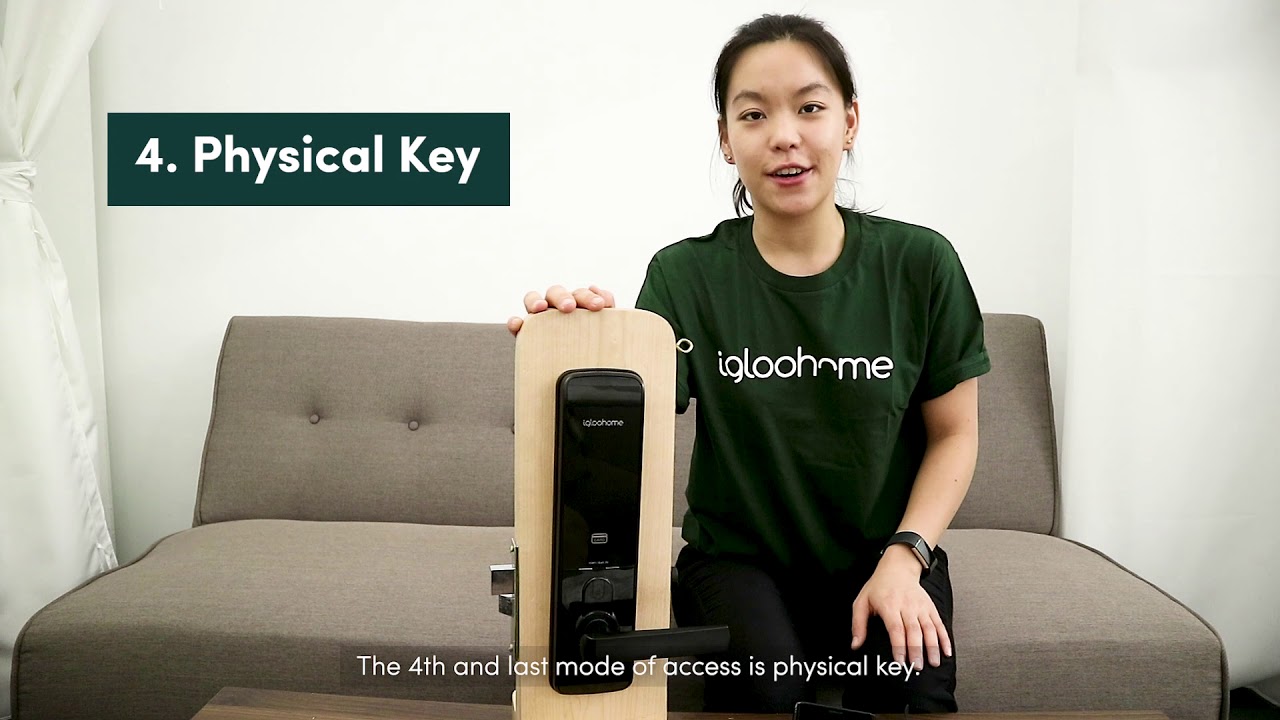
3) Physical Key
For emergency situations (overrides electronics)
To find out more or to purchase igloohome's products:
Smart Keybox - https://www.igloohome.co/products/key...
Smart Deadbolt 02 - https://www.igloohome.co/products/dea...
Smart Mortise - https://www.igloohome.co/products/mor...
Feel free to check out our blog at http://iglooho.me/iglooblog.
If you were to face any queries while installing the lock, feel free to drop us an email at [email protected]
Повторяем попытку...

Доступные форматы для скачивания:
Скачать видео
-
Информация по загрузке: