Late 2011 MacBook Pro Memory Upgrade 16GB Worth It?
Автор: Review Tech TV
Загружено: 2019-09-28
Просмотров: 46138
Описание:
Learn how to upgrade your MacBook Pro with 16GB of Memory.
Part 1 - Corsair Mac Memory ➜ https://geni.us/UzU4h3B
Part 2a - Speed Test Before ➜ (4:41min)
Part 2b - Cleaning and Install ➜ (7:14min)
Part 3 - Speed Test After ➜ (11:12min)
Part 4 - Summary ➜ (15:36min)
Tutorial Series # Used MacBook - Still Worth It?
Part 0 - Intro used or new? ➜ • Is it better to buy a used or new MacBook ...
Part 1 - RAM Upgrade (16GB) ➜ • Late 2011 MacBook Pro Memory Upgrade 16GB ...
Part 2 - SSD Upgrade (960EVO) ➜ • Used MacBook Pro 2011 SSD Upgrade worth it?
Part 3 - Fresh Install (High Sierra) ➜ • MacBook Pro clean install from USB (macOS ...
Part 4 - 2019 MacBook Pro ➜ • Apple MacBook Pro 2019 vs 2011 Upgraded (G...
Part 5 - Fresh Install (Catalina) ➜ • How to clean install macOS Catalina from B...
UPDATE - Fresh Install (macOS Big Sur) ➜ • How to clean install macOS Big Sur from Bo...
Parts Used #
Used MacBook Pro - on eBay ➜ https://ebay.to/2lOWhdy
Corsair Memory - on Amazon ➜ https://geni.us/UzU4h3B
Samsung SSD - on Amazon ➜ https://geni.us/t3RkW
Screen Cleaner - on Amazon ➜ https://geni.us/abgZdGY
Compressed Air - on Amazon ➜ https://geni.us/hAm1A
Repair Tool Kit - on Amazon ➜ https://geni.us/1ndAegZ
New MacBook Pro - on Amazon ➜ https://geni.us/OWhctK
More and more people ask, is buying a used MacBook Pro worth it? In this mini-tutorial series, I will compare upgrading a used MacBook Pro against buying a new one from 2019 in the stock configuration.
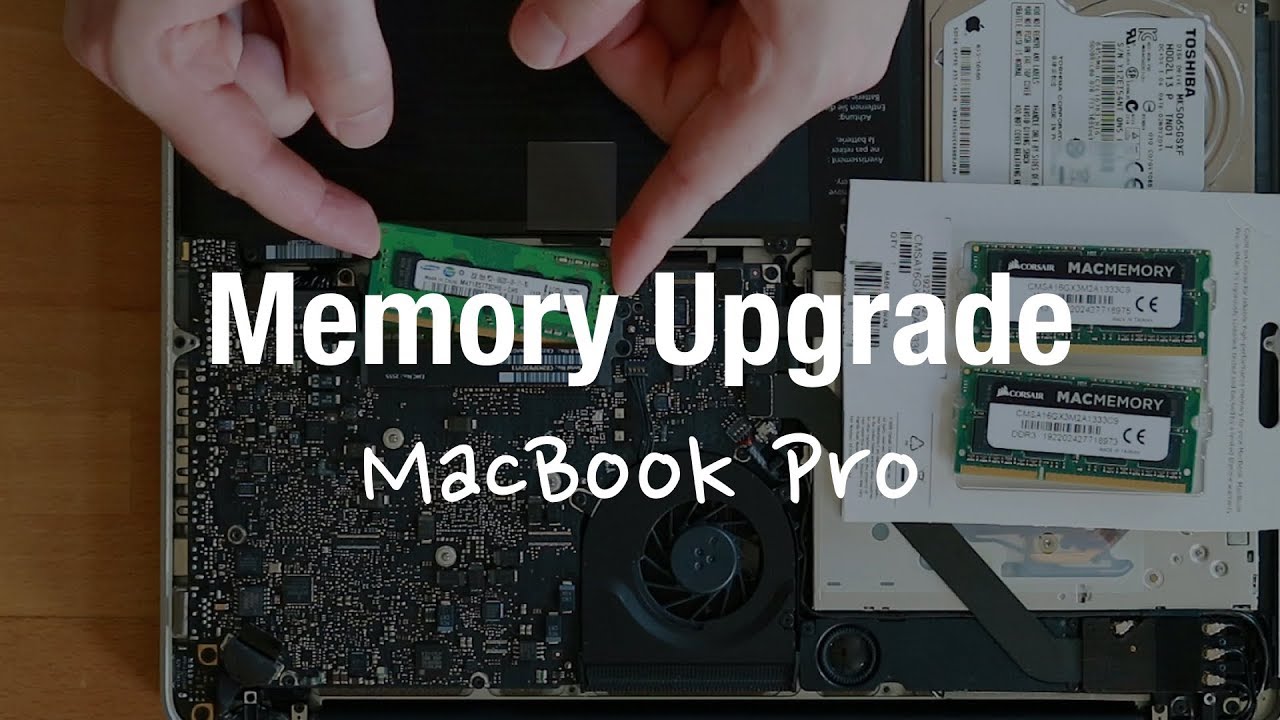
First I will upgrade the memory in the used 2011 model from 4GB to 16GB DDR3, and run a few speed tests such a boot-up time and the Geekbench CPU benchmark.
Geekbench Test Results:
➜ https://browser.geekbench.com/user/re...
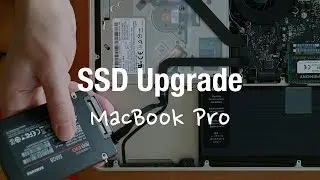
Following that, in video two I will also upgrade the SSD, normally the combination of upgrading the memory as well as the hard disk drive will give you the best performance gain.
Only if the data is read fast from your storage and can stay in the memory the system will be more responsive.
Because dust can collect inside your MacBook I will also show you how to clean the device, to do proper maintenance and prolong the life of your hardware.
In the third video, I will show you how to create a bootable USB install stick, from which you can freshly install macOS onto your drive, in case you want to swap out the SSD and the memory.
Lastly, I will compare the speed before and after against the new MacBook from 2019, and you can see if you should buy new or upgrade.
#ReviewTechTV
/ Affiliate Links: As an Amazon Associate I earn from qualifying purchases. /
// This video does not include product placement. I got the product myself. //
Повторяем попытку...
Доступные форматы для скачивания:
Скачать видео
-
Информация по загрузке: