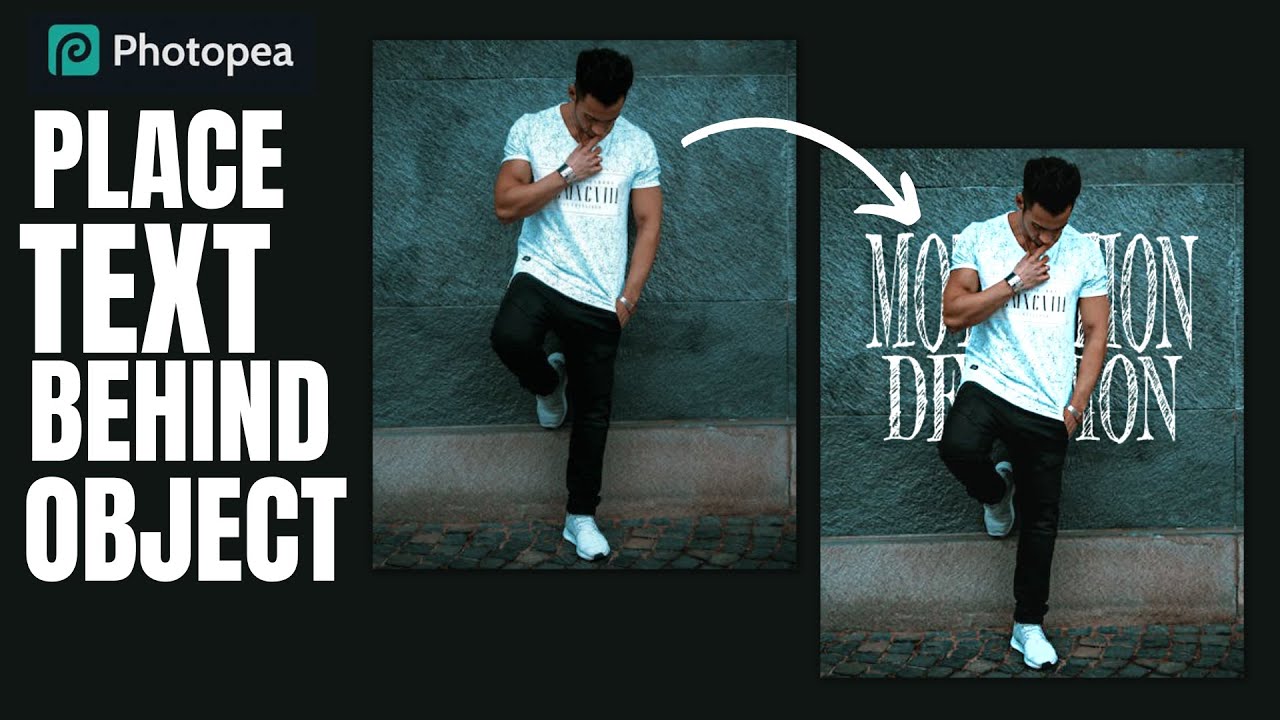
How to place Text Behind a Person or an Object in Photopea | Browser Photoshop
Автор: f&D
Загружено: 2021-10-17
Просмотров: 21493
Описание:
Photopea Tutorial : Add Text Behind Anything
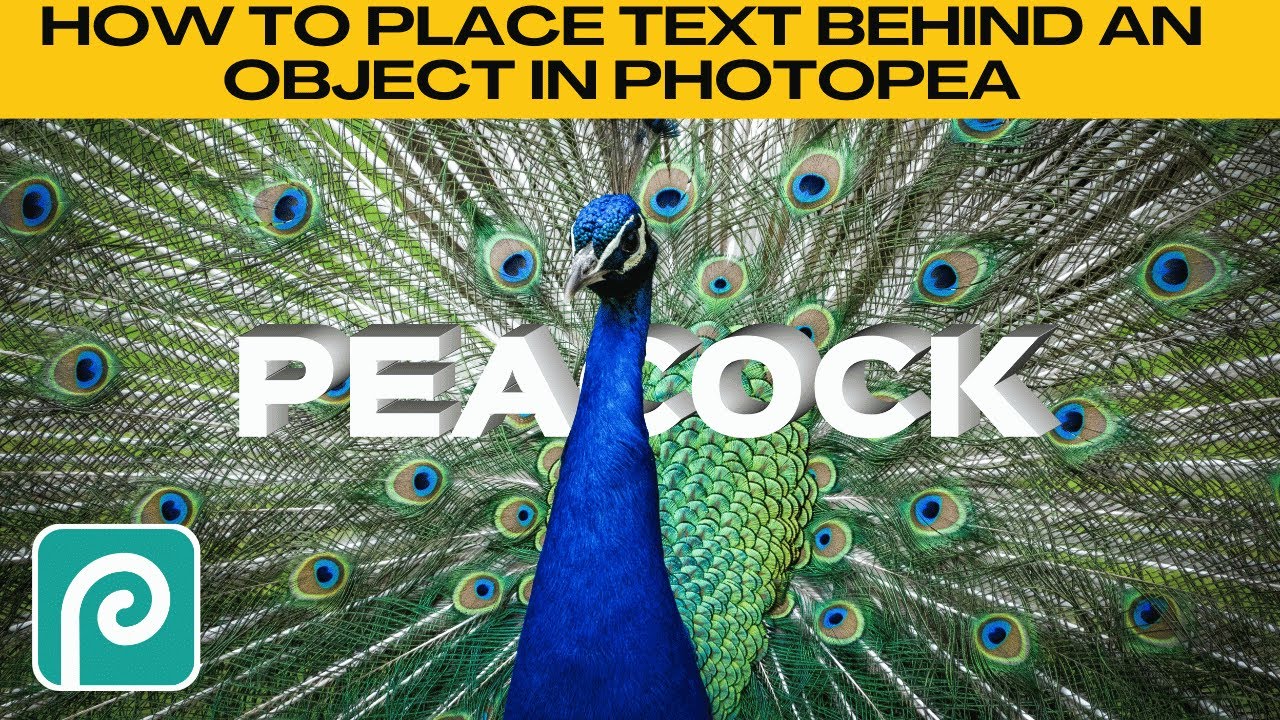
Hi Everyone, This is Daniel from f&D. In this video I'm gonna show you How to add a text behind a person or an object in Photopea.
Note:
Photopea is the browser alternative for Photoshop. Hence you can try this same method in Photoshop as well.
Steps:
1. Open Photopea and Drag and drop your Image. Sample Image: https://bit.ly/textbehind
2. Extract the Subject from the Background and make it as a new layer
3. Add a Text, Scale it and Change its Font
4. Move the Text Layer in between the Background and Extracted Subject Layer
That's it. Thanks for Watching
Also Watch:
Remove Acne and Soften Skin: • How to Remove Acne and Soften Skin in Phot...
Subscribe us:
http://bit.ly/Subscribe-fandD
Повторяем попытку...

Доступные форматы для скачивания:
Скачать видео
-
Информация по загрузке: