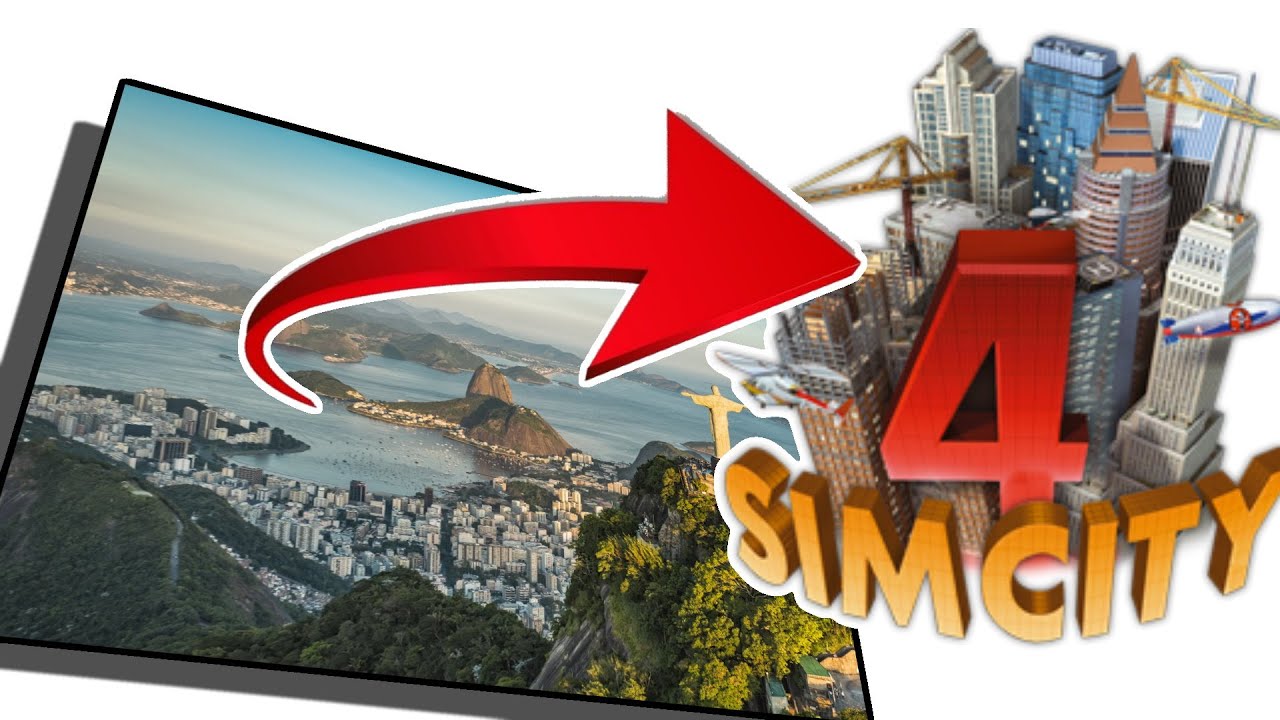
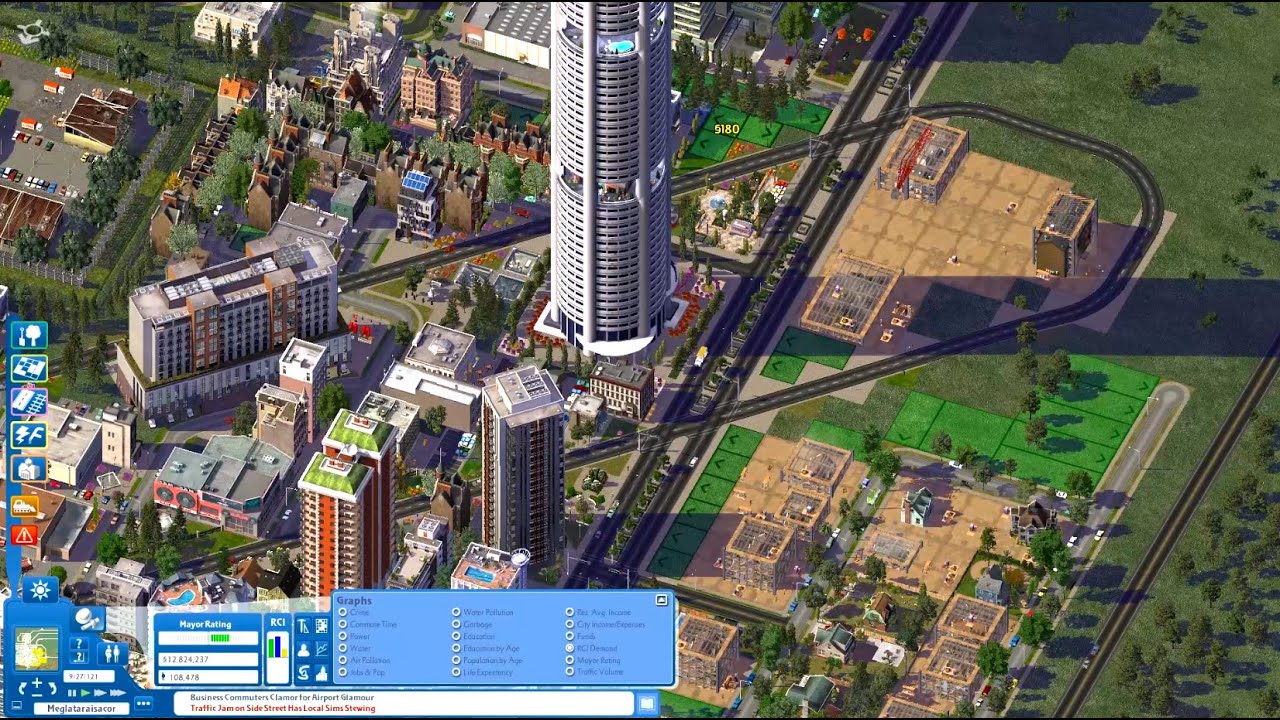
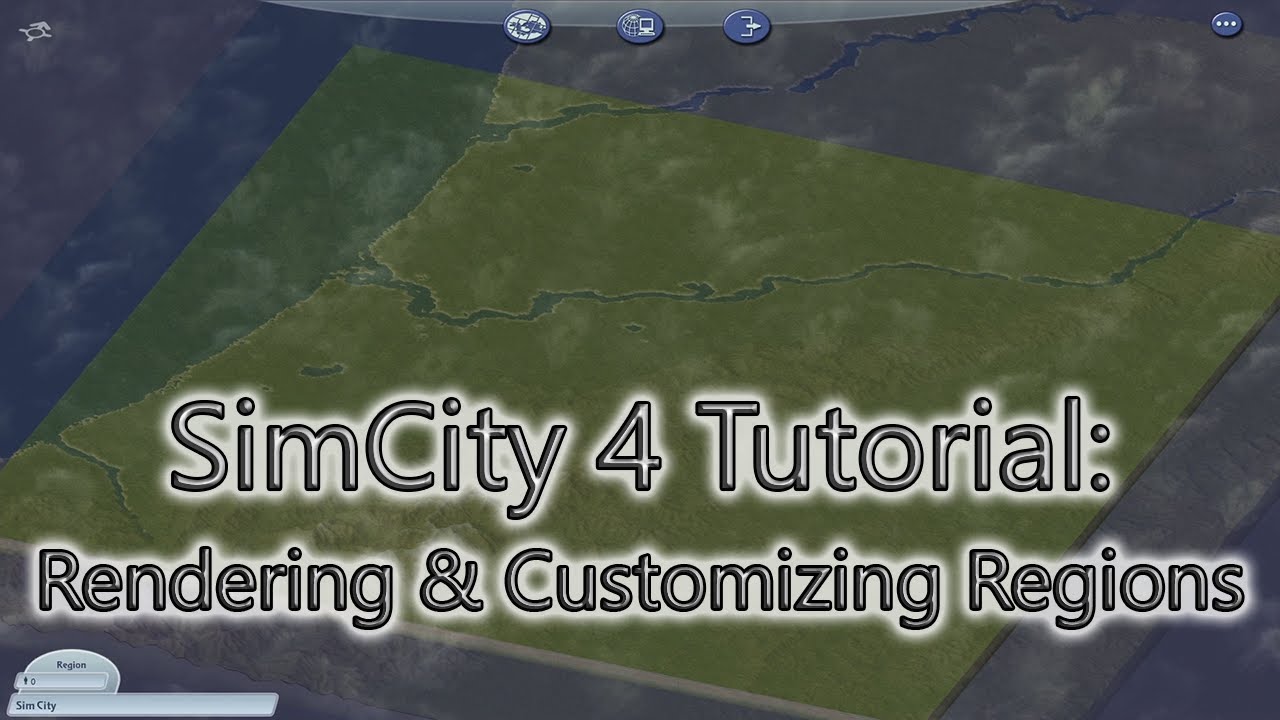
SimCity 4 Tutorial: Rendering & Customizing Regions
Автор: rhyThmaTik
Загружено: 2021-02-23
Просмотров: 16833
Описание:
Learn how to render terrain and realistic landscapes for SimCity 4 regions!
Timeline Links
02:03 Config file (bmp) format
05:49 Edit config file (bmp)
08:09 Grayscale image (jpeg) format
08:51 Resize grayscale image (jpeg)
09:41 Render region in SimCity 4
TIPS
~Config file (bmp)
Large city = 4x4 blue pixels
Medium city = 2x2 green pixels
Small city = 1x1 red pixel
RGB color vales
*Red = 255 red, 0 green ,0 blue
*Green = 0 red, 255 green, 0 blue
*Blue = 0 red, 0 green, 255 blue
~Grayscale image (jpeg)
Multiply bmp pixels by 64, then add 1
5x6 large cities = 20x24 config (bmp) pixels = 1281 x 1537 grayscale (jpeg) pixels
edit grayscale with advanced photo editing software
editing the grayscale image with Paint app will remove grayscale properties!
~Rendering map
PC = Ctrl + Shift + Alt + R
Mac = control + shift + command + R
Find saved jpeg in Documents/SimCity 4/Regions/YOUR REGION
Simtropolis Map Exchange link:
https://community.simtropolis.com/fil...
Instagram: / rhythmatik
Twitter: / _rhythmatik_
Повторяем попытку...
Доступные форматы для скачивания:
Скачать видео
-
Информация по загрузке:






![Nobisco [ULTIMATE SIMCITY 4 CITY]](https://imager.clipsaver.ru/0Hduc0i_pwk/max.jpg)