Psychopy, Python and Arduino: python control of arduino output (Video 4)
Автор: garrea01
Загружено: 2019-06-06
Просмотров: 778
Описание:
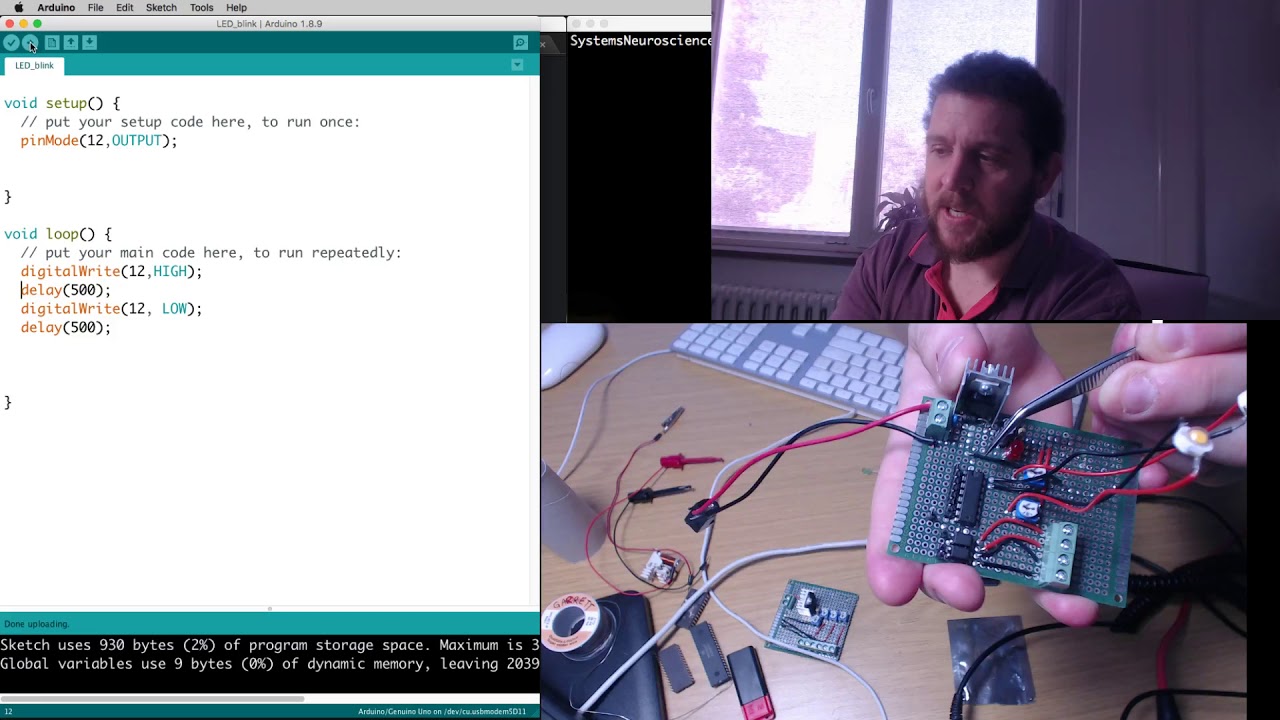
In this series we will journey into hardware control and combine our psychopy (python) programming with arduino microcontrollers. As usual we have an experiment that we want to build. In this case, we want to be able to turn on and off ultra-bright LED lights and change the illumination of our behavioural arena.
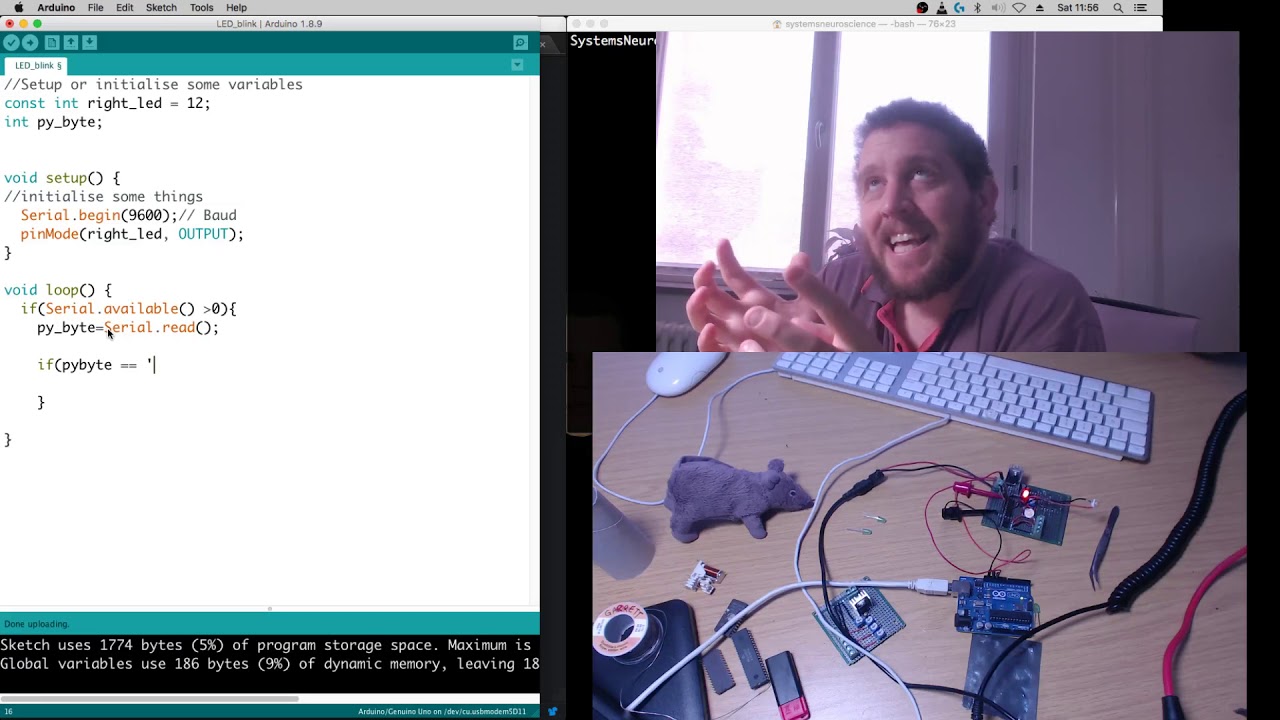
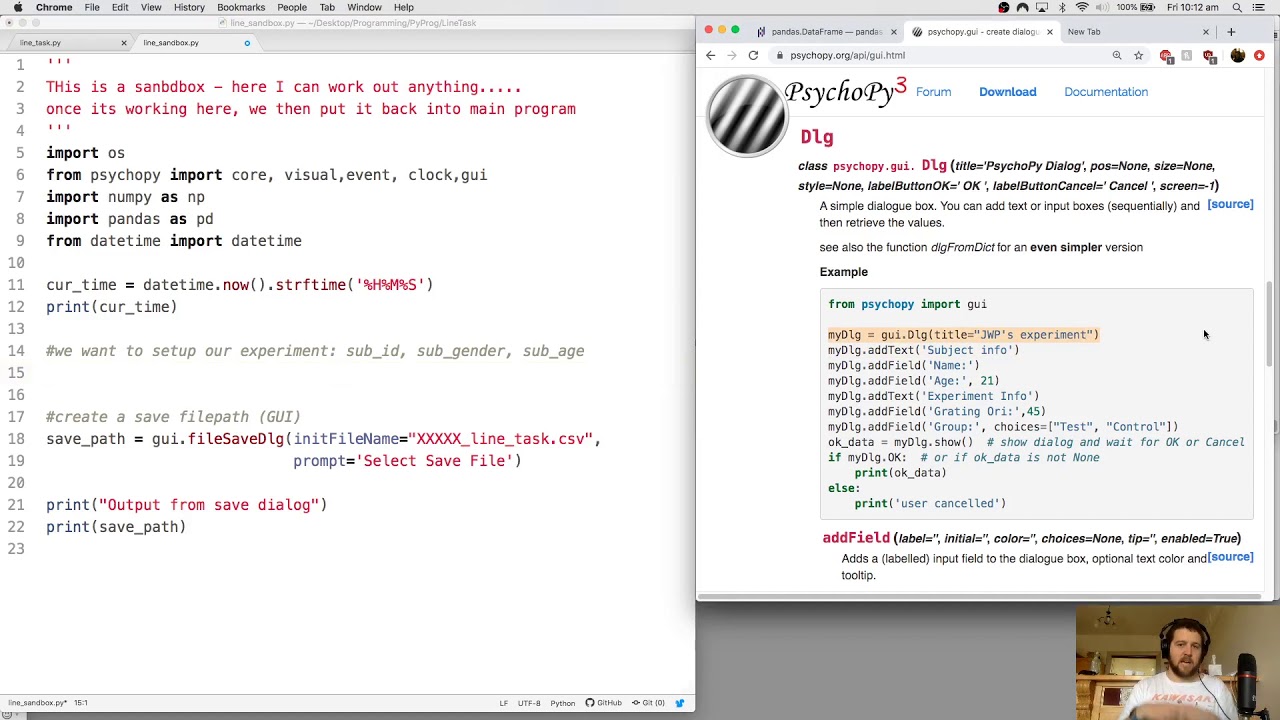
In this video we add serial control of our second led and then we use Arduino’s serial monitor utility to control the state of our LEDs. We then write a python program to start serial communication and accept user input (from the keyboard) to turn on and off the LED using ‘if’ control statements. We can control the duration of LED ON and OFF either using software (such as psychopy core.wait, or standard library time.sleep), or we can control LED timing using the microcontroller’s delay() function.
We next think about setting up a ‘state-machine’ where we think of our LED's as being in one of two states (on/off). We can toggle our led on and off by looking at the current state (i.e if the LED is ON turn it OFF and update the STATE). This is a simple look at setting and updating state variables.
In the next videos we will make an example program that involves Psychopy stim.draw() and win.flip() and learn to send serial commands relative to our stimuli.
Disclaimer.
This is not designed to be a complete python programming course, however it will be necessary to touch on different aspects of python programming as we learn to communicate using serial ports and serial interfaces.
Software used in these videos
Arduino IDE (for Windows/ OSX Linux): http://arduino.cc
Python (for windows) : http://python.org
Psychopy: http://psychopy.org
Atom Editor: http://atom.io
I hope these videos are helpful.
Повторяем попытку...

Доступные форматы для скачивания:
Скачать видео
-
Информация по загрузке: