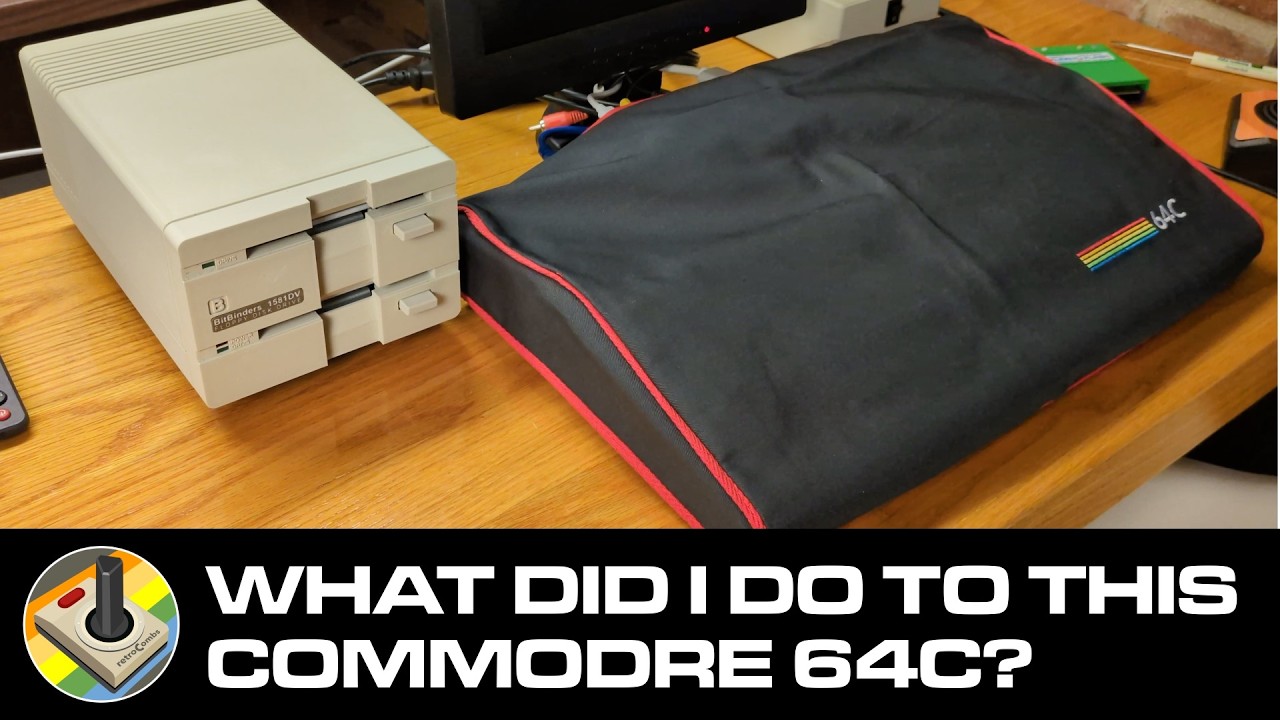
Transforming A Dirty Commodore 64C Into The Ultimate Retro Setup! 🕹️
Автор: retroCombs
Загружено: 2025-02-08
Просмотров: 4971
Описание:
I rescued a filthy Commodore 64C from the depths of retro obscurity! 😱 Watch as I completely restore this classic machine, from a deep clean inside and out to building the ULTIMATE C64 setup for gaming, experimentation, and YouTube content creation! 🤩
Support the channel: https://www.buymeacoffee.com/retroCombs or hit the YouTube join button.
This video covers everything:
The Rescue: The story of how I found this C64C and its shockingly dirty condition.
Deep Cleaning: A satisfying time-lapse of the meticulous cleaning process, both inside and out.
Modern Connections: See how I've connected my C64C to modern displays and capture devices for a seamless retro experience.
Ultimate Setup: Showcasing all the hardware and peripherals that make this my dream C64 setup.
Check out the gear I used in this video:
Disclosure Statement
When you click on links to various merchants on this site and make a purchase, this can result in this site earning a commission. Affiliate programs and affiliations include, but are not limited to, Amazon and the eBay Partner Network.
Commodore 64C Keyboard Brackets STL File: https://www.thingiverse.com/thing:156...
Eyoyo 14" Monitor: https://amzn.to/4hOZhgn (US) | (UK)
Cloner Alliance ViewLite AV: https://amzn.to/4grWtEU
Wimaxit 10" Monitor: https://amzn.to/4aPf6kQ
IEC Cable: https://amzn.to/3Ernj2y
Video Cable: https://amzn.to/4jLYONL
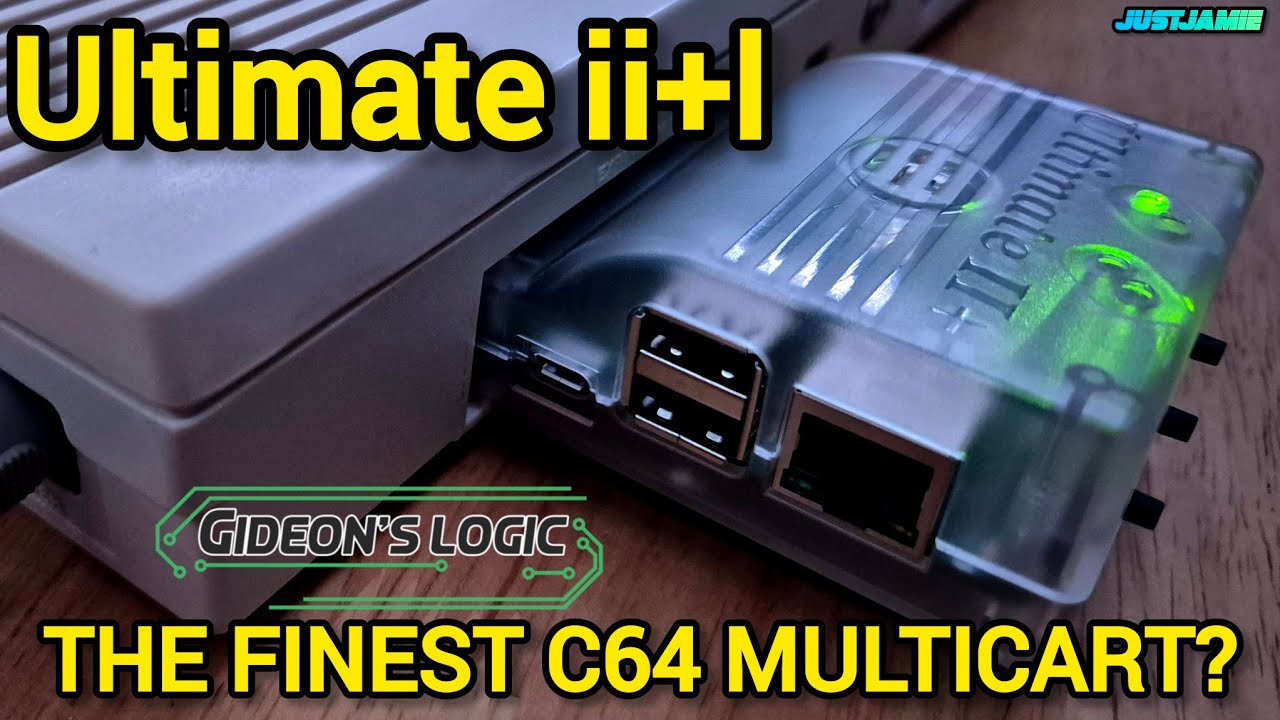
Ultimate II+ Cartridge: https://ultimate64.com/Main_products
Bitbinders: https://bitbinders.com/
Hyperkin Joystick: https://amzn.to/3Q8U1Ze
What are your favorite C64 accessories? Share them in the comments below! 👇
#Commodore64 #C64 #RetroGaming #RetroComputer #Restoration #Unboxing #GamingSetup #8bit #VintageComputer #CleanUp #UltimateSetup #RetroTech #ComputerRepair #C64C #Commodore
00:00 - Can't Believe this is my First!
00:59 - The BIG Commodore 64C Reveal and Power by Bitbinders 64 Power!
02:38 - My Trusty Ole Wimaxit 10.1 Inch Monitor
03:07 - Plugging an SD2IEC to a Commodore 64C
03:32 - Before Cleanup; Is this Commodore 64C Functional?
04:47 - Open the Commodore 64C Case
06:04 - Opening Commodore 64C Case and Removing LED Light
06:27 - Vacuum Time!
07:09 - Screw Storage and Removing the Commodore 64C Keyboard
08:03 - Removing the Commodore 64C RF and Heat Shield
09:38 - Quick Clean Up of the Commodore 64C Motherboard
10:31 - Cleaning the Commodore 64C Case
12:02 - Cleaning the Commodore 64C Keyboard
13:56 - Enjoying the Video?
14:17 - Cleaning the Key Caps
15:09 - Cleaning the Commodore 64C Connectors and Motherboard
15:37 - Installing the Commodore 64C Motherboard
16:50 - Let's Check Back on Our Key Caps Cleaning Process
17:33 - Heat Sinks for the Commodore 64C
19:10 - Putting the Key Caps Back on the Commodore 64C Keyboard
19:57 - Installing the Commodore 64C Function Key Key Caps
20:17 - Installing the Commodore 64C Space Bar
20:55 - Putting the Keyboard Back on the Commodore 64C
21:32 - 3D Printing Commodore 64C Keyboard Mounts
24:26 - Putting the Top Back on the Commodore 64C
25:30 - Some Final Commodore 64C Case Cleaning and Adding Rubber Feet
26:37 - Connecting Power and Devices to the Commodore 64C to Test
28:14 - Let's Upgrade the Wimaxit with a 15" Eyoyo Monitor
29:12 - Adding a Dual Drive BitBinder 1581 Unit
29:55 - Adding the Ultimate II+ Cartridge to the Setup
30:55 - Perfect Screen Capture with the Cloner Alliance AV
32:26 - A Four Drive Commodore 64C System!
33:21 - Before and After Shots
33:53 - Watch More Great retroCombs Videos
Повторяем попытку...
Доступные форматы для скачивания:
Скачать видео
-
Информация по загрузке: