How to Add Fireworks in Photoshop and PSE by Summerana
Автор: Summerana
Загружено: 2016-06-09
Просмотров: 3502
Описание:
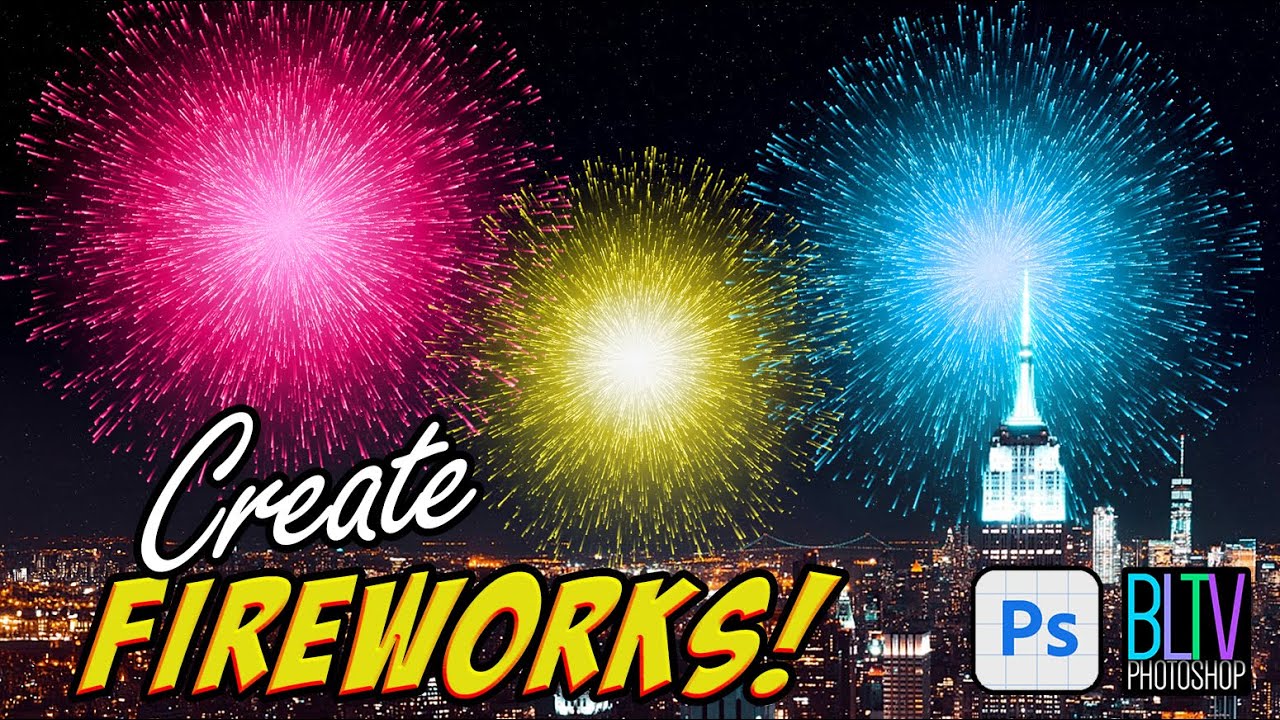
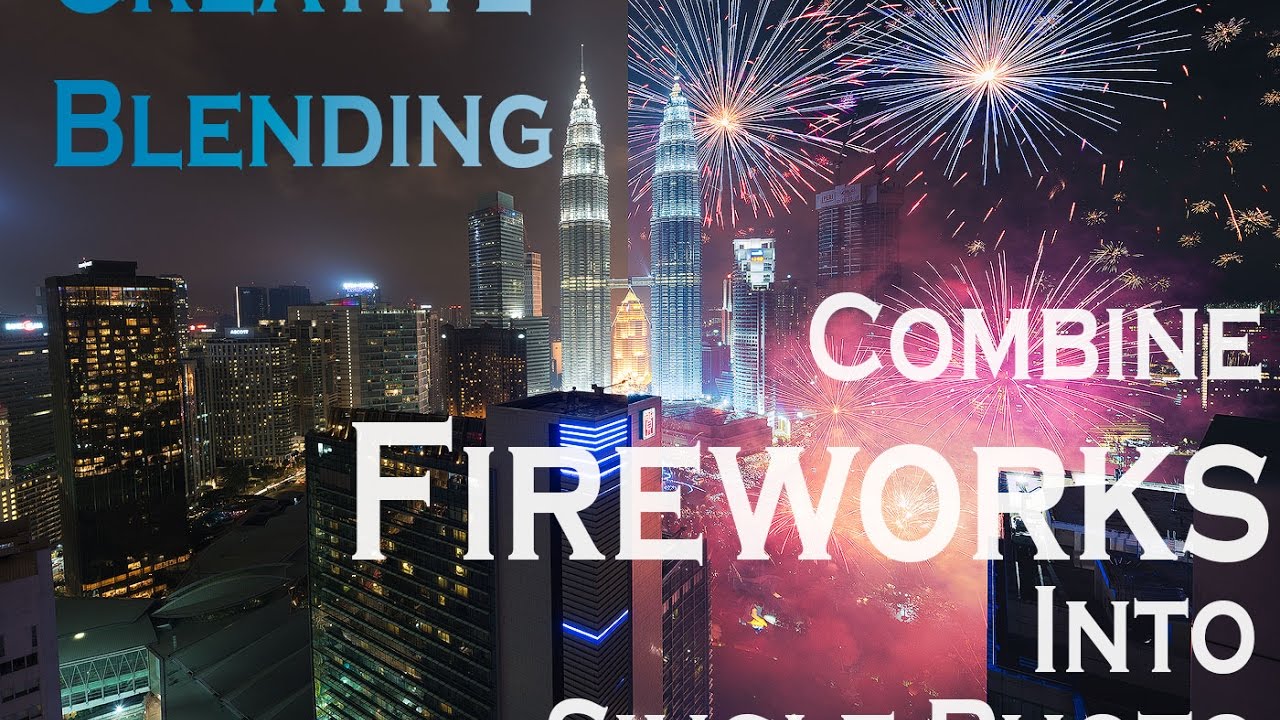
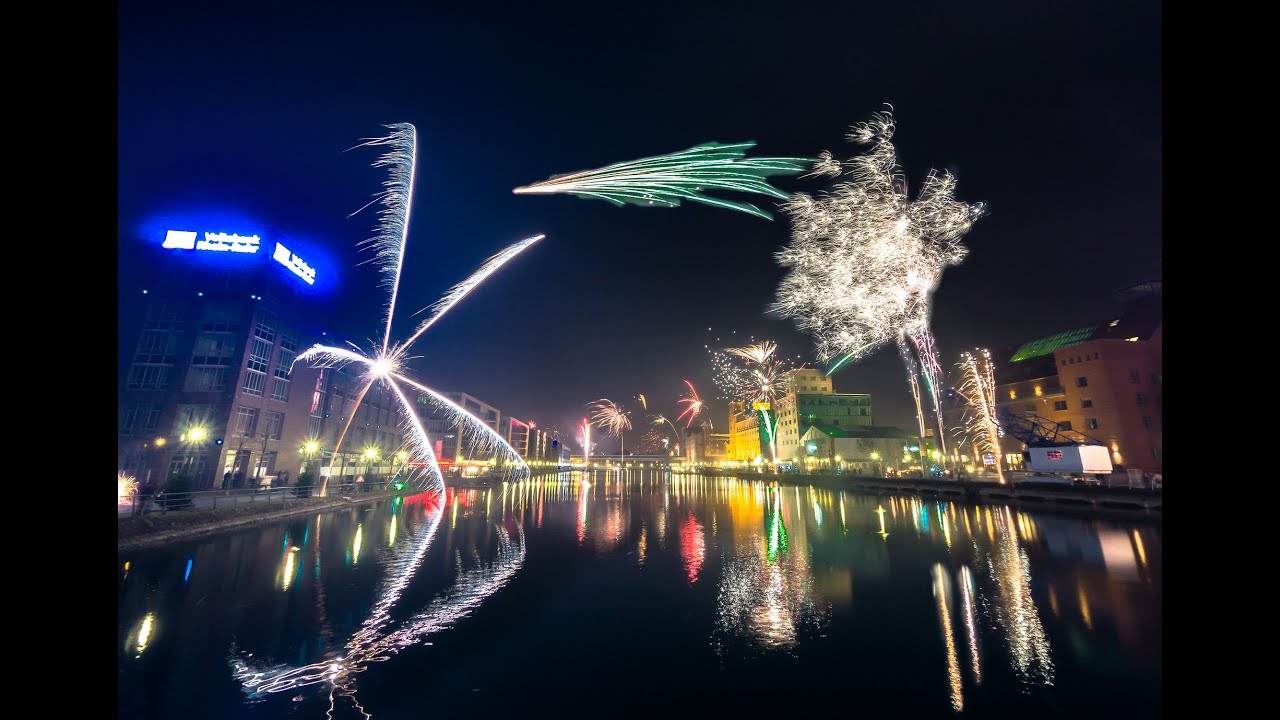
Watch as I show you how to add fireworks to your images in Photoshop and Photoshop Elements using our Midnight Fireworks - Overlay and Action Collection available at Summerana.com
You can view more before and after images and information here: https://summerana.com/shop/midnight-f...
Ideal for all kinds of sessions, weddings, engagements, maternity sessions, birthdays, 4th of July mini sessions, senior sessions, and more. Whatever the occasion is, your clients are sure to shine bright with the gorgeous variety of Firework overlays. You’ll be able to effortlessly apply your overlays with the applicator actions, turn your your photos into night time with the night prep actions, edit your fireworks by customizing their color, adding blur, firework glow, etc. and so much more with the included action collection.
In addition, this is a great way to keep both you and your clients safe while still having fireworks present in their photos!
Included in this collection are the following:
-PNG, 300dpi files
-45 firework overlays
-22 total firework editing actions which include 2 Night Prep actions to turn your photos from day to night and add depth to your images (Night Shade and Firework Nights), a firework overlay applicator action, 6 firework overlay rotator and perspective actions to help you better customize them to fit your images, 13 firework overlay editing actions such as an action that creates a firework reflection (great for fireworks overlooking water!), Simmer Down, Shine a little Brighter, Ash White tint, Ember Blue tint, Burnt Sienna tint, Scorched yellow tint, More color, Blur my fireworks, Warm and Cool firework glow, Black and White and more for booming results. Also included are Photoshop helping tool actions including re-sizing, sharpening for the web and more for a faster workflow.
Images are courtesy of L&L Photography, FrolovaElena, Lobodaphoto, and Prostooleh
Повторяем попытку...

Доступные форматы для скачивания:
Скачать видео
-
Информация по загрузке:

![Get even more creative fireworks photos [Adobe Photoshop]](https://imager.clipsaver.ru/jjOru_q5DuY/max.jpg)