How to Turn Off Spotlight Notifications on Snapchat (2026)
Автор: Official Help Desk
Загружено: 2026-02-09
Просмотров: 489
Описание:
How to Turn Off Spotlight Notifications on Snapchat (2026)
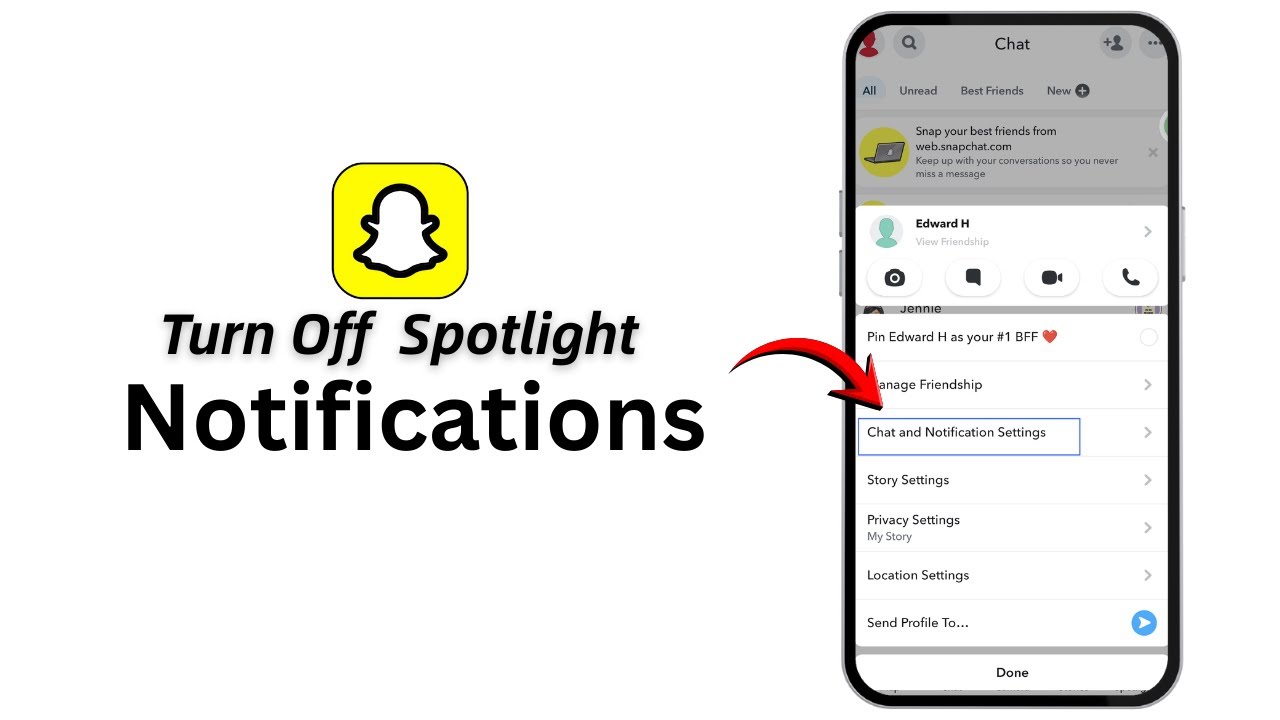
Getting too many Spotlight notifications on Snapchat? You can easily turn them off by adjusting your notification settings. Follow these steps to stop Spotlight alerts.
Timestamps:
0:00 – Introduction
0:10 – Turn Off Spotlight Notifications on Snapchat
1. Open the Snapchat app on your mobile device.
2. Log in to your account if you’re not already logged in.
3. Tap on your profile icon in the top-left corner.
4. Tap the Settings (gear) icon in the top-right corner.
5. Scroll down and tap on Notifications.
6. Tap on Notification Settings or Manage Notifications.
7. Find Spotlight in the notification list.
8. Toggle Spotlight notifications OFF.
9. Go back to save the changes.
10. You will no longer receive Spotlight notifications on Snapchat.
That’s it! Spotlight notifications are now turned off.
If this video helped, don’t forget to like the video and subscribe to the channel. Thanks for watching!
Повторяем попытку...
Доступные форматы для скачивания:
Скачать видео
-
Информация по загрузке: