Using Attribute Rules to Automate Your ArcGIS Pro Workflow
Автор: ArcGIS
Загружено: 2026-01-12
Просмотров: 924
Описание:
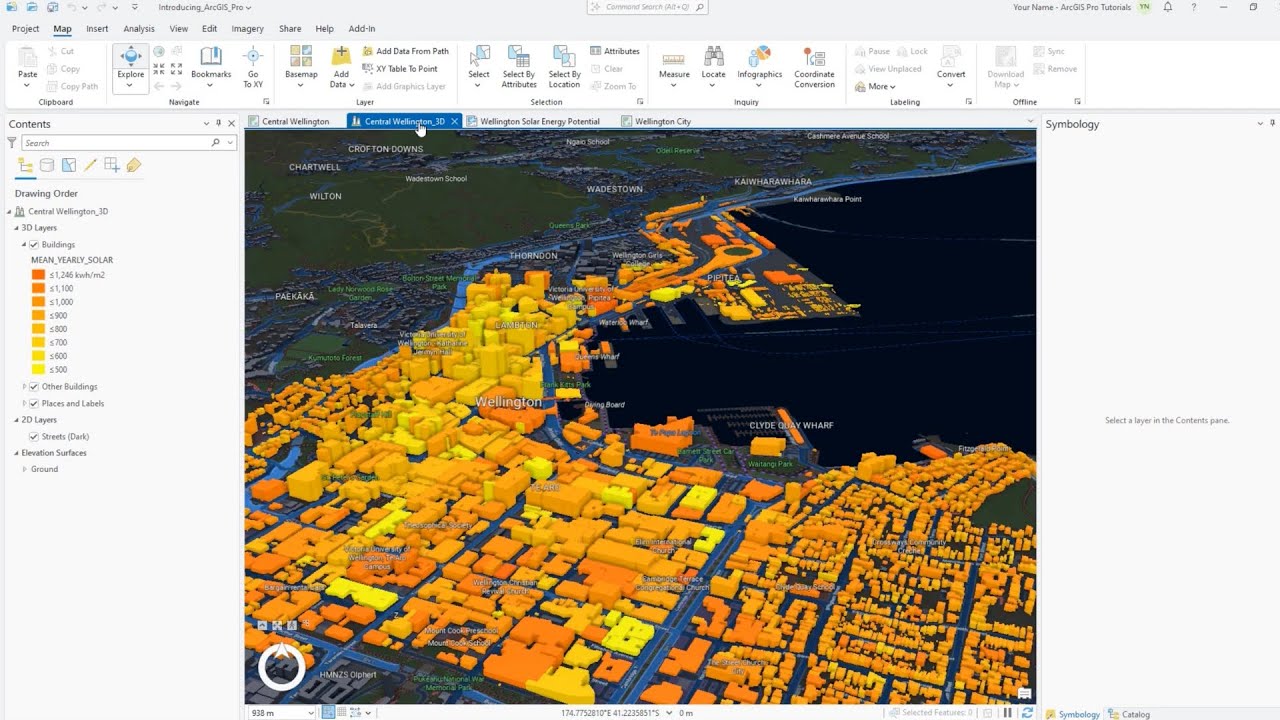
In this ArcGIS Pro tutorial, you will learn how to create and use Constraint, Validation, and Immediate Calculation attribute rules to improve data integrity and automate editing workflows. You’ll see how to configure rules with Arcade expressions, set triggers, and define error messages to guide editors during data entry. The video also covers running validation checks with the Error Inspector, identifying and correcting data issues, and using calculation rules to auto-populate fields. By the end, you’ll understand how to enforce data quality, reduce manual edits, and streamline your ArcGIS Pro projects.
Chapters:
00:00 Create a Constraint Rule in ArcGIS Pro
00:57 Use a Constraint Rule in ArcGIS Pro
01:37 Create a Validation Rule in ArcGIS Pro
02:27 Create an Immediate Calculation Rule in ArcGIS Pro
03:27 Use an Immediate Calculation Rule in ArcGIS Pro
04:04 Evaluate a Validation Rule Using the Error Inspector in ArcGIS Pro
Watch the previous video in this series: • Master ArcGIS Pro Tasks in 3 Minutes | Set...
Повторяем попытку...

Доступные форматы для скачивания:
Скачать видео
-
Информация по загрузке: