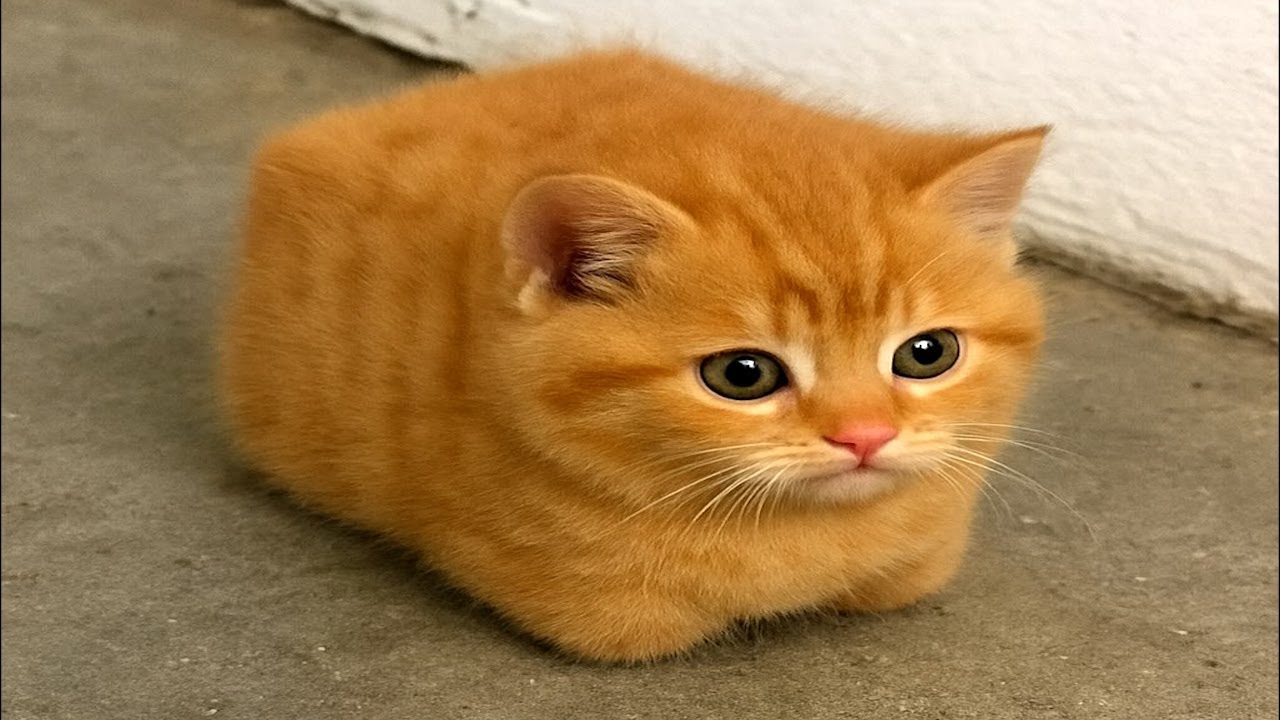
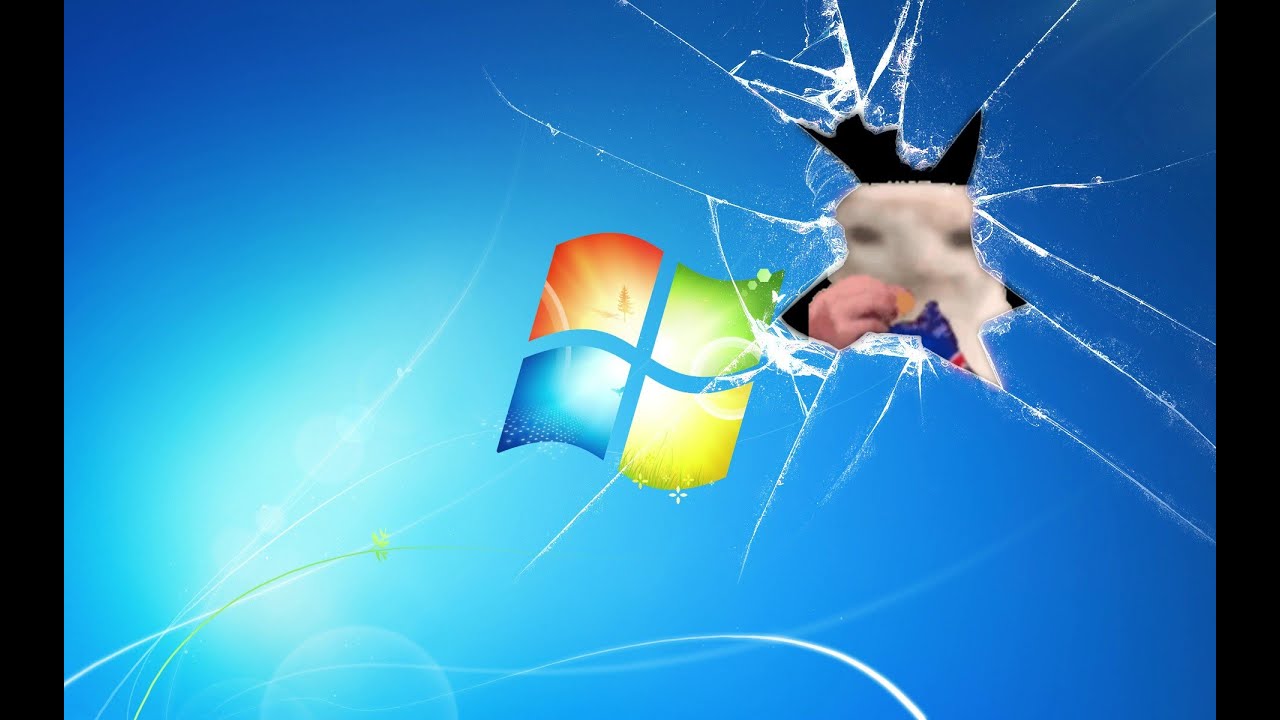
Cat eating a chips through the windows 7 wallpaper
Автор: Ruben Siregar
Загружено: 2024-08-07
Просмотров: 112852
Описание:
Here is the 1 Hour version! • 1 Hour Cat eating a chips through the wind...
cat eating a chips through the windows 7 wallpaper
guide how to set it as wallpaper!
Step 1: Install Lively Wallpaper ( don't worry it's free )
If you haven't already installed it, download and install Lively Wallpaper from the Microsoft Store or the official Lively Wallpaper website.
Step 2: Copy the YouTube Video URL
Open YouTube and find the video you want to use as your wallpaper.
Copy the URL of the video from your browser's address bar.
Step 3: Add the YouTube Video to Lively Wallpaper
Open Lively Wallpaper:
Launch the Lively Wallpaper app.
Add a New Wallpaper:
Click on the "+" icon or the Add Wallpaper button.
Paste the YouTube URL:
In the URL field, paste the YouTube video link.
Lively Wallpaper will automatically fetch the video and convert it into a wallpaper format.
Set the Video as Wallpaper:
After the video has been added, it will appear in the wallpaper library. Click on it to set it as your live wallpaper.
Повторяем попытку...
Доступные форматы для скачивания:
Скачать видео
-
Информация по загрузке: