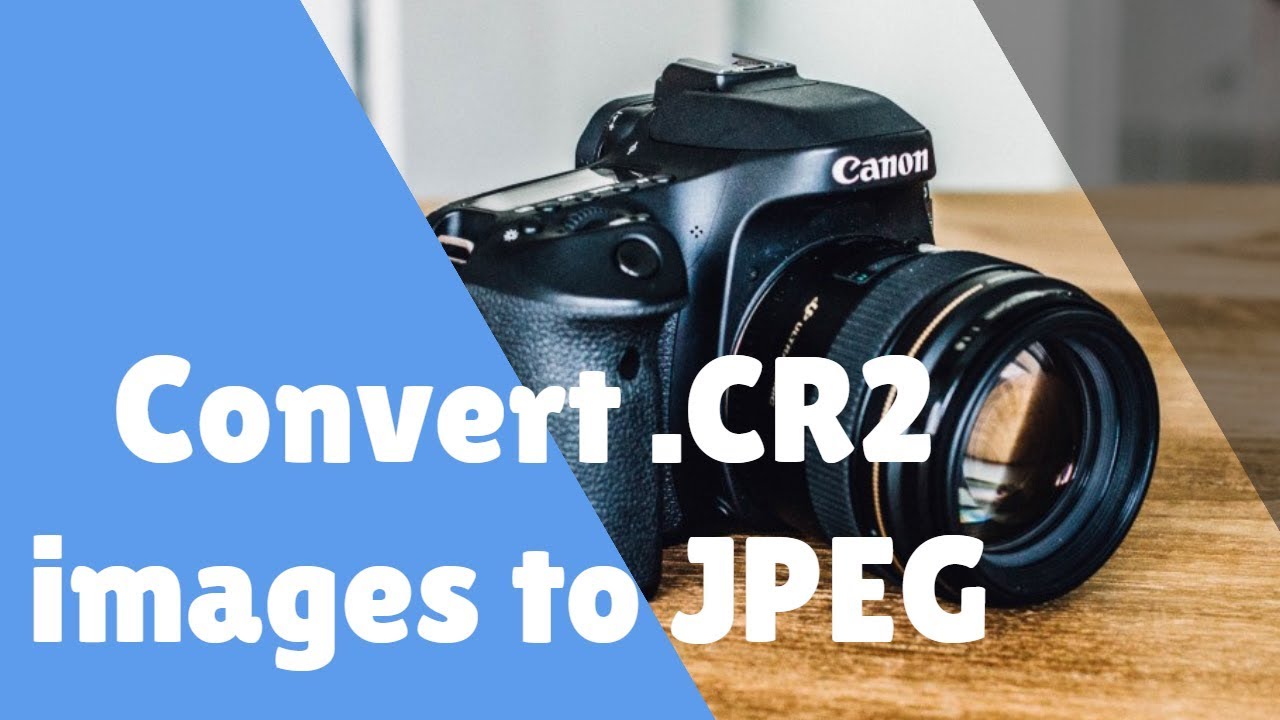
How to Change CR2 File to JPEG Format in Computer Without Any Converter
Автор: BRB Academy
Загружено: 2018-05-02
Просмотров: 193379
Описание:
How to change CR2 file to JPEG format? To be able to open the .CR2 file format in Photo Gallery, you will need to download the latest Microsoft camera codec and install it on your computer. Here is the link on where to download this codec.
https://www.microsoft.com/en-us/downl...
https://www.microsoft.com/en-us/downl...
If you want to convert the.CR2 to JPEG, you will need to use the option of Photo Gallery to make a copy of that RAW picture. To do this, please follow these steps:
1. Launch Photo Gallery.
2. Double click the RAW photo and click the option Make a copy under Manage category.
3. Rename the file and change the file format as JPEG and click the Save button.
Thanks For Watching..
Please Hit Like & Subscribe Button
Don't Forget to Subscribe
@brbacademy #brbacademy
Повторяем попытку...
Доступные форматы для скачивания:
Скачать видео
-
Информация по загрузке: