How To Setup Anycast M100 M9 Plus M4 M2 No Display Blank Screen Cannot Connect Mirascreen
Автор: Andrew SME
Загружено: 2022-04-10
Просмотров: 2858
Описание:
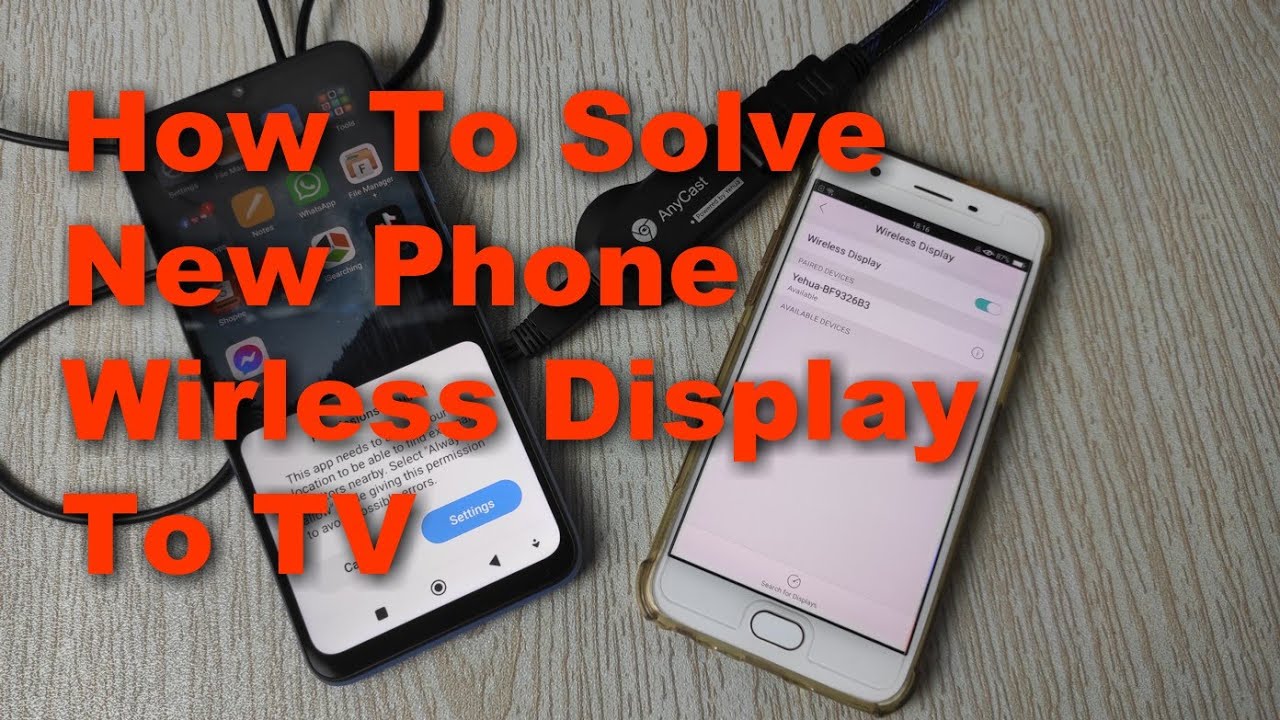
Why new mobile phone cannot wireless screen, wireless display and detect Anycast. Actually we need to allow permission for the location.
This video shows you how to set and make your phone able to screen mirroring, wireless display on the Anycast device or Mirascreen device
Thank You for watching
If you like this video, please
Leave a LIKE, Comment, Share & Subscribe:
http://bit.ly/2AG0uW0
DISCLAIMER: This video and description contain affiliate links, which means that if you click on one of the product links, I’ll receive a small commission. This helps support the channel and allows us to continue to make videos like this. Thank you for your support!
1.SmartSee
Anycast HDMI Wireless Display Adapter WiFi 1080P Mobile Screen Mirroring Receiver Dongle for iPhone Mac iOS Android to TV Projector Support Miracast Airplay DLNA
https://amzn.to/3StjgHs (Amazon affiliate link)
2. 4K/1080P Anycast M100 Wireless Display Adapter, SmartSee WiFi Display Dongle HDMI Screen Mirroring Dual Core H.265/HEVC Decoder HD TV Stick Without Switching Miracast Airplay DLNA Support 4K 1080P
https://amzn.to/3sd1c7g (Amazon affiliate link)
3. Netflix
https://amzn.to/2XEw02g (Amazon affiliate link)
Повторяем попытку...
Доступные форматы для скачивания:
Скачать видео
-
Информация по загрузке: