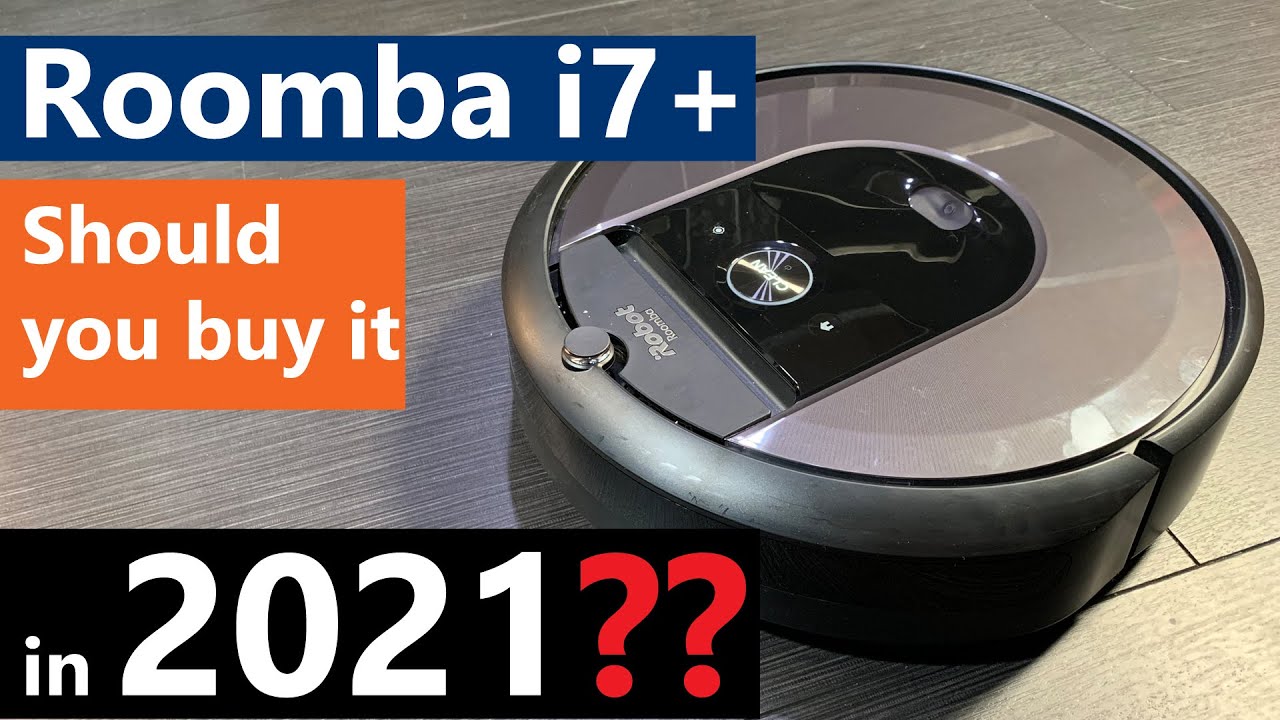
iRobot Roomba i7+ review: Everything you need to know
Автор: Erin Lawrence
Загружено: 2018-11-26
Просмотров: 341262
Описание:
Get one here: https://amzn.to/3f5uGeW
Read more: http://www.TechGadgetsCanada.com
Follow me on Facebook:
/ techgadgetscanada
**UPDATE: I got the Google Home and Amazon Alexa working! I'll post a video about how to. Seems it was a software glitch of some kind.
It's been a few years since I dug in on vacuum cleaning technology. But right now is a good time to be taking another look, since iRobot has just brought out it's newest robot vacuum; the iRobot Roomba i7+.
What is iRobot Roomba® i7+ with Clean Base?
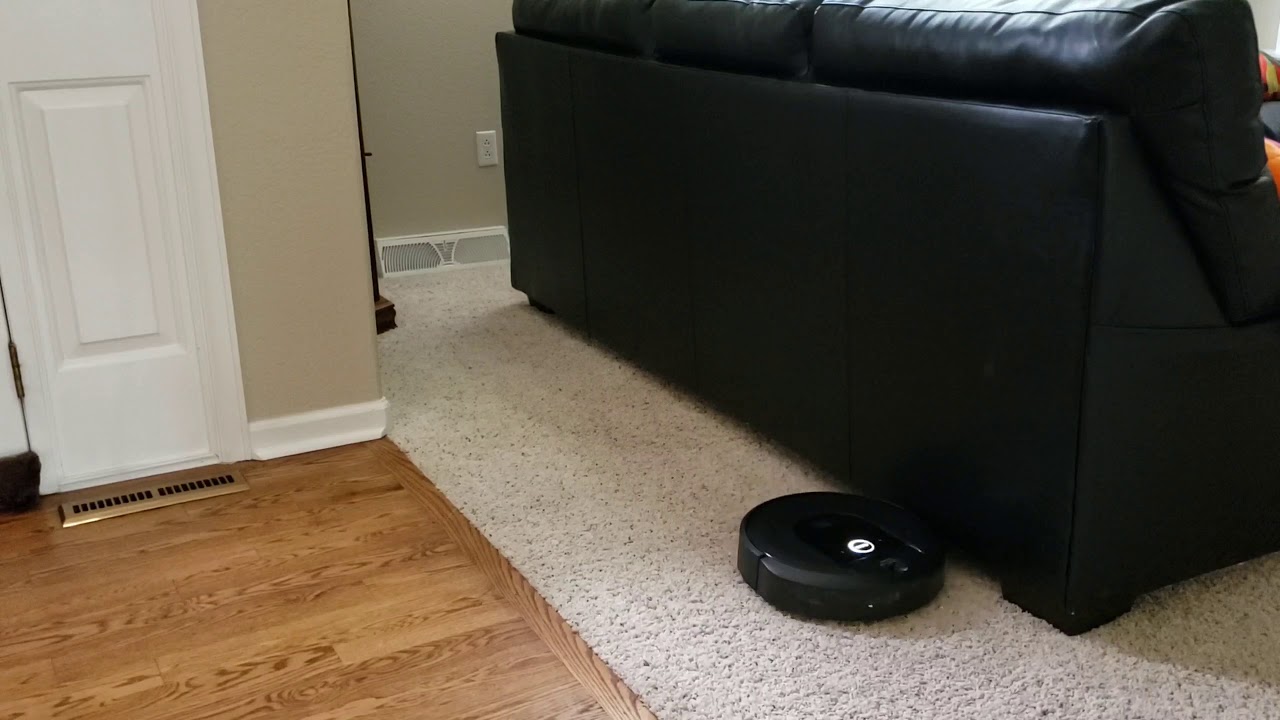
Roomba is iRobot's lineup of smart vacuums. Some Roombas are simply programmable and can clean your floors (carpet and wood/tile floors) automatically, while some of the newer ones offer app control.
What's new with Roomba i7+? Automatic emptying
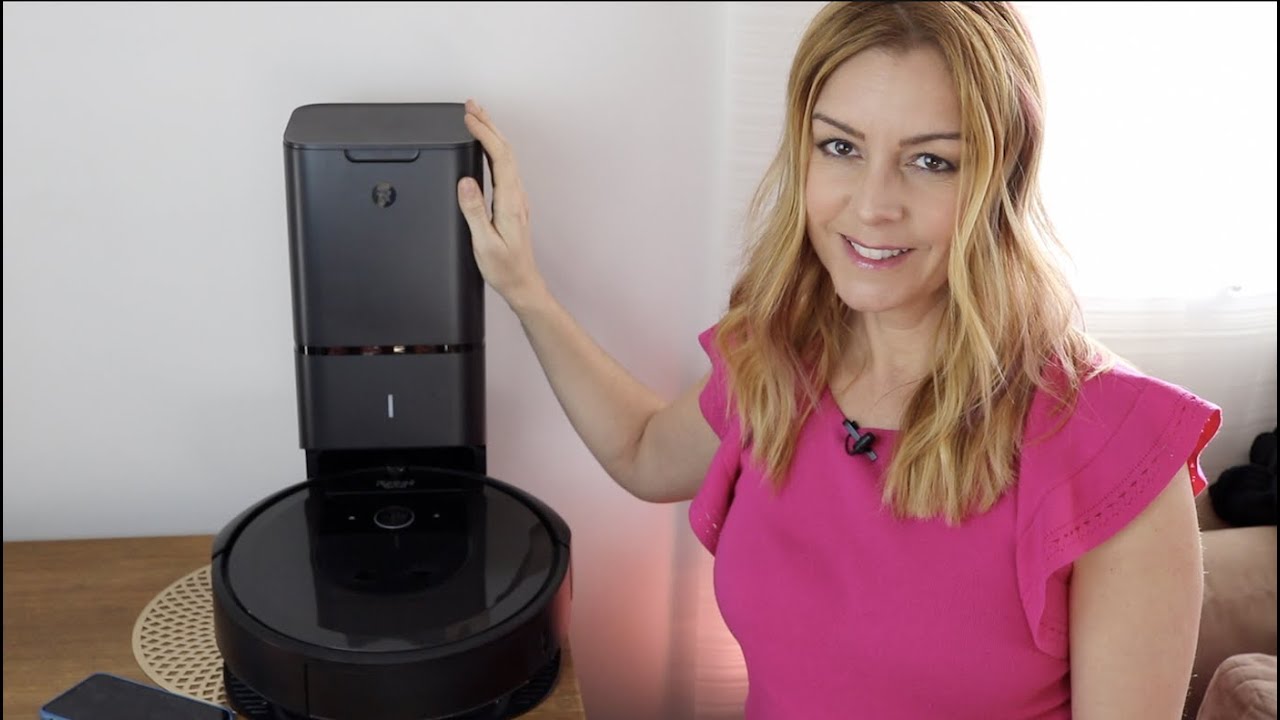
iRobot has made some significant advancements with its i7+. The big change is that the Roomba can now empty itself. The newest Robot in the Roomba fleet is available with a special dock that contains a dustbin, so that any time the Roomba is full, it'll head back to its base station and automatically empty itself. Mind=blown.
What's new with Roomba i7+? Improved mapping
While the previous generation iRobot Roomba did have mapping capabilities and the smarts to learn its way around your house, the new generation has made significant technological leaps on this front.
In my experience, the i7+ robot now learns quicker, creating a detailled map of your space. Once it gets to know where the walls and barriers and obstacles are, it adopts a much more linear and purposeful cleaning pattern, where pervious generations of Roomba were far more random.
Also on this model, the onboard dust container is now washable.
Getting iRobot Roomba i7+ set up
Getting your new robot vacuum set up is quite easy. You'll want to download the iRobot Home app and sigh in or sign up for an account.
Then unpack your robot.
What's in the box
Inside the large and heavy box is the Roomba vacuum, the dustbin tower/charging station base, and a cord. In the accessories box, you’ll find two bags for the dustbin, an extra filter, extra corner or Edge-Sweeping brush and a lighthouse, which lets you place virtual barriers.
With everything unpacked, find a place to plug in the base station. You'll want an easy access spot that's free of obstructions. Let the robot charge fully, then connect the Robot to your app. You'll put the robot into pairing mode by pressing and holding the Home and Spot clean buttons simultaneously for two seconds. You'll hear a tone and see a blue ring around the Clean button that confirms the robot is generating Wi-Fi.
Head to the app and tap the hamburger menu, then select Add a Robot and the app will look for your Roomba. It should pop right up in the app, and mine did. From there it's time to get cleaning!
Let’s get to know your Roomba quickly. It’s important to note you should keep the brushes and wheels and sensors clean and free of debris or hair to help them function correctly. The maintenence info is in your manual.
The edge sweeping brush it what gets into corners and along baseboards.
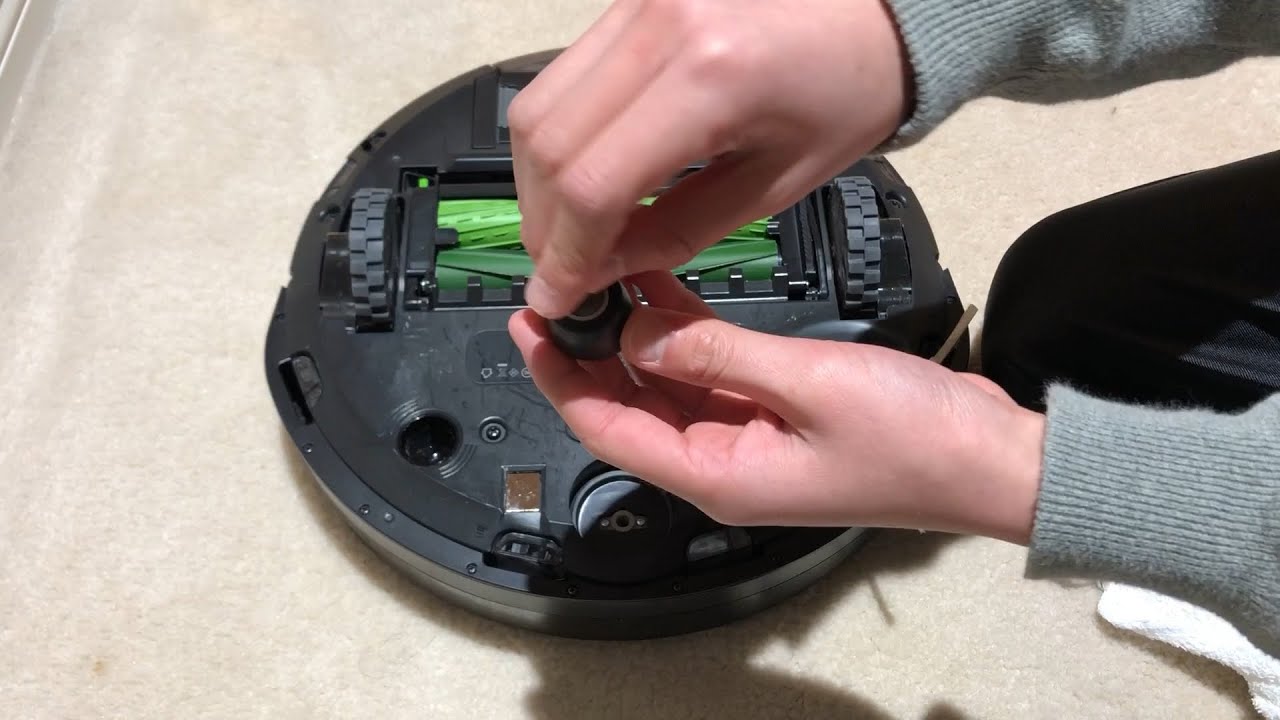
The front caster wheel lets the vacuum move freely. The wheel pops out for cleaning. The multisurface brushes are these two rubber rollers. They also pop out easily so you can remove anything that gets tangled.
Using the iRobot Roomba i7+
You have several ways to begin cleaning. Press the Clean button on the robot itself and the robot will head out. Or open the app and press the virtual clean button.
You can also set schedules inside the app so the robot will lean automatically, whenever you choose.
How to set iRobot Roomba schedules
Select the Schedule button on the bottom of the app's main screen, then choose the plus sign in the top right. You can set it to do a single clean, for example after you've left for work, or create a weekly routine. Just adjust the start time and the days of the week.
You can also select which rooms the robot will clean on which days, though you need to wait until your Smart Map is populated to start using this feature.
How does Smart mapping work?
To enable the smart mapping you will need to activate the feature. In the home app, go to the Smart maps button at the bottom of the screen and turn it on. It will start mapping the house each time it cleans. It takes about 3-4 cleaning runs for it to generate a full map.
Then you can label the rooms on the map so you can activate the vacuum to clean specific spaces, by asking your Google or Amazon assistant.
iRobot Home App
The iRobot Home app will show you a tonne of helpful info;
Cleaning preferences
cleaning history
Schedules
Smart map info
Find your Roomba
Overall the app is really easy to understand and navigate and everything works well.
Повторяем попытку...
Доступные форматы для скачивания:
Скачать видео
-
Информация по загрузке: