mTracker 3D Tutorial - Background Replacement - MotionVFX
Автор: motionvfx
Загружено: 2020-09-15
Просмотров: 30253
Описание:
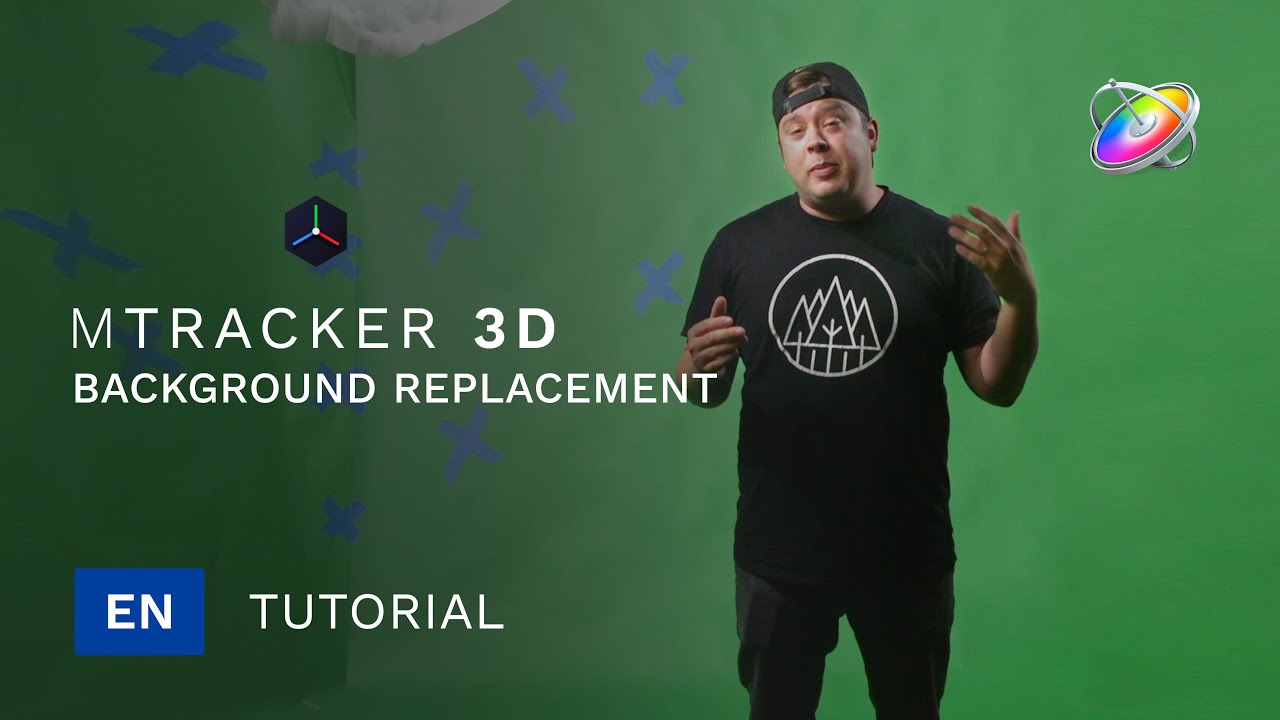
In this tutorial by George Edmondson learn how to use green screen footage to key out a silhouette and place it inside a USDZ model of a room. Learn some techniques to use your green screen footage, as well as positioning and scaling a 3D model inside your scene to match the tracked footage.
Order now: https://www.motionvfx.com/store,mtrac...
Topics covered in this lesson include:
00:02 Project overview.
00:18 Preparing green screen footage.
00:43 Applying mTracker 3D filter to your clip.
01:10 Tracking your base footage.
01:20 Selecting a Tracking Point.
02:08 Adding a Camera and a 3D Group to your project.
02:58 Importing a USDZ Model to the scene.
03:11 Setting the Model's anchor point.
04:19 Positioning and scaling the model on the scene.
06:09 Using the keyed footage to create a silhouette.
06:37 Positioning the keyed footage in the scene to match the movement.
06:59 Matching the silhouette with the original footage.
07:52 Fine-tuning the scene.
08:06 Camera keyframes adjustment.
08:30 Final result.
Music used: Blue Race by Out of Flux: https://artlist.io/album/2470/blue-race
#FCPX #AppleMotion #mTracker3D #FinalCutProX #VideoEditing #VideoProduction #MotionVFX #3DTracking #Plugin #VisualEffects #Hologram #VFX #Compositing #GreenScreen #USDZ #USDZModels
Повторяем попытку...
Доступные форматы для скачивания:
Скачать видео
-
Информация по загрузке:


