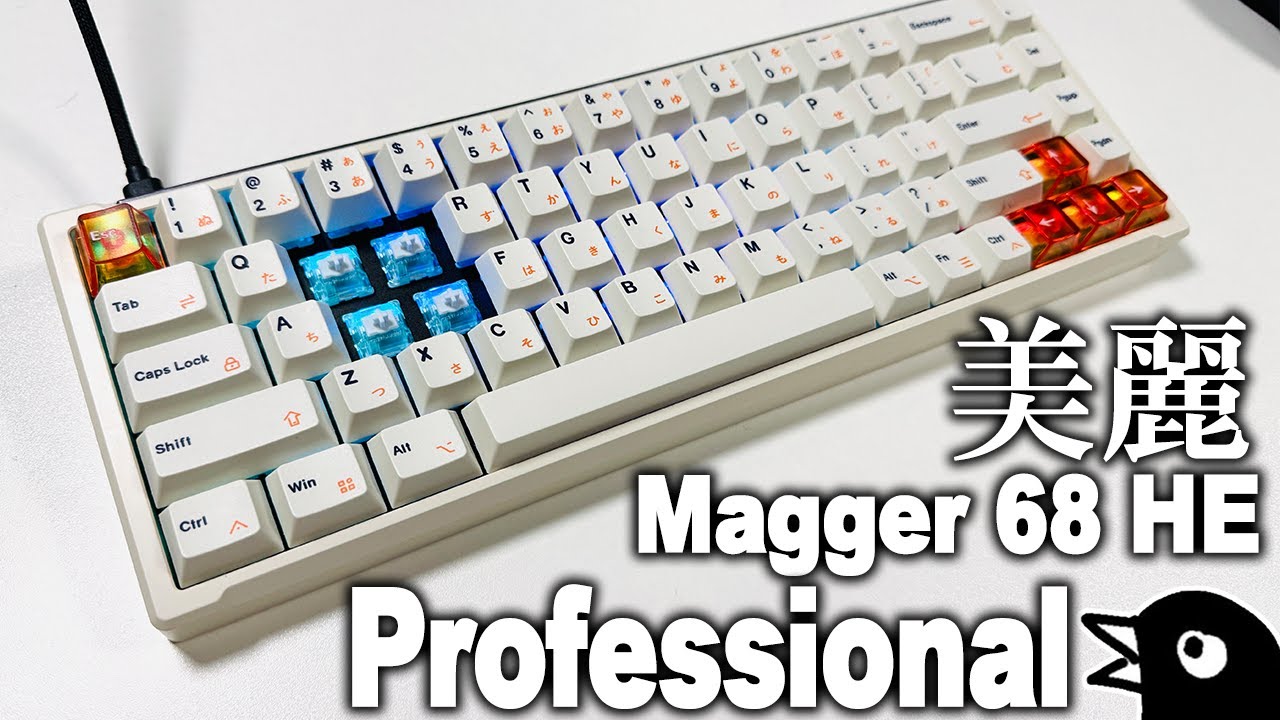
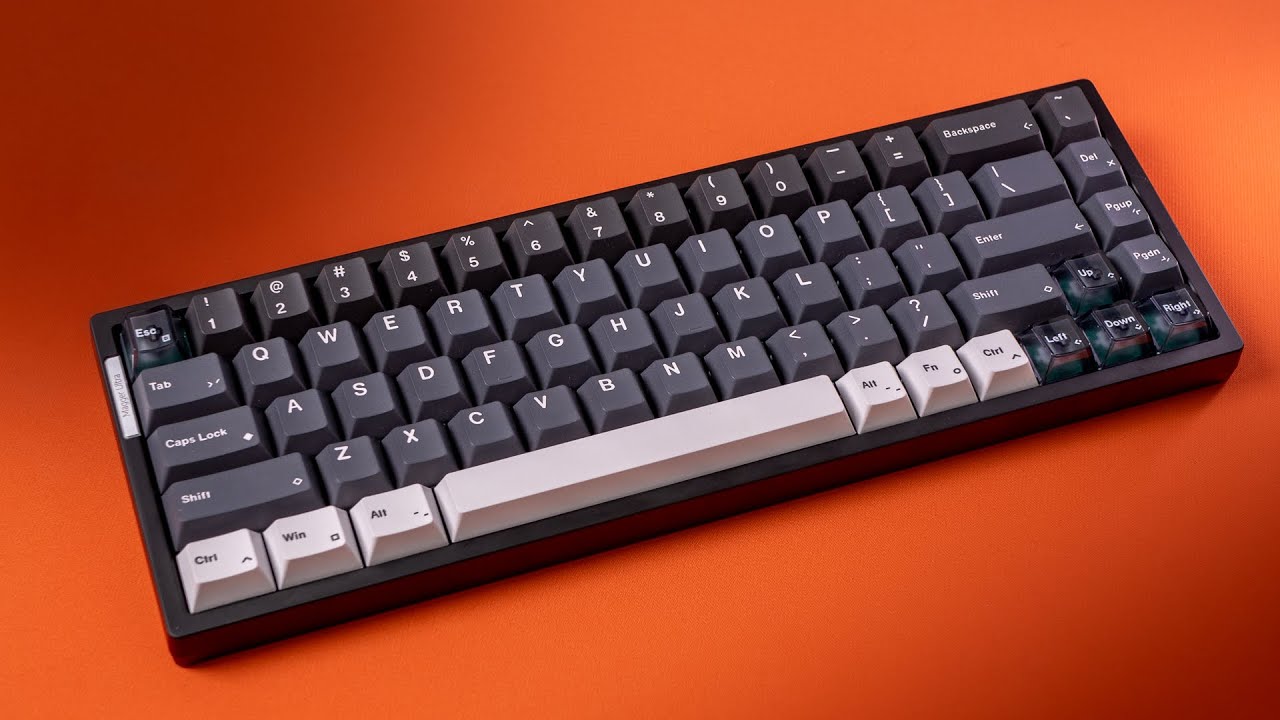
Gaming Keyboards Got A Level Up- Magger 68 HE Ultra
Автор: Desten Sheng
Загружено: 2025-06-06
Просмотров: 1586
Описание:
Many thanks to @Luminkey_official for sponsoring todays video. These thoughts are strictly my own, and are based off the time I've spent using the keyboard when gaming.
I've never had the chance to experience a hall effect gaming keyboard, but that has since changed since the Magger 68 HE Ultra came about. In todays video we'll unbox the Magger 68 HE Ultra, talk about some of the specs and features. Dive into the web software, and test things in game. Of course it wouldn't be a video by yours truly, if it didn't include a sound test so be sure to stick around for that towards the end.
Let's talk about things!
Luminkey is no stranger in the hobby. From boards like the Lk 65, and Lk 60 pro, that we've covered, the Magger 68 HE joins the lineup as a gaming keyboard. Coming in at $139 USD for the Plus variant, and $169 USD for the Ultra variant. Offering 3 colorways being the Ano- Champagne Gold, Ano- Black, and E-Cold White. The Magger 68 HE keyboard offers the latest and greatest when it comes to functions and features.
0.08ms Hyper-speed response, 8K hz polling, 0.005mm Rapid trigger sensitivity, 48k full key scan, per key RGB, SOCD, and DKS.
My experiences with this keyboard was beyond expectations, never trying a HE keyboard, i really wasn't sure what to expect, but i have built tons of boards that ive used for gaming, some with the lowest possible actuations i can find. None in which are even close to the response times offered with the Magger 68 HE with it's rapid trigger capabilities.
Compatible on Windows, Macs, and Linux, this keyboard will work across the boards. It offers a unique mounting system thats similar to a sandwich mount, but the silicone it has acts as a gasket sleeve in a way. The bottom case also has a silicone base which adds a stiffness on the typing/user experience.
While this keyboard won't carry you to the highest possible rankings, it can definitely give a competitive edge to your game. Having a instant in-game action response when pressing in the key can be the difference between you winning or losing. For myself personally in a tactile first person shooter, counter strafing/ strafe shooting is an essential mechanic. Being able to move right to left or vice versa from the moment your finger barely presses the key truly makes this much easier to accomplish.
I'm extremely glad to see a web based driver that was rolled out for the Magger 68 HE, as the last thing I want to have is another software on the computer for another piece of gear. The web driver is very self explanatory and I find the layout on things to be extremely beginner friendly. This is coming from someone who has never used a HE keyboard ever in my life. From changing actuations on keys, to turning on certain features, and functionalities. To remapping keys, or creating a new vibe with that disco dance party on your keyboard. It was a little buggy when adjusting lightings and speed of the RGB, but nothing else I found to be an issue when using the website driver. In conclusions things were very simple to navigate, and setup.
As for the sound, it's definitely not anywhere near close to the sound of Cherries, but this keyboard wasn't made with sound as a priority. With the silicon inside of the board, it definitely adds a deeper tone/ base on the sound. Adding PBT keycaps and you got a recipe for a super thocky build.
I do like how this board does come with a hotswap pcb. It's nice to know if your not fond of the Gateron Magetic Jade Pros, or White Max switches, you can always swap them out with a different set you wish to try out as there are more and more HE switches hitting the market.
Please drop some feedback on things and let you know if you plan to pick up a Magger 68 HE for yourself. Many thanks for all the love and support. Again, huge thanks to @Luminkey_official for working with me and allowing the opportunity to review.
Timestamp
0:00- 0:05 Intro
0:05- 0:41 Unboxing
0:41- 1:16 Accessories
1:16- 1:24 Quick Start Guide
1:24- 3:14 Board
3:14- 4:02 Price/Colors
4:02- 4:27 Specs
4:27- 4:51 Mag-Sync
4:51-6:42 Web Driver
6:42- 8:35 Gameplay
8:35- 8:48 Outro
8:48- 8:53 LUMINKEY
8:53- 9:54 Sound Test
Повторяем попытку...
Доступные форматы для скачивания:
Скачать видео
-
Информация по загрузке:




![Я Прошёл Все НЕВОЗМОЖНЫЕ Сиды в Майнкрафт! [Beppo на русском]](https://imager.clipsaver.ru/F8oEc9Y5ojM/max.jpg)