P6 RGB 32x32 Token System using push button Arduino P10 RGB LED Panel with ESP32 | P10 rgb 1/4 scan
Автор: Teach Me Something
Загружено: 2024-01-05
Просмотров: 1636
Описание:
Dear Viewers,
If any customized project or any help required for your project, I am willing to support you (Paid Service)
==========================================================================
Contact Details
##################################################################
Email : [email protected]
[email protected]
Website : https://www.teachmesomething.co.in/
Whatsapp - https://bit.ly/3vNBEPo (Paid Service)
Contact Number - +919043392011
Instagram: / teach_me_something_arduino
Fb Messenger : / teachmesomething.teachmesomething
=============================================================
============================================
Code & Circuit Diagram
Program Download Link 1 - https://bit.ly/3qbvhmB
Program Download Link 2 - https://drive.google.com/file/d/1nhvu...
============================================
#teachmesomething
#P10RGB
#P6RGB
#matrixled
#displayboard
#P6RGBMatrix
#P10RGBPanel
#ESP32TokenSystem
#LEDMatrix
#iotprojects
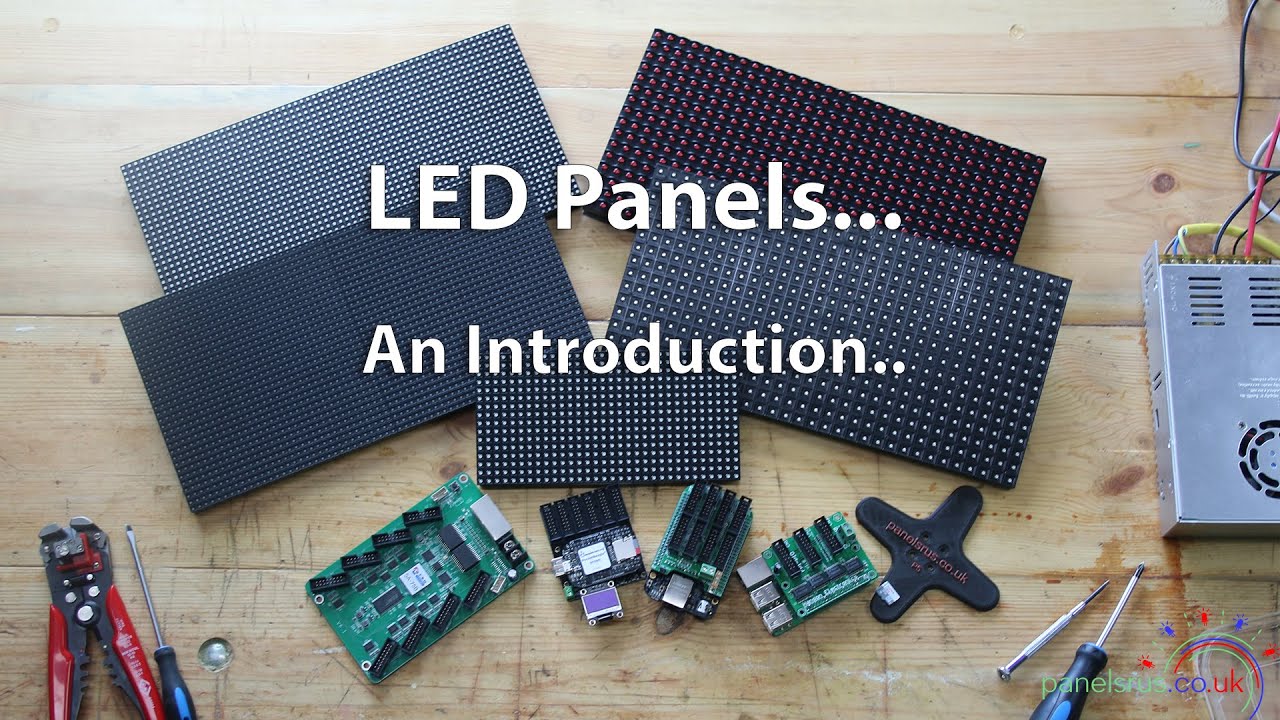
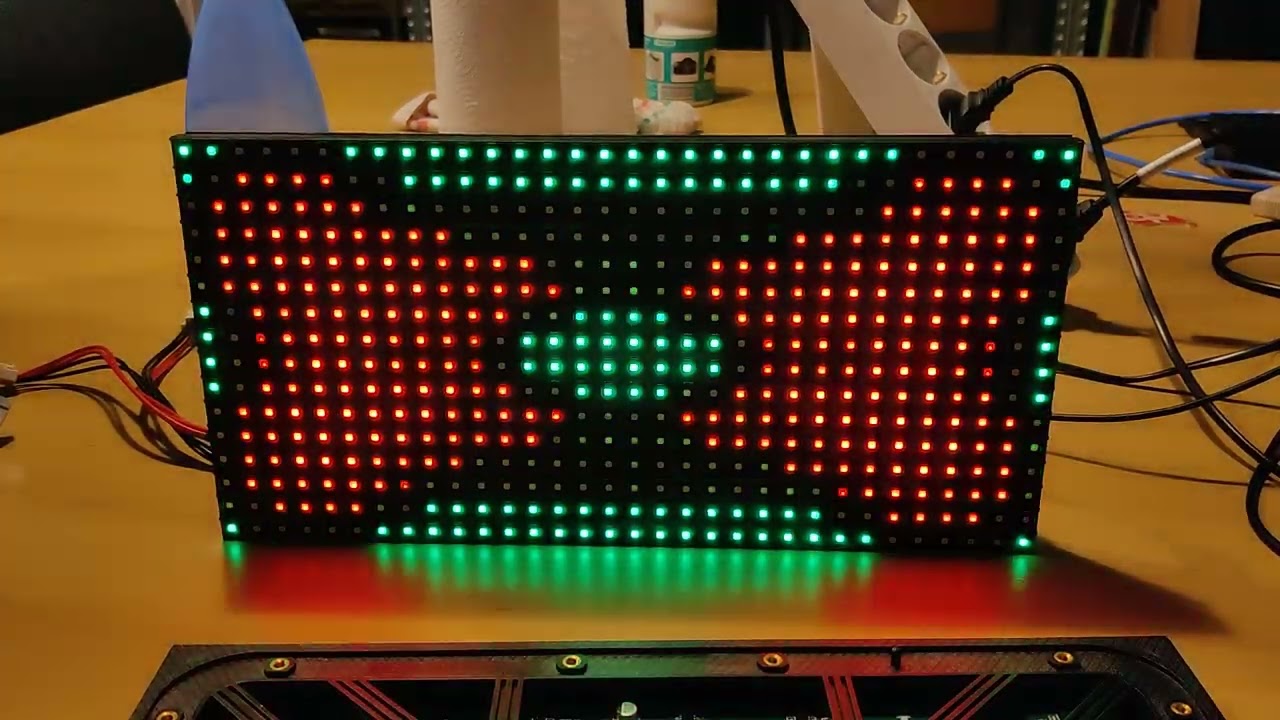
A P10 RGB matrix panel is a type of LED display panel that consists of a 32x16 grid of individual RGB LEDs (512 LEDs in total) that can be used to display text, images, animations, and video. The panel is typically controlled by a microcontroller, such as an Arduino, that sends commands to the panel to turn on or off individual LEDs and set their color and brightness.
The P10 panel uses a 1/4 scanning technique, meaning that the LEDs are scanned in groups of four rows at a time, which allows for a higher refresh rate and brighter display. The panel also typically requires a power supply of 5V and a data connection using either a serial or parallel protocol.
P10 RGB matrix panels are commonly used for digital signage, scoreboards, message boards, and other applications where a large and bright display is needed. They can be easily programmed using a variety of software libraries and programming languages, making them a popular choice for hobbyists and DIY projects as well.
2. Hardware Components
2.1 P6 RGB Matrix Panel (32x32)
Provide detailed information about the P6 RGB Matrix Panel, highlighting specifications and key features relevant to the project.
2.2 ESP32 and Arduino IDE
Include details about the ESP32 microcontroller and its integration with the Arduino IDE for programming. Discuss any specific aspects of the hardware setup.
3. System Architecture
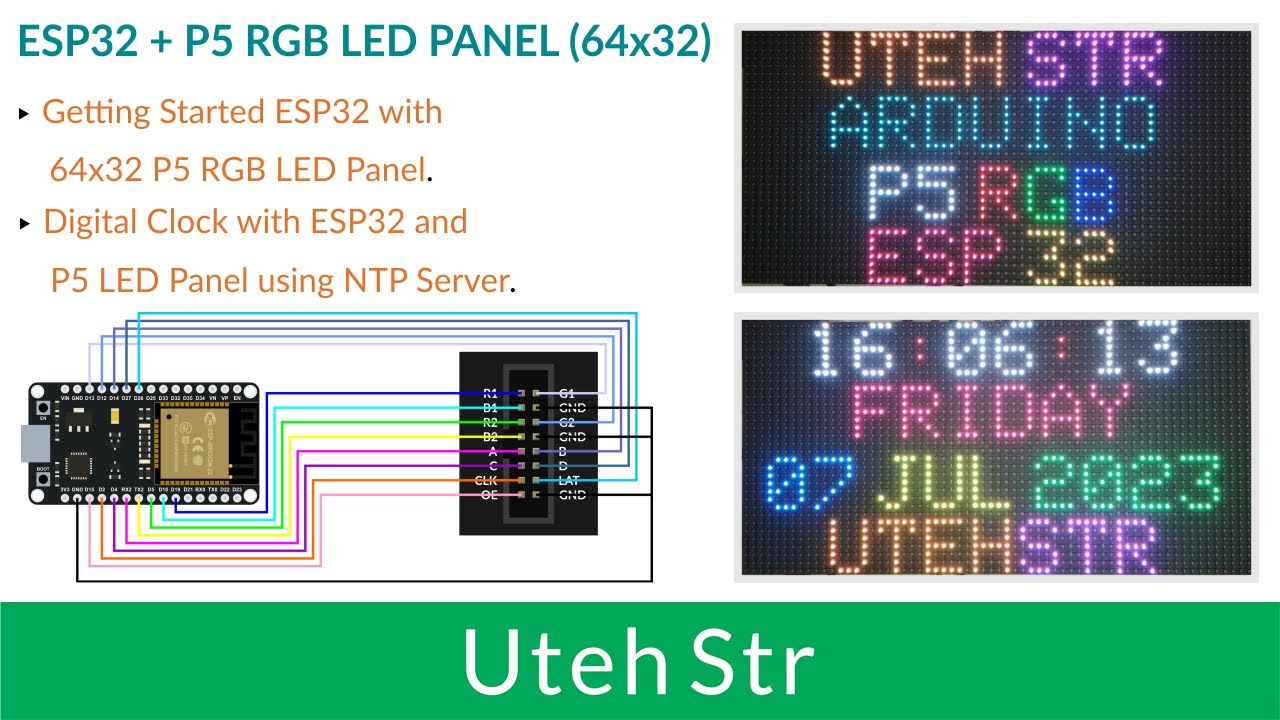
Explain the overall system architecture, showcasing the connections and interactions between the P6 RGB Matrix Panel and ESP32. Utilize diagrams or schematics to illustrate the system.
4. Software Design
4.1 Arduino IDE Code for ESP32
Include excerpts from the Arduino IDE code written for the ESP32, explaining the key functions and algorithms used in controlling the P6 RGB Matrix Panel.
5. Token System Functionality
Detail the implementation of the token system using the P6 RGB Matrix Panel. Explain how tokens are generated, displayed, and managed by the ESP32 through the Arduino IDE.
Повторяем попытку...

Доступные форматы для скачивания:
Скачать видео
-
Информация по загрузке: