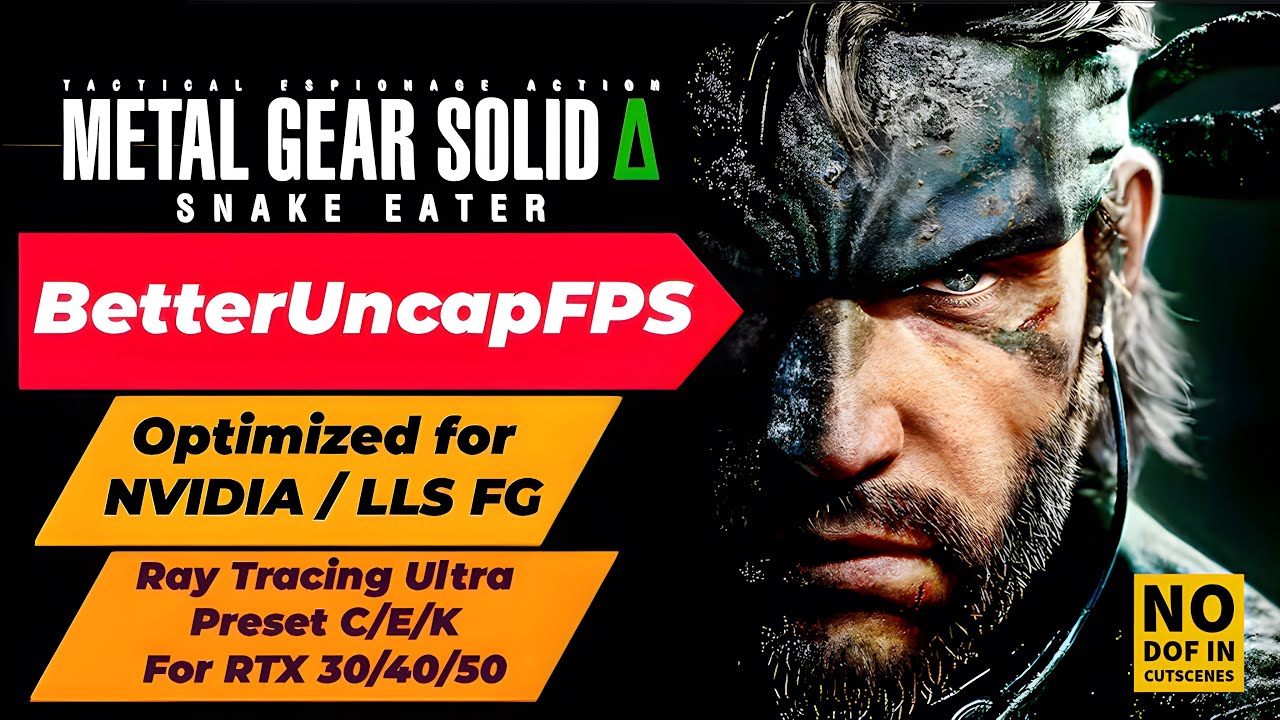
BetterUncapFPS v5.7 - Ultra RayTracing Preset (C/E/K) | FrameGen Toggle | Crystal-Clear CUTSCENES
Автор: mstrthief00
Загружено: 2025-09-08
Просмотров: 2576
Описание:
BetterUncapFPS v5.7 for METAL GEAR SOLID Δ: SNAKE EATER
This mod lets you cycle between multiple FPS targets—including uncapped (15/30/50/60/72/100/120/144/Uncapped)
Cycle Default and Ultra Ray Tracing presets (C/E/K) with GPU-specific optimizations
Toggle NVIDIA DLSS Frame Generation,
also Compatibility with Lossless Scaling
FrameGen-aware FPS limiting ensures optimal performance when paired with LSFG
Enable / Disable Depth of Field and other Blur Effects In-Game and Cutscenes
Fixes audio sync issues with a simple hotkey
Your settings are saved and auto-loaded on startup
——————————————————————
I spent the last two days dialing in the Ultra Ray Tracing settings to get the best possible visuals
It now fixes about 98% of the graphic glitches—shadows, lighting, foliage, all cleaned up
If you vibe with this, drop a like ❤️ and subscribe ✅
It really helps the channel out
Check out the 56 screenshots I uploaded on Nexus, or watch the video to see it in action ✌️
I guarantee my settings are next-level compared to any other mod on there
——————————————————————
New Features & Hotkey Changes
F2 → Cycle Default Ray Tracing Presets
Added F2 to let users cycle through
Basic Raytracing presets (requires game restart)
Preset C – Default RT settings
Preset E – for RTX 30 Series
Preset K – for RTX 40 / 50 Series
Off – Disables ray tracing entirely
This gives users more flexibility—especially if the
prefer RayTracing Default setups over the
RayTracing Ultra F3 / F4 / F5 configurations
Note: Cycling RT Default presets with F2 will
automatically disable RT Ultra modes
F3 → Enable / Disable Ray Tracing Ultra Settings for
RTX 30 Series (requires game restart)
Enables a full set of optimized graphics settings
including shadows, Nanite, Lumen,
DLSS (Preset E) and hardware ray tracing for
reflections and direct lighting
F4 → Enable / Disable Ray Tracing Ultra Settings for
RTX 40 Series (requires game restart)
Activates higher-resolution shadows (up to
4096),async compute, enhanced Lumen settings,
DLSS (Preset K) and advanced RT features like
ambient occlusion and global illumination
F5 → Enable / Disable Ray Tracing Ultra Settings for
RTX 50 Series (requires game restart)
Unlocks ultra-high shadow resolutions (up to 6144),
expanded Nanite streaming, refined Lumen
probe spacing, DLSS (Preset K) and advanced RT
features including radiosity and radiance cache
F6 → Enable / Disable All Cinematic Blur Effects
(requires game restart)
Includes cinematic depth-of-field
(r.CinematicDOF.Enable) plus Depth of Field, Motion
Blur, Refraction Blur, Lens Distortion, Chromatic
Aberration, Film Grain, Tonemapper
When off, all Depth of Field Radius settings are to
Zeroed, stripping all Cinematic Blur Effects for
Crystal-Clear CUTSCENES
This results in clearer, artifact-free Cutscenes and
may improve performance on mid-range
systems
F7 → Nvidia Frame Generation Toggle (requires game
restart)
Enables or disables DLSS Frame Generation
(r.Streamline.DLSSG.Enable)
F8 → Experimental Audio Sync Fix and ResetTiming
F9 → Cycle Target FPS: 15 / 30 / 50 / 60 / 72 / 100 / 120 / 144 / 200 / Uncapped (Default is uncapped)
——————————————————————
How to Install
Download BetterUncapFPS v5.7 - UE4SS_All in One
Package
https://www.nexusmods.com/metalgearso...
Extract files into your game folder: path-to-game\MGSDelta\Binaries\Win64
Place Engine.ini in: %LOCALAPPDATA%\MGSDelta\Saved\Config\Windows\
Launch the game — mod starts automatically
=================
Support Me on Ko-fi ☕
=================
https://ko-fi.com/angelusaac
If you’d like to show some love, feel free to tip me via Ko-fi
Every tip helps keep me going—and yes, it keeps me alive in the best way possible!
Thank you for being awesome
#mgsd #mgs #nexus #metalgearsoliddelta #uevr #metalgearsolid #unlockfps #losslessscaling #framegeneration #gaming #METAL GEAR SOLID Δ: SNAKE EATER
Повторяем попытку...
Доступные форматы для скачивания:
Скачать видео
-
Информация по загрузке: