Скачать
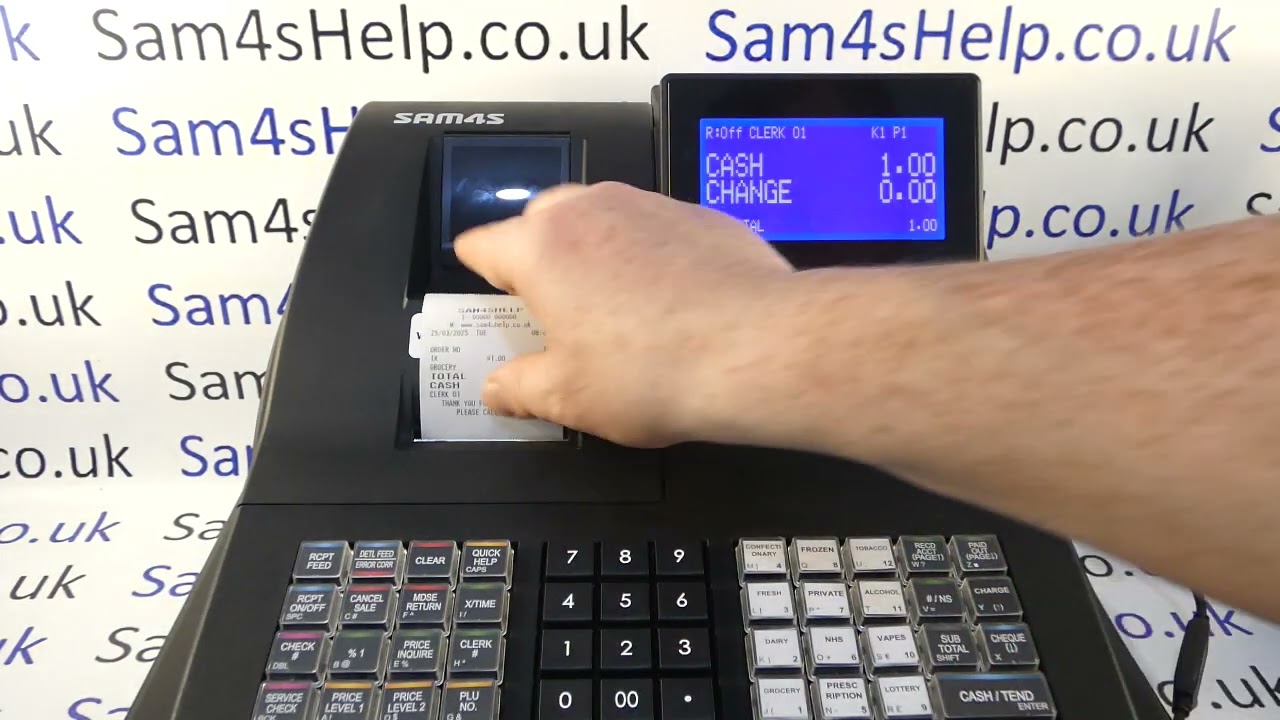
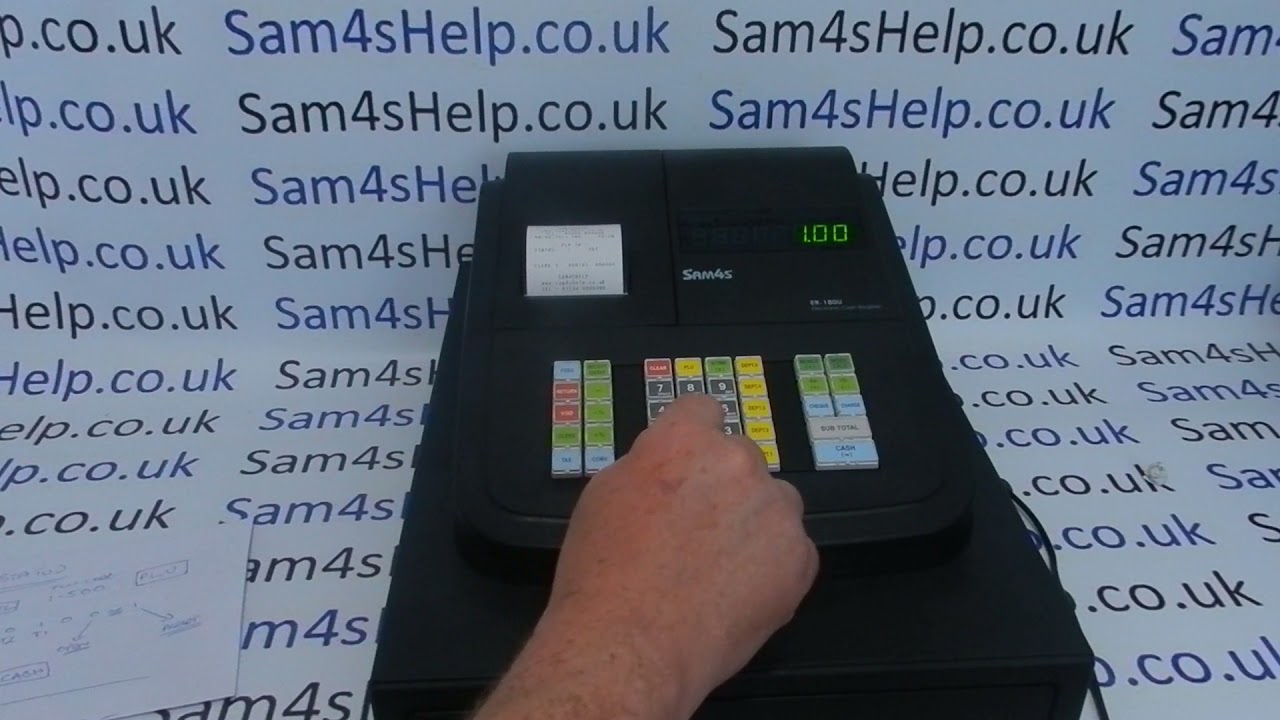
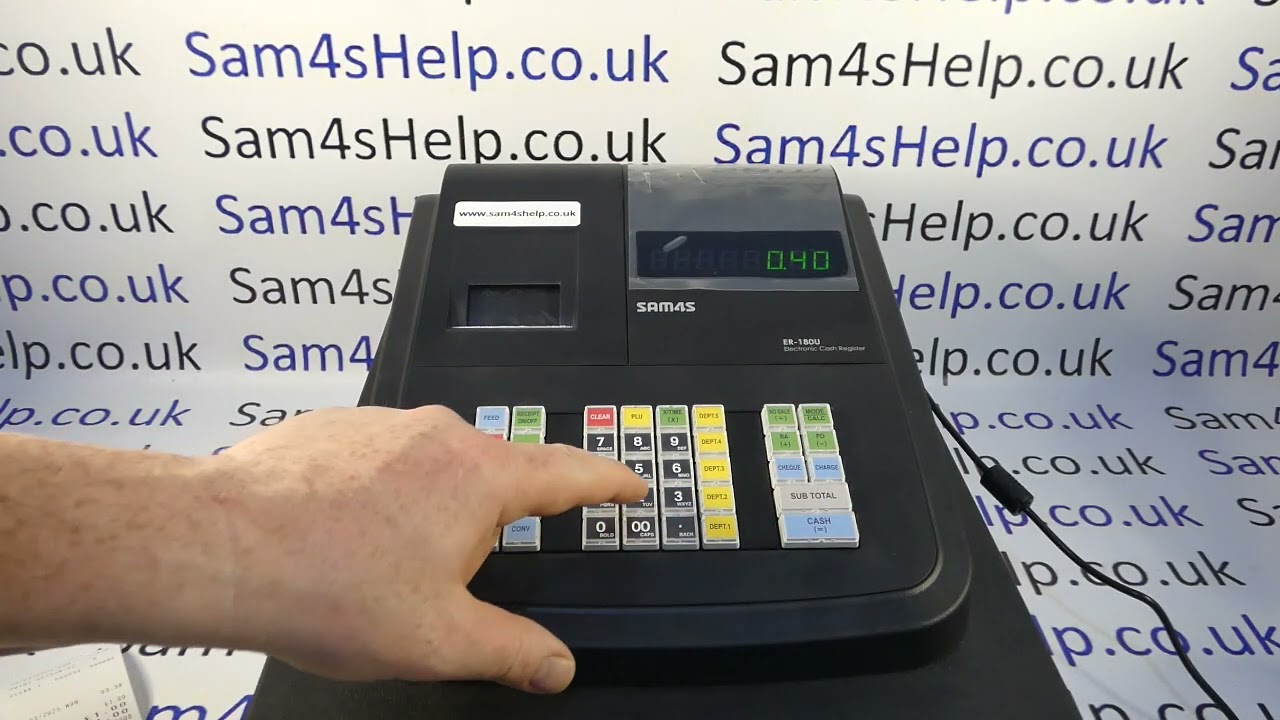
How To Remove Receipt Header & Footer Message From Customer Till Receipts Sam4S ER-180U / ER180
Автор: Sam4S Help
Загружено: 2025-03-10
Просмотров: 461
Описание:
How to remove programmed header and footer message from customer till receipt on the Sam4S ER-180U cash register.
To remove the header message the process is:
P-Mode - 40 SBTL - 22 - X/TIME - 0 SBTL CASH
To remove the footer message the process is:
P-Mode - 40 SBTL - 23 - X/TIME - 0 SBTL CASH
To add the header message back in the process is:
P-Mode - 40 SBTL - 22 - X/TIME - 1 SBTL CASH
To add the footer message back in the process is:
P-Mode - 40 SBTL - 23 - X/TIME - 1 SBTL CASH
SUBSCRIBE for more or visit: www.Sam4sHelp.co.uk
Не удается загрузить Youtube-плеер. Проверьте блокировку Youtube в вашей сети.
Повторяем попытку...
Повторяем попытку...
Доступные форматы для скачивания:
Скачать видео
-
Информация по загрузке: