Pixel Orbiting Explained: On or Off? (why Philips screen keeps shifting 1 pixel)
Автор: SoSoTech
Загружено: 2018-03-09
Просмотров: 44021
Описание:
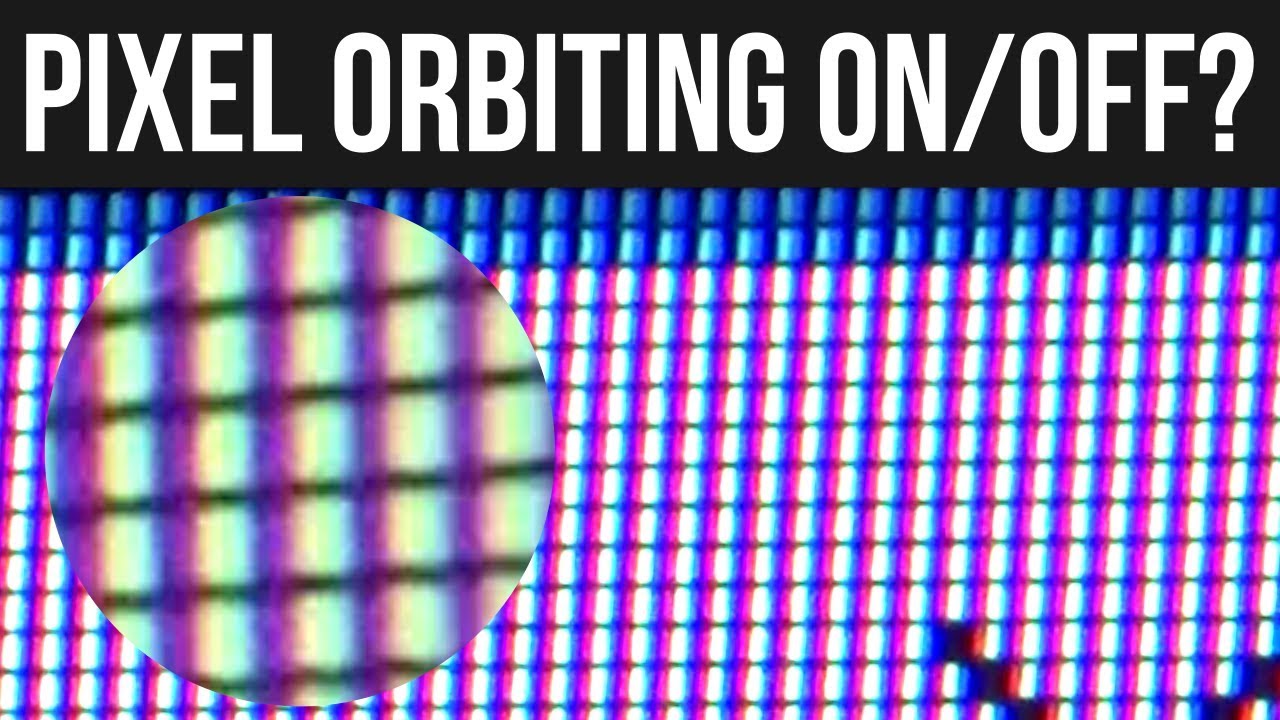
What is the Pixel Orbiting setting on your monitor? Pixel Orbiting is supposed to prevent screen burn-in (pixel burn-in). It is also called pixel shifting or pixel wobbling and is a method implemented in plasma displays that prevents static images (such as station bugs and video game HUD elements) from causing image retention and screen burn-in. The entire video frame is moved periodically (vertically and/or horizontally) so there are effectively no static images. One definition reads: "the image rotates in a circle in a way imperceptible to the viewer with a defined rhythm and pixel interval."[this quote needs a citation]
The firmware on some high end Samsung plasma TVs moves the video horizontally and vertically by some number of pixels every few minutes.[1] Some TVs allow the user to define the number of pixels moved and their interval. On Panasonic plasma TVs this technique is named Pixel Orbiter.
Pixel shifting is sometimes used with other burn-in prevention methods like screensaver or power management functions.
Unboxing video of the screen that I recorded this on: • Cheap Thin Bezel 27" Monitor: Philips 273V7Q
Like & subscribe for more tech videos! http://bit.ly/SoSoTech
This is what new monitors tell you:
Use of fixed pattern or static Images for more than 30 minutes may result in Image burn-in!!
Please change Image contents regularly.
For more details please refer to the user manual.
Also known as: Pixel Orbiter, Pixel Shift, Pixel Shifting, Screen Shift, Screen Shifting.
Повторяем попытку...
Доступные форматы для скачивания:
Скачать видео
-
Информация по загрузке: