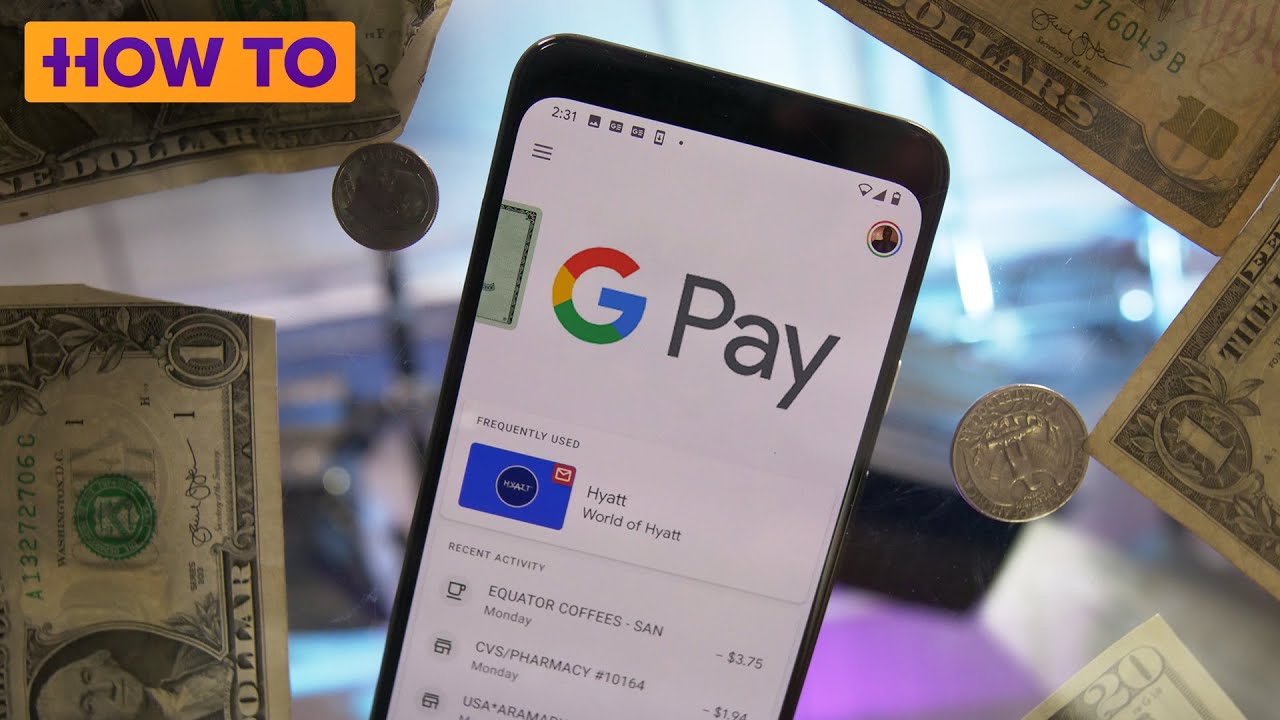
How to scan qr code and pay in google pay | Google pay में Qr code को कैसे स्कैन करें और पे करें
Автор: Make Knowledge Free
Загружено: 2019-12-26
Просмотров: 477199
Описание:
Google Pay | Scan and Pay at thousands of shops using QR codes | STEP BY STEP
How to scan qr code and pay in google pay | Google pay में Qr code को कैसे स्कैन करें और पे करें
How to pay vendor using google pay by scanning QR code
Step 1: Open your Google Pay account
Step 2: Tap a contact to make a payment. If you don't see th
Step 3: Click on new request to see payment methods ...here click on payment by UPI/QR Code ...click on QRR code ...now the scanner opens , scan the vendor qr code ..
The payment default page opens
Tap 'Pay' and enter the amount with description (what's this for?)
You will be prompted for google pay connected bank UPI pin
Step 4: Tap Proceed to pay.
Step 5: Enter your UPI PIN and continue
Payment is initiated and shortly you shall get a succesful message
Show it to vendor! Subscribe and share it with friends!
Related tags : #googlepay #gpay #bank #upi #learntousegpay #howtousegooglepay #howtousegpay #payuisnggooglepay #paywithgpay #creategooglepay #googlepayaddbankaccount #transfermoneyfromgooglepay #howtousegooglepay #howtotransfermoneyfromgooglepay #googlepayaddbankaccount #googlepayhowtouse #howtocreategooglepayaccountinhindi #howtocreategooglepayaccountinenglish
Повторяем попытку...

Доступные форматы для скачивания:
Скачать видео
-
Информация по загрузке: