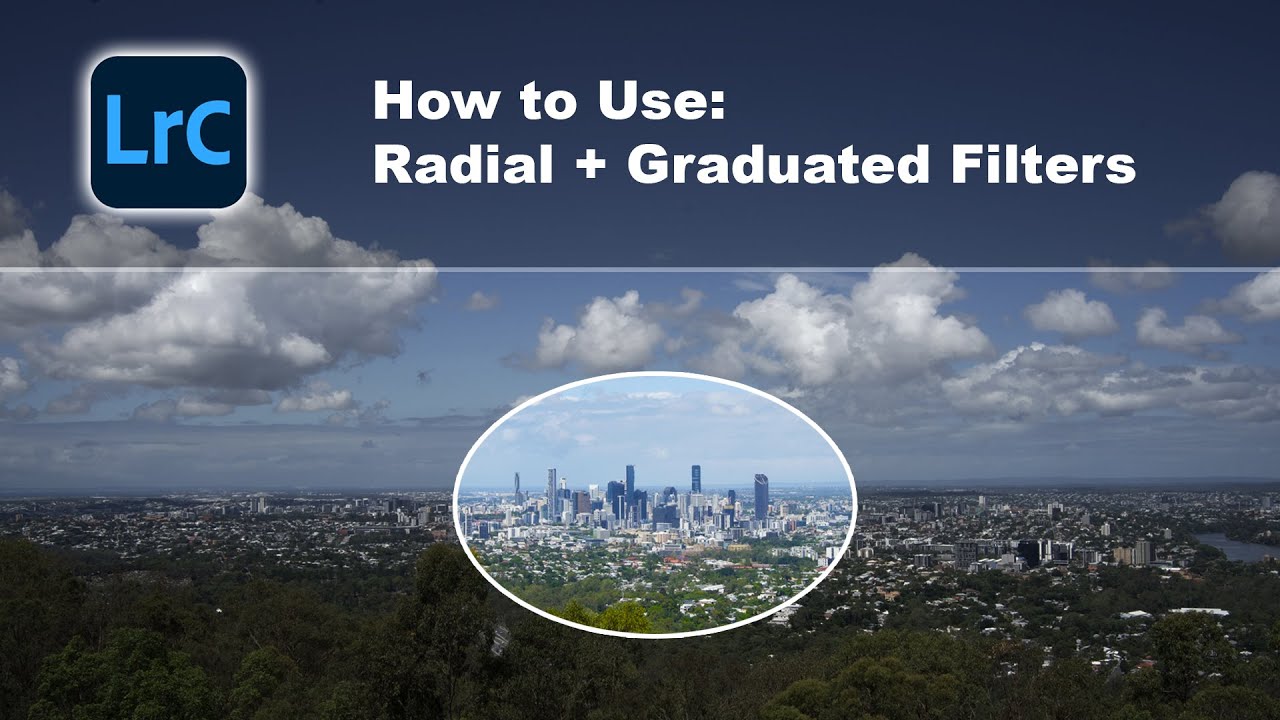
How to use The Radial Filter, Graduated Filter & Adjustment Brush | Lightroom Classic Tutorial
Автор: Hammad Hassan
Загружено: 2021-01-31
Просмотров: 1329
Описание:
Lightroom is a great photo editing software from Adobe and is the go-to for most professional photographers. However, there are some secrets that the pros use when editing their photos.
The basic corrections such as exposure and contrast affect the whole image. But instead of exporting the image to photoshop and fiddling with layer masking, there are some powerful tools embedded within Lightroom that can help enhance the image and take it to another level.
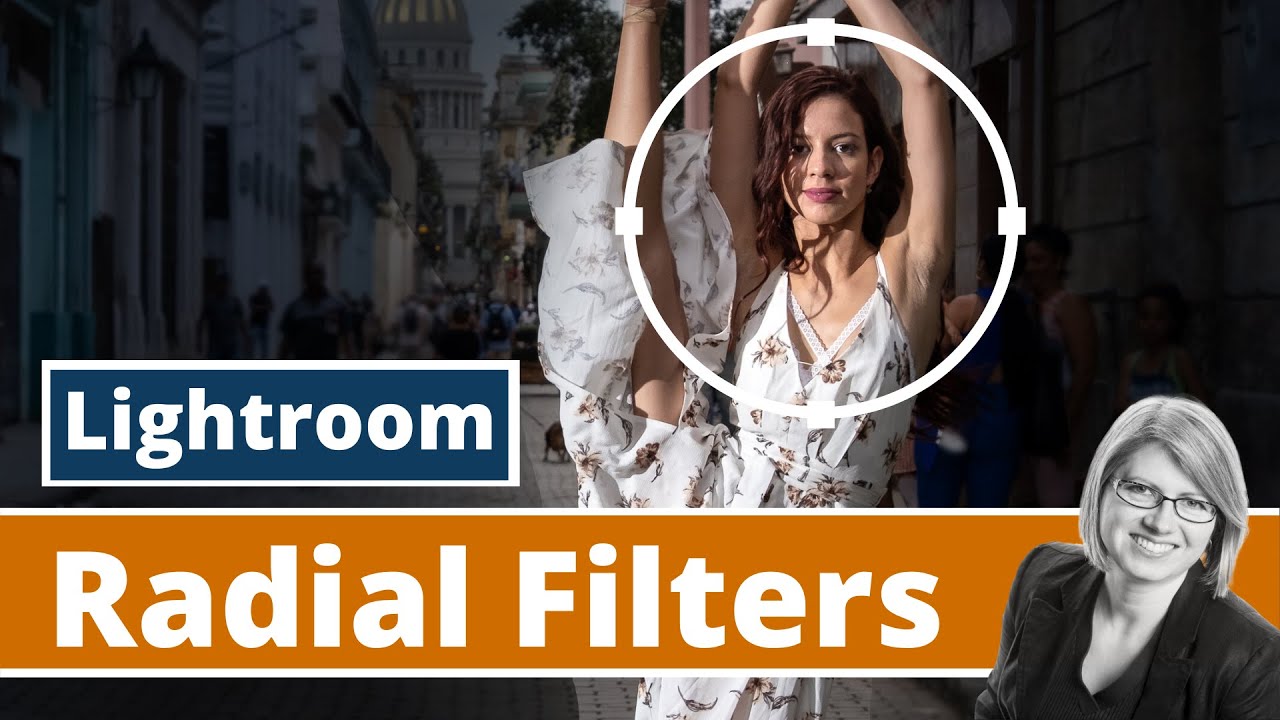
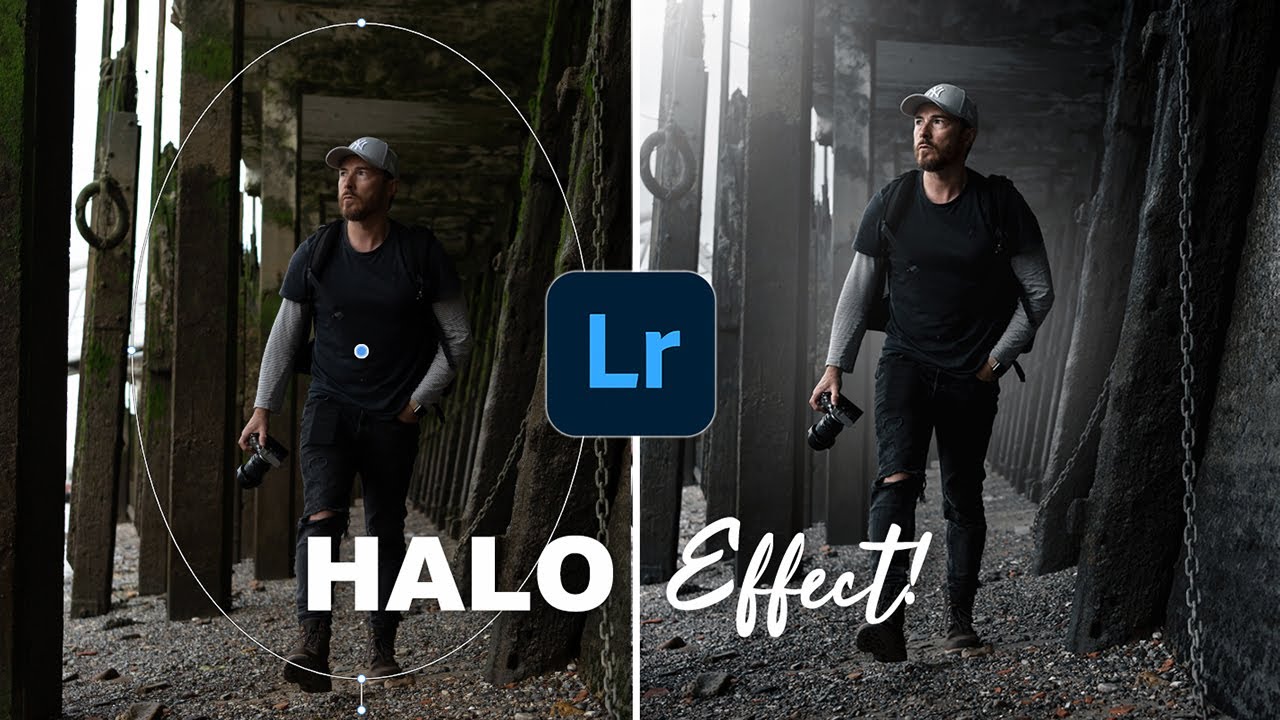
These tools are the Radial filter, the Graduated filter and the Adjustment Brush. In this video I show you how to use these tools to improve your image and the subject of the image pop.
This video tutorial is for beginners and is kept pretty basic. There are more advanced workflows that can help further refine the filters in Lightroom. If you enjoy the video, then I might make part 2 showing more advanced techniques when using these tools.
Hope you enjoy the video.
Like, Comment, Subscribe ... You know the drill ;)
-----------------------
Let's connect on the socials!
Instagram: / hammadxhassan
Twitter: / hammadxhassan
My Gear:
Sony a7iii - https://amzn.to/3O98v8T
Sony 35mm 1.8 - https://amzn.to/39DL3Bw
Sony 85mm 1.8 - https://amzn.to/3zNQp85
Sony 50mm 1.8 - https://amzn.to/3y6xkMX
Rode Wireless Go 2 - https://amzn.to/3xAFwna
Generic Studio lights - https://amzn.to/39J89H1
Повторяем попытку...
Доступные форматы для скачивания:
Скачать видео
-
Информация по загрузке: