ycliper

Популярное

Музыка Кино и Анимация Автомобили Животные Спорт Путешествия Игры Юмор

Интересные видео

2025 Сериалы Трейлеры Новости Как сделать Видеоуроки Diy своими руками

Топ запросов

смотреть а4 schoolboy runaway турецкий сериал смотреть мультфильмы эдисон
Скачать

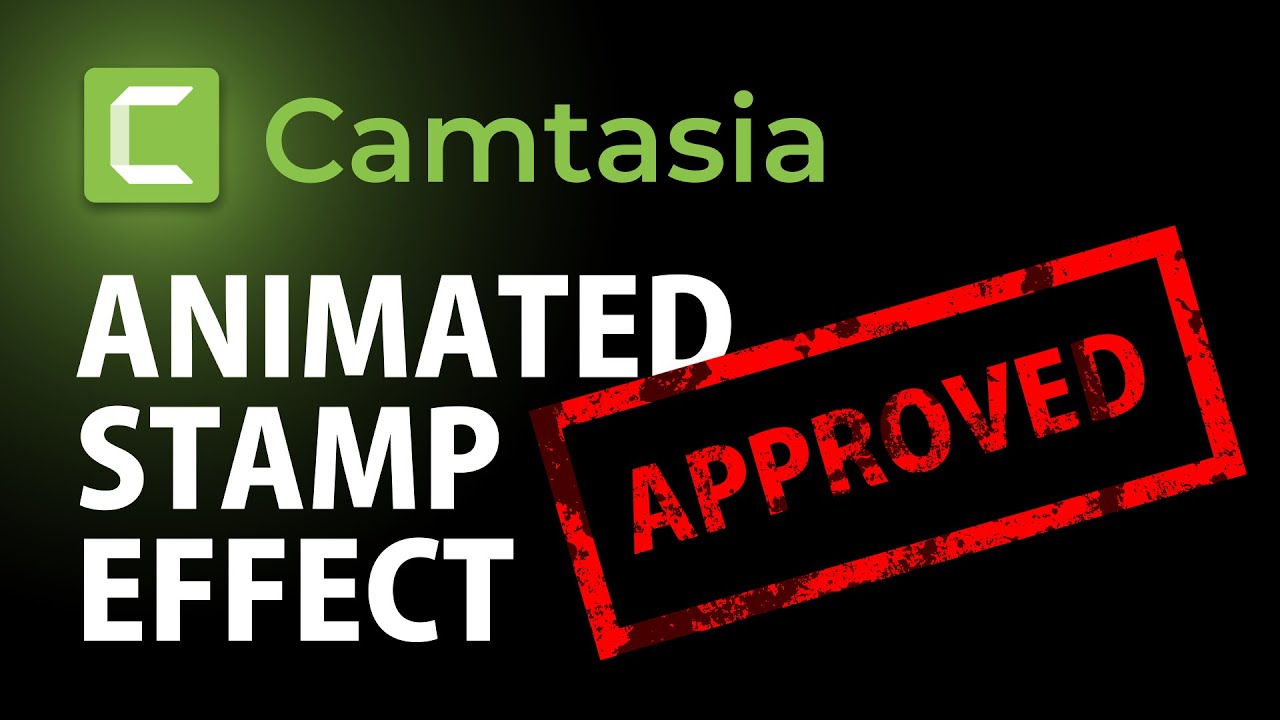
How to create animated STAMPING effect in Camtasia | Camtasia Tutorial

Автор: Cristi Cotovan

Загружено: 2021-05-19

Просмотров: 5718

Описание: Creating an animated stamp in Camtasia is possible with just a couple simple components. It also works in Camtasia 2020 and 2021. In this tutorial, I'm showing how you can create an animated stamping effect, transparent, with a grungy look, from a simple annotation and a few effects.

This component is then reusable, it can be added to your other projects, saved to the library and, if you are using Camtasia 2021, I show a couple of cool tips to make it even more realistic and interesting, as well as more easily customisable. You can, of course, use any font you want. This effect is not using graphics coming from external sources. The text written on the stamp is perfectly editable and I'll show you at the end how you can make it customizable in Camtasia 2021 using the quick properties and add it to the library ready to reuse.

One thing that I want to do before I animate this is I want to make it look like a bit of grungy kind of thing where it's showing a bit of texture so it doesn't look so boring. The way we achieve this in Camtasia is by including a grungy bitmap with a grungy texture, and then applying an effect to it on top of the stamp text so that it makes it look kind of random and grungy.

Then we use a track matte to apply a luminosity effect to whatever is underneath the bitmap track to apply the texture to the text so my stamp is looking very rusty, with sort of weird grungy edges.

Then we animate the whole thing, add it to a group and the stamp is then animated. In Camtasia 2021 you have the motion blur effect for added realism.

Another trick that only works in Camtasia 2021 is then creating the reusable asset by adding custom properties to it and then adding it to your library, and every time you want to apply a stamping effect with a different text or different colours, you can use this self-contained asset.

I hope this was useful. Thank you for watching. And if you enjoy my tutorials, feel free to subscribe to my channel. And if you have any questions about this video or about any of the other tutorials or Camtasia, please feel free to leave it in the comments and I will respond and try and help you if I can.

More Camtasia Tutorials for Beginners:
   • Camtasia Tutorials  

Are my tutorials useful? Buy me a coffee! I LOVE coffee:
https://www.buymeacoffee.com/cristi

-- SOFTWARE I use and recommend * --

Camtasia (includes 10% OFF coupon: CRISTI10): https://cotovan.com/camtasia
Snagit (includes 10% OFF discount code CRISTI10): https://cotovan.com/snagit
Transcription and Captions: https://cotovan.com/descript
Remote recording: https://cotovan.com/riverside
Audio clean up and processing: https://cotovan.com/auphonic
My newsletter platform: https://cotovan.com/convertkit

Disclosure: Some of these links take you to my website and some of them are affiliate links where I will learn a small commission if you make a purchase. This is at no additional cost to you and they help support my work. Thank you!

#camtasia #stampingeffect #animatedstamp

Не удается загрузить Youtube-плеер. Проверьте блокировку Youtube в вашей сети.
Повторяем попытку...
How to create animated STAMPING effect in Camtasia | Camtasia Tutorial

Поделиться в:

Доступные форматы для скачивания:

Скачать видео

  • Информация по загрузке:
Скачать аудио

Похожие видео

Object motion tracking in Camtasia | Motion Tracking Tutorial

Object motion tracking in Camtasia | Motion Tracking Tutorial

Animated Travel Map in 3D with Arrow in Camtasia | Advanced Tutorial

Animated Travel Map in 3D with Arrow in Camtasia | Advanced Tutorial

Video grids in Camtasia by cutting, moving, cropping, resizing | Camtasia 2021 Split video Tutorial

Video grids in Camtasia by cutting, moving, cropping, resizing | Camtasia 2021 Split video Tutorial

Как анимировать изображения (эффект Кена Бернса) в Camtasia

Как анимировать изображения (эффект Кена Бернса) в Camtasia

Create Star Wars Opening Titles Scrolling Text in Camtasia

Create Star Wars Opening Titles Scrolling Text in Camtasia

Video Wall from Multiple Videos in Camtasia | Multi-Video Wall

Video Wall from Multiple Videos in Camtasia | Multi-Video Wall

Create this COOL text effect in Camtasia 2020

Create this COOL text effect in Camtasia 2020

Люди От 1 До 100 Лет Участвуют В Гонке За $250,000!

Люди От 1 До 100 Лет Участвуют В Гонке За $250,000!

Cool Camtasia Animation Trick for Pictures Tutorial

Cool Camtasia Animation Trick for Pictures Tutorial

Character Intro FREEZE Effect in Camtasia Tutorial

Character Intro FREEZE Effect in Camtasia Tutorial

Цифровой след SUNO: как он работает и как его убрать

Цифровой след SUNO: как он работает и как его убрать

Animated reusable map beacon in Camtasia | Location Beacon Tutorial

Animated reusable map beacon in Camtasia | Location Beacon Tutorial

Black Cats Groove Tonight: Глубокий басовый джаз для стильной концентрации

Black Cats Groove Tonight: Глубокий басовый джаз для стильной концентрации

Counters, timers, and stopwatches the RIGHT way! Don't pay for 3rd party assets | Camtasia

Counters, timers, and stopwatches the RIGHT way! Don't pay for 3rd party assets | Camtasia

How to Move Text ALONG A PATH in Camtasia 2023

How to Move Text ALONG A PATH in Camtasia 2023

Camtasia - Create Professional Videos  🎞️ With These Tips (FREE Project File Included)

Camtasia - Create Professional Videos 🎞️ With These Tips (FREE Project File Included)

Бесплатный плагин поющий за вас. ReSing FREE

Бесплатный плагин поющий за вас. ReSing FREE

Camtasia 2021 Tutorial - How to Make a Basic Animated Motion Graphic with Quick Properties

Camtasia 2021 Tutorial - How to Make a Basic Animated Motion Graphic with Quick Properties

Объяснение матов для треков — Camtasia Advanced Series

Объяснение матов для треков — Camtasia Advanced Series

How to add videos inside custom shapes in Camtasia 2021 | Custom Shape Masking

How to add videos inside custom shapes in Camtasia 2021 | Custom Shape Masking

© 2025 ycliper. Все права защищены.


  • Контакты
  • О нас
  • Политика конфиденциальности


Контакты для правообладателей: [email protected]