Desk Control™ App - Explore the settings menu
Автор: LINAK
Загружено: 2018-06-15
Просмотров: 1355
Описание:
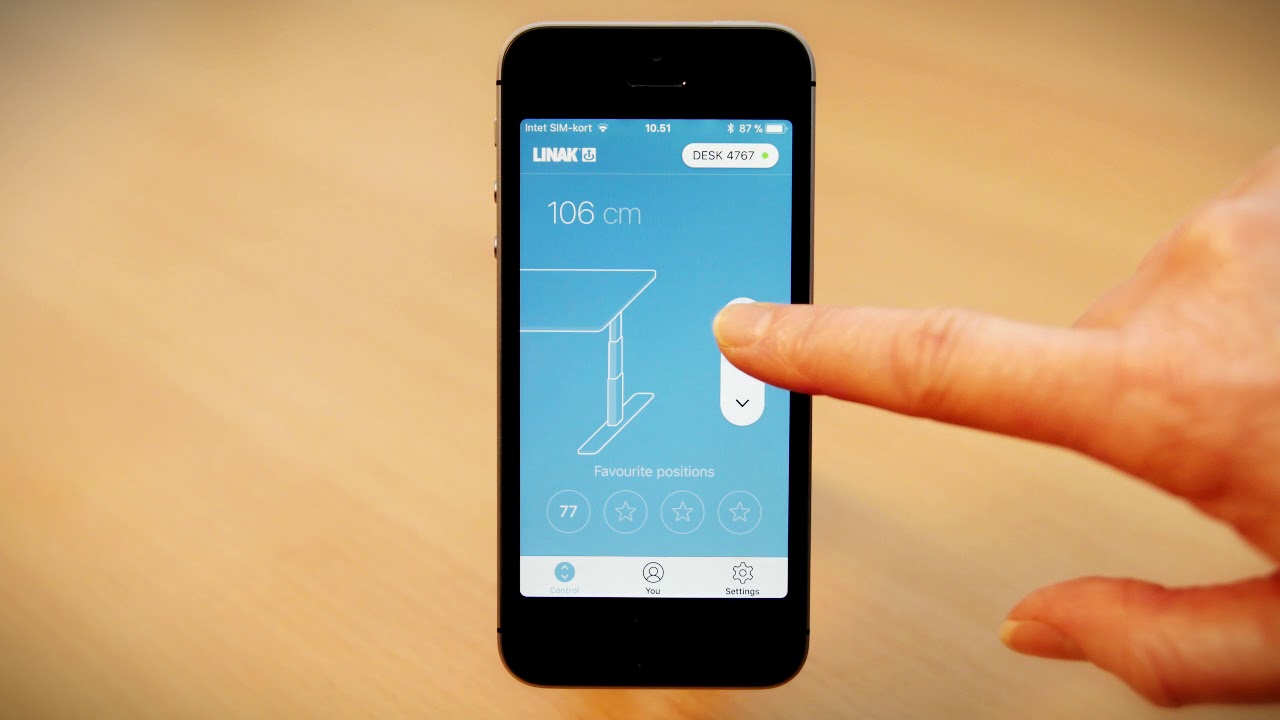
Change your favourite positions
Overwrite existing favourite positions or save new positions.
Ways to be reminded
Choose how to be reminded to stand up. Click on the buttons to activate/deactivate the popup notifications (for your mobile device) or light reminder function (for your Desk Panel).
Set desk name
To find and connect to your desk easily, give your desk name. Type in a name for your desk. Return to the menu to save it.
Set desk height
If your desk height is displayed incorrectly, you can correct it manually. You can also switch between cm and inches.
I use this desk only
To use your personal settings with multiple desks, select “no”. Other desks will then automatically use your personal settings from the app.
Automatic Drive
Desk Panels that feature Automatic Drive (“full versions” only) can use Automatic Drive to switch between favourite positions.
Set language
Select your favourite language for the app.
Benefits of changing posture
Read more about why you should vary between sitting and standing.
Terms & Conditions
Read the Terms & Conditions for the app.
About
Learn more about the app and its functionalities. Click on the links to learn more about the product, why to use your desk and to receive support.
Повторяем попытку...

Доступные форматы для скачивания:
Скачать видео
-
Информация по загрузке: