[SOLVED] User and Roles Error in TIA Portal | Full Access Required
Автор: Engineer Point
Загружено: 2025-06-17
Просмотров: 5288
Описание:
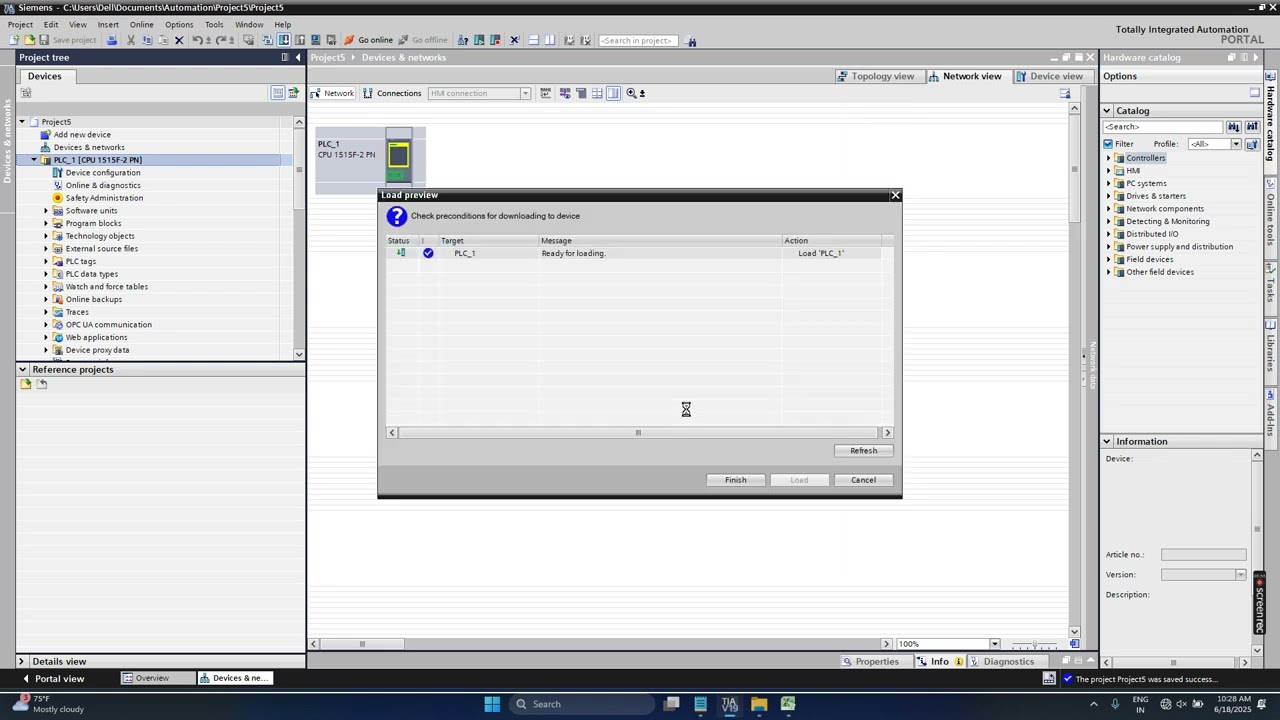
In this video, I’ll show you how to fix the TIA Portal error:
“At least one user must have the following right: Full access incl. fail-safe access”.
This issue usually appears when working with S7-1500F (Safety PLCs) or any system with user management and access rights enabled.
✅ What You'll Learn:
Why this user roles error happens in TIA Portal
How to assign full + fail-safe access to at least one user
How to enable or edit access rights in project properties
How to ensure a smooth download to safety PLCs
🔧 Tools Used:
Siemens TIA Portal (mention version)
Siemens Safety PLC (e.g., S7-1500F)
💡 Tip: Always ensure that your engineering station has a user with full + fail-safe access before compiling or downloading safety programs.
👉 Subscribe for more real-world Siemens PLC troubleshooting and automation solutions!
#TIAportalError #UserRolesError #FullAccessError #FailsafeAccessError #TIAportalFix #SafetyPLCError
#SiemensPLC #S71500F #FailsafePLC #SafetyPLC #TIAportal #PLCconfiguration #IndustrialAutomation
#PLCProgramming #TIAportalTutorial #AutomationTraining #ControlSystems #EngineeringTips #LearnPLC
Повторяем попытку...
Доступные форматы для скачивания:
Скачать видео
-
Информация по загрузке: