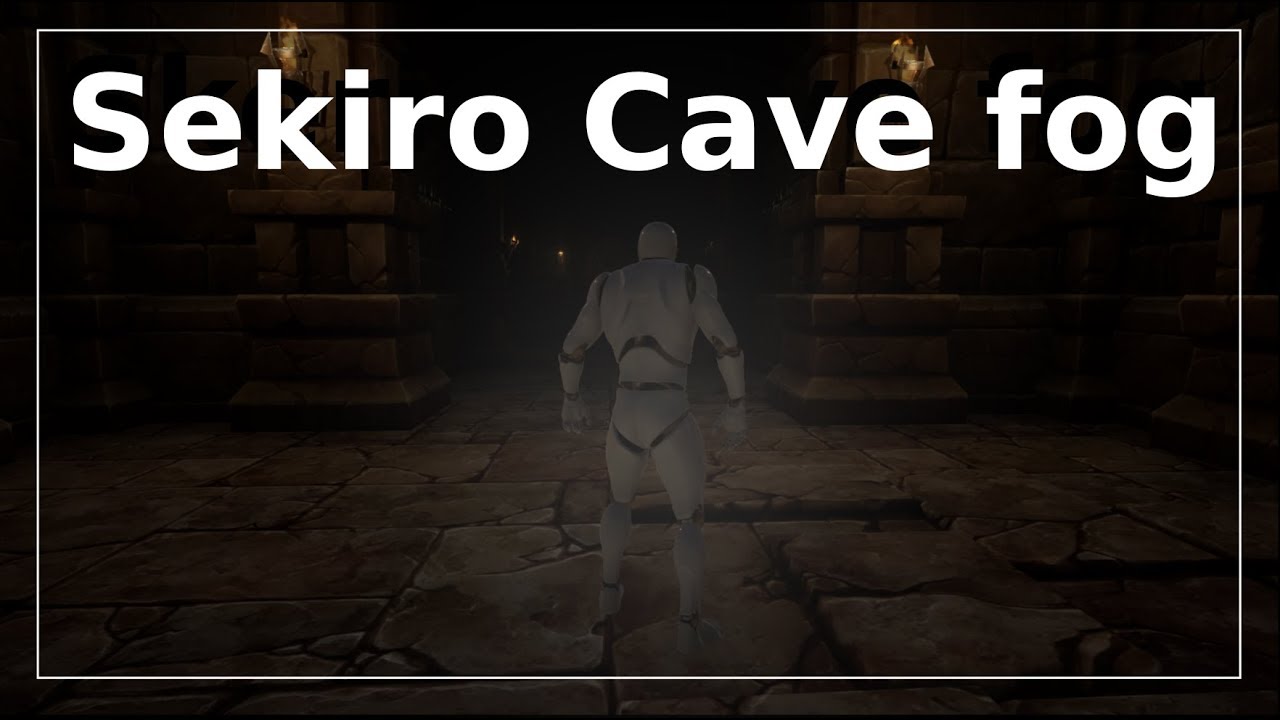
Sekiro Cave Fog of War - Postprocess material Tutorial
Автор: UnrealCG
Загружено: 2019-04-05
Просмотров: 18061
Описание:
Project Files : https://goo.gl/jD94ge
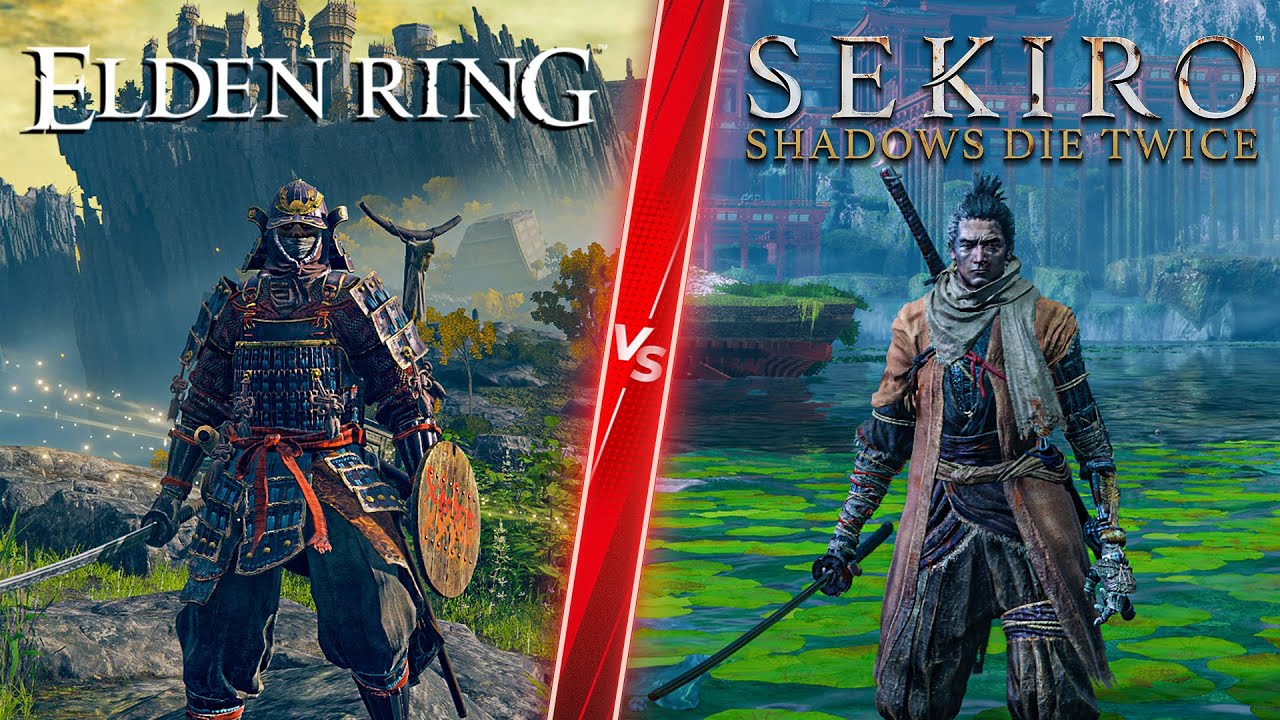
Hey Everyone, In this tutorial, I will show you how to make the Cave fog of war effect from sekiro shadows die twice. So in that game when you move through really dark cave your visibility is reduced and you can only see a little bit in all direction, But you can also see lights that are far away from the player.
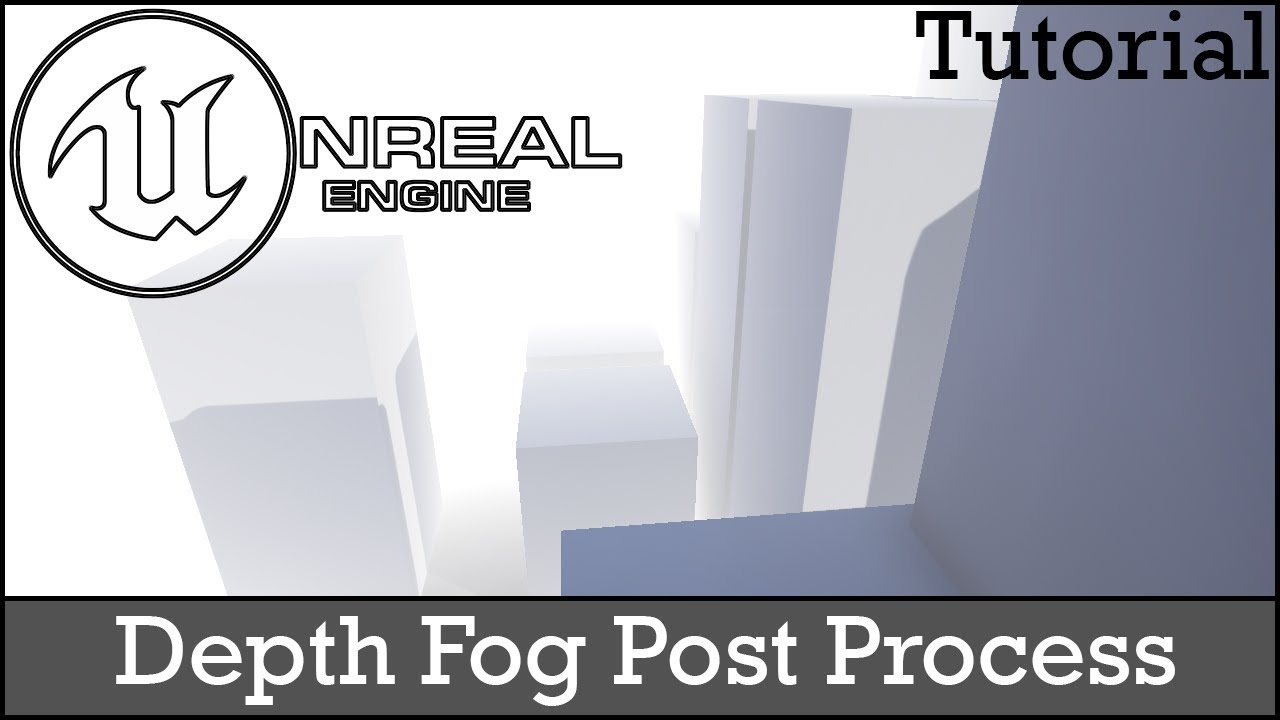
So in this tutorial, we are going to use a sphere mask to make the fog and then we will extract the lighting information to make a mask for the lights so they are visible far away from the light.
**************
This tutorial was made possible by my pateron supporters.
♥ Want to Support Me on Patreon: https://goo.gl/jD94ge
**************
Thank you so much for watching my tutorials.
♥ Don't Forget To Subscribe: https://goo.gl/rM9aZi
Want to watch more Tutorials?
●Related Videos : https://goo.gl/aZBhuN
●My Particle System Playlist : https://goo.gl/RNWDFi
●My Shader Effect Playlist : https://goo.gl/VmSnZH
●My Game Mechanics Playlist : https://goo.gl/GjmrvY
●My UMG Playlist : https://goo.gl/G2zqFM
My Social Links : Follow Me!
●Twitter : https://goo.gl/ARWqBD
●Facebook : https://goo.gl/DdLxL5
●Donation Link : https://goo.gl/SAH1hd
*****************************************************
#indie #ue4 #unreal
#gamedev #vfx
~-~~-~~~-~~-~
Please watch: "Invisibility Effect - Unreal engine 4"
• How to Turn Your Character Invisible In U...
~-~~-~~~-~~-~
Повторяем попытку...
Доступные форматы для скачивания:
Скачать видео
-
Информация по загрузке: