Kress map modification
Автор: Robotic Mowers
Загружено: 2024-08-03
Просмотров: 11228
Описание:
Modifying your Kress robot mower’s map is simple and quick, thanks to their advanced RTK (Real-Time Kinematic) technology. This system enables precise navigation and mowing without the need for boundary wires or stationary antennas on your property.
To get started, follow these basic steps:
1. Access the Kress App: Ensure your Kress mower is connected to the app via 4G or WiFi. The app provides an intuitive interface to control and customize the mower’s settings.
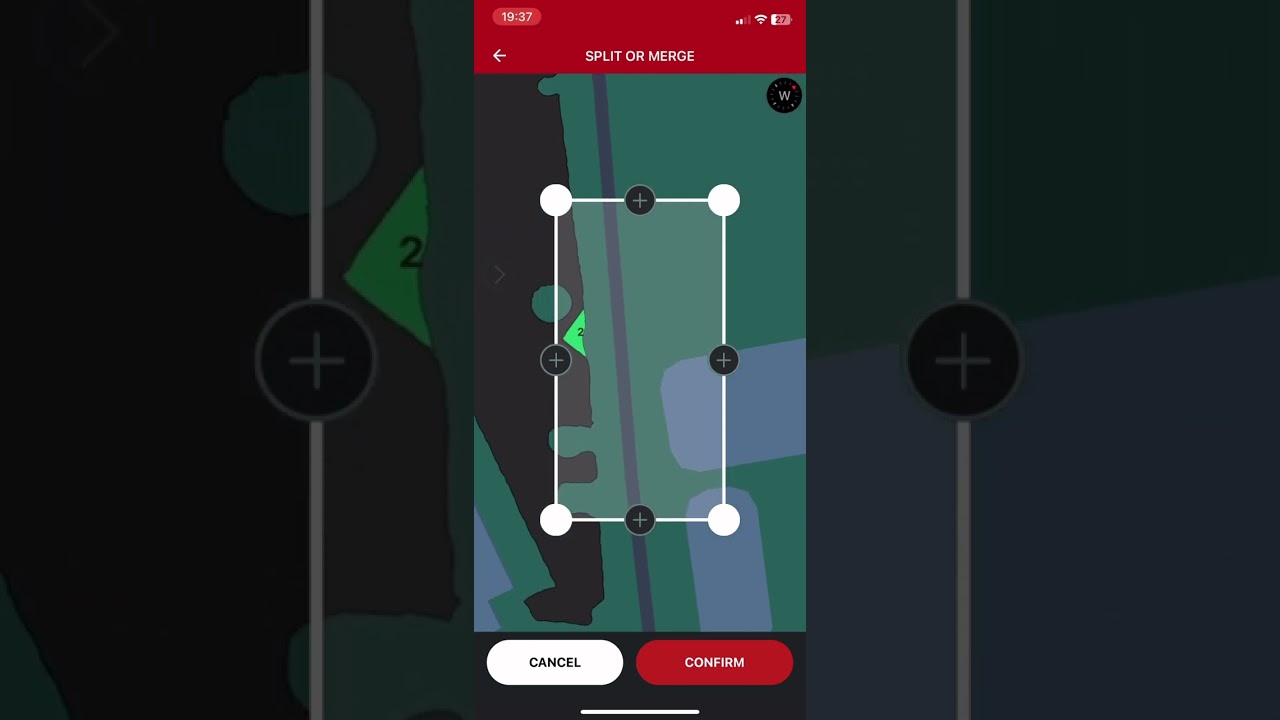
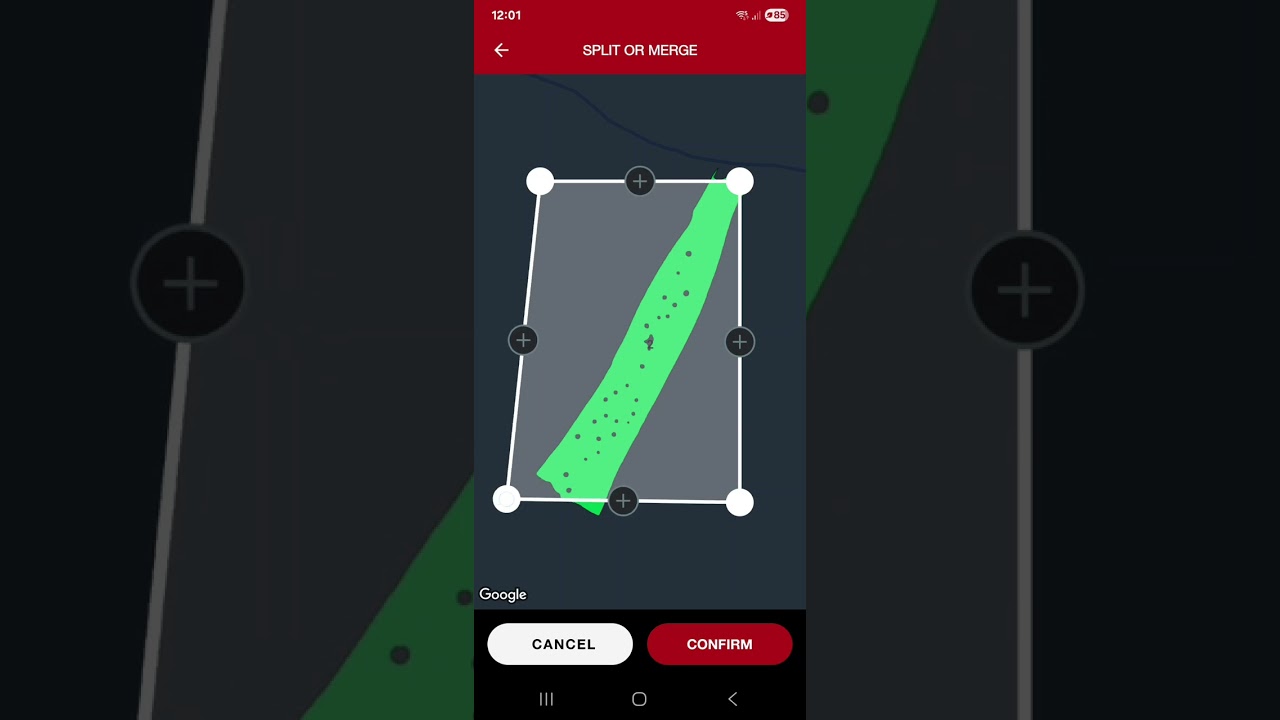
2. Create or Modify Zones: Using the app, you can easily define or adjust mowing zones. This allows the mower to efficiently navigate from one turf area to another, even in complex landscapes.
3. Set Mowing Schedules: Schedule mowing times to suit your needs, ensuring your lawn is always in top condition without manual intervention.
4. Utilize Dead Reckoning: In areas with poor satellite signal, the mower uses dead reckoning to maintain accurate routing. This feature ensures continuous operation even under shade or close to buildings.
5. Optimize with MAP™ (Mowing Action Plan): The app includes advanced path optimization and dynamic adjustment technology to maximize efficiency and coverage.
6. Monitor and Update: Stay in control with real-time monitoring and over-the-air updates, ensuring your mower always operates with the latest features and improvements.
By following these steps, you can maintain a perfectly mowed lawn with minimal effort, enjoying the full benefits of Kress’s innovative robotic mowing solutions .
Повторяем попытку...
Доступные форматы для скачивания:
Скачать видео
-
Информация по загрузке:



![Best of Deep House [2026] | Melodic House & Progressive Flow](https://imager.clipsaver.ru/Il-ZpBuC8tA/max.jpg)