How to Hard Reset Oppo A3 With Volume Keys
Автор: GSM Solution
Загружено: 2025-04-06
Просмотров: 670
Описание:
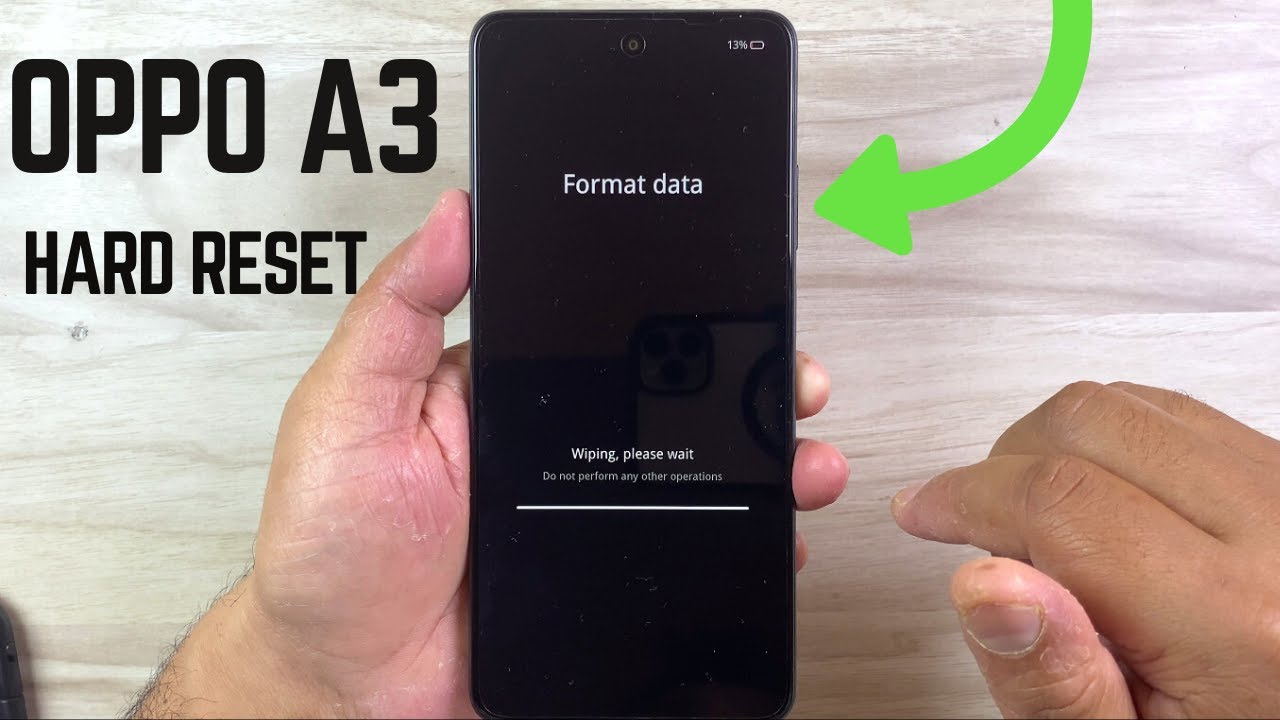
How to Hard Reset Oppo A3 Using Volume Keys
In this video, I’ll show you step-by-step how to perform a hard reset (factory reset) on your Oppo A3 using just the hardware buttons — no password or screen access needed!
📱 *Works For:*
Oppo A3
Similar Oppo models using ColorOS
⚠️ *Warning:* This process will erase all data on the device, including apps, contacts, messages, and files. Make sure to back up your important data before proceeding.
✅ *Steps Covered:*
1. Power off the Oppo A3
2. Press and hold *Volume Down + Power* buttons together
3. Release when the Oppo logo appears
4. Navigate to *Wipe data* using volume keys
5. Confirm with the power button
6. Reboot the device
📌 *Need Help?* Drop your questions in the comments — I’m here to help!
👍 Like | 🔔 Subscribe | 💬 Comment
Thanks for watching!
#OppoA3 #HardReset #FactoryReset #OppoReset #AndroidTips #TechGuide
This video is only made for educational and Science & Technology purposes, so please don’t misuse it. As well as only following the instructions, visual or verbal on the video at your own risk, we will not be held responsible for any loss or damage. As a part of the YouTube Community, we have not used or recommended using anything against the will of YouTube TOS. We are not using or recommending anything illegal, harmful, or dangerous in this video.
► Subscribe to GSM Solution: / @gsmsolution1
► Official Site: http://www.gsm-solution.com/
► Facebook Link: / timalsina58
► Facebook page: https://www.facebook.com/Gsm-Solution...
► Facebook Group: https://www.facebook.com/groups/17976...
NoCopyRightSounds: / nocopyrightssounds
Повторяем попытку...
Доступные форматы для скачивания:
Скачать видео
-
Информация по загрузке:


