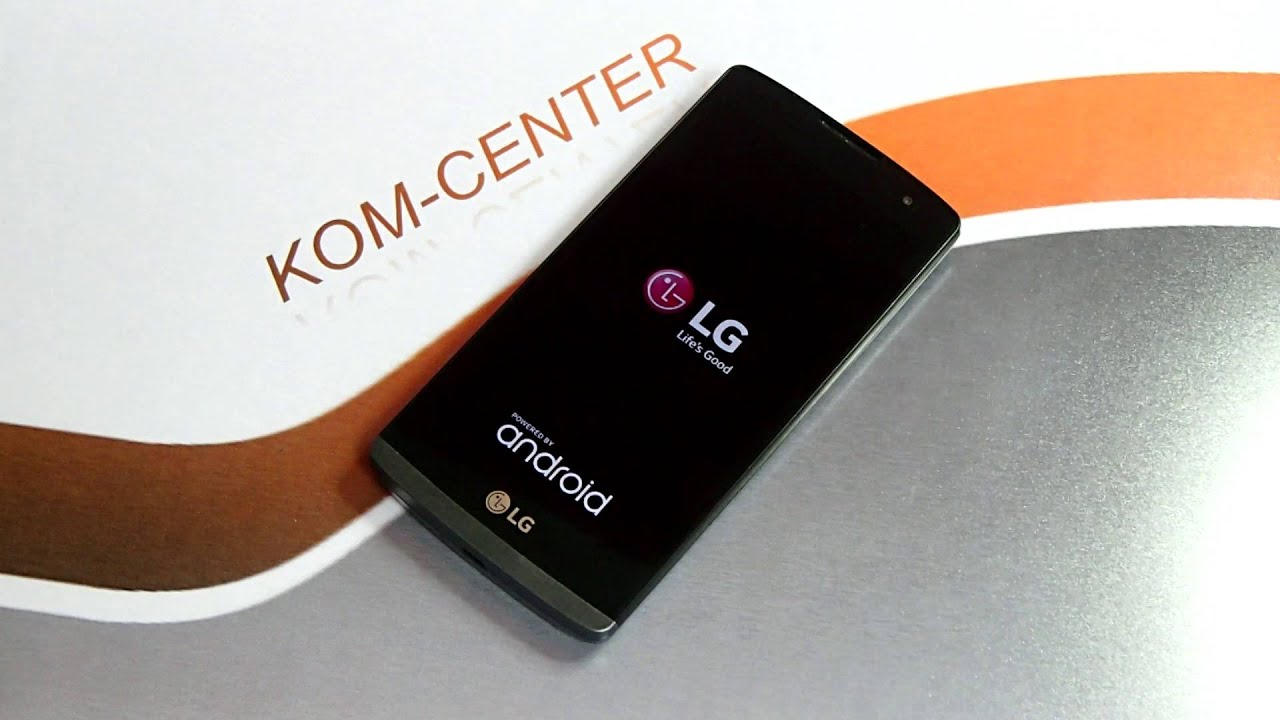
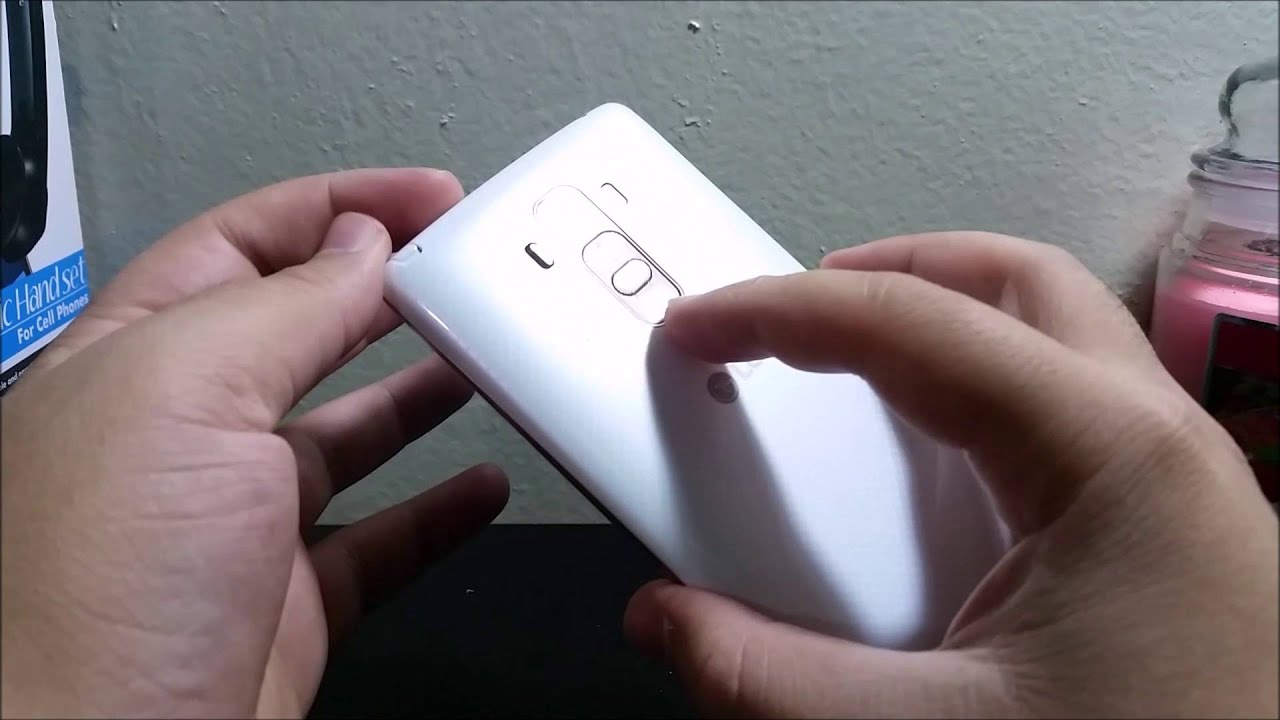
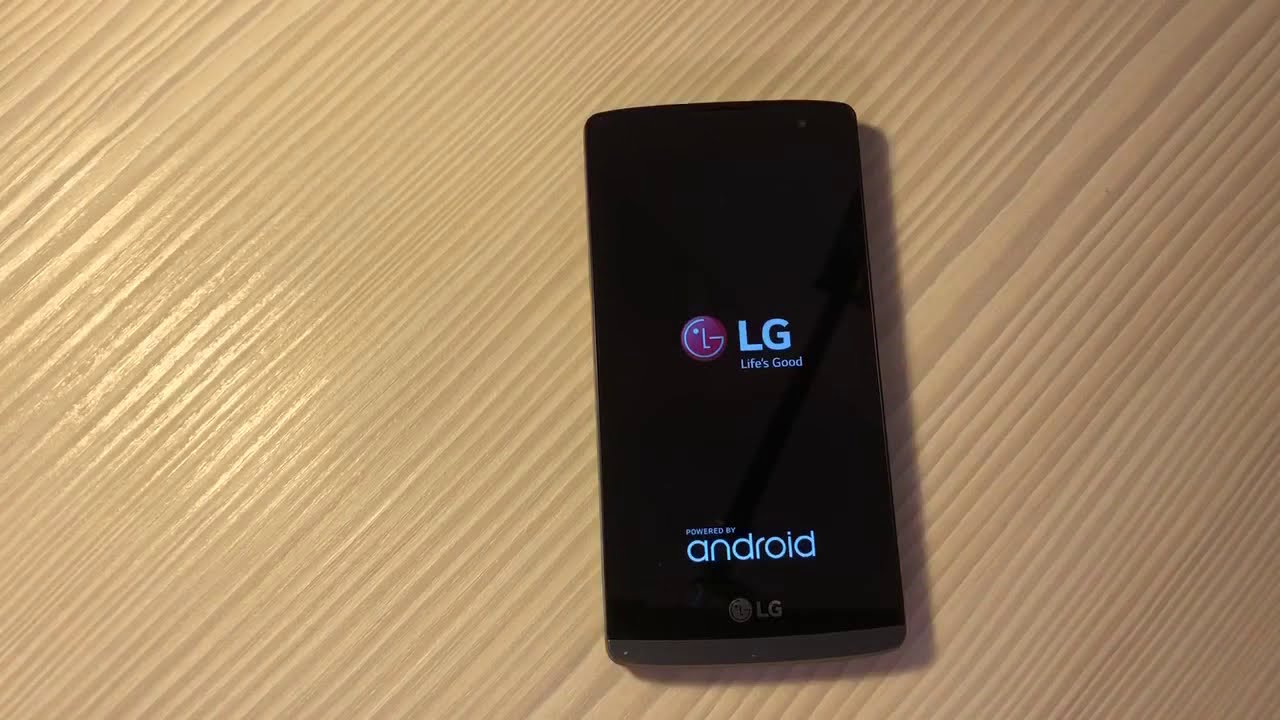
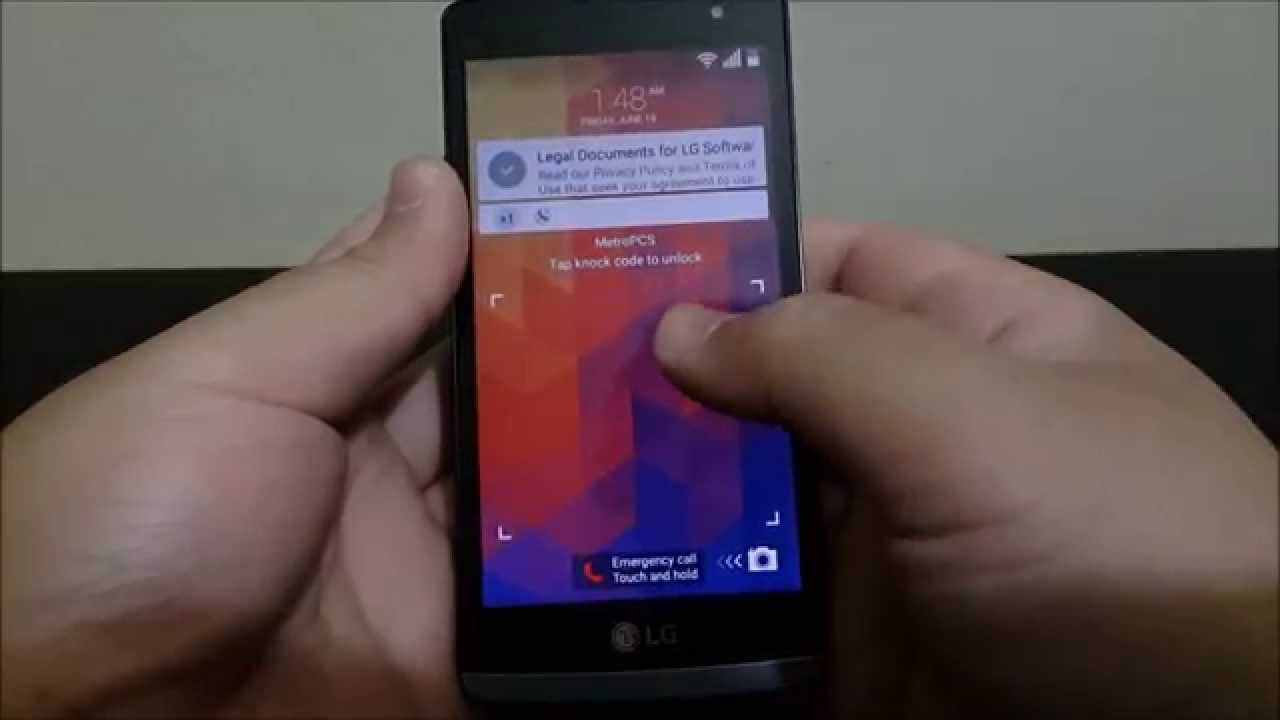
MetroPCS LG Leon Hard Reset
Автор: DominicanPower100
Загружено: 2015-06-21
Просмотров: 70983
Описание:
To perform a master reset, follow these steps:
1) Back up all data on the internal memory.
2) Turn off the device.
3) Press and hold the Power and Volume down buttons on the back of the device.
4) When the LG logo appears, quickly release and then re-hold the Power button while continuing to hold the Volume down button.
5) 'Factory data reset' appears.
6) Use the Volume down button to highlight Yes.
7) Press the Power button to confirm.
8) 'Erase all user data and restore default settings' appears.
9) Use the Volume down button to highlight Yes.
10) Press the Power button to reset the device.
Повторяем попытку...
Доступные форматы для скачивания:
Скачать видео
-
Информация по загрузке: