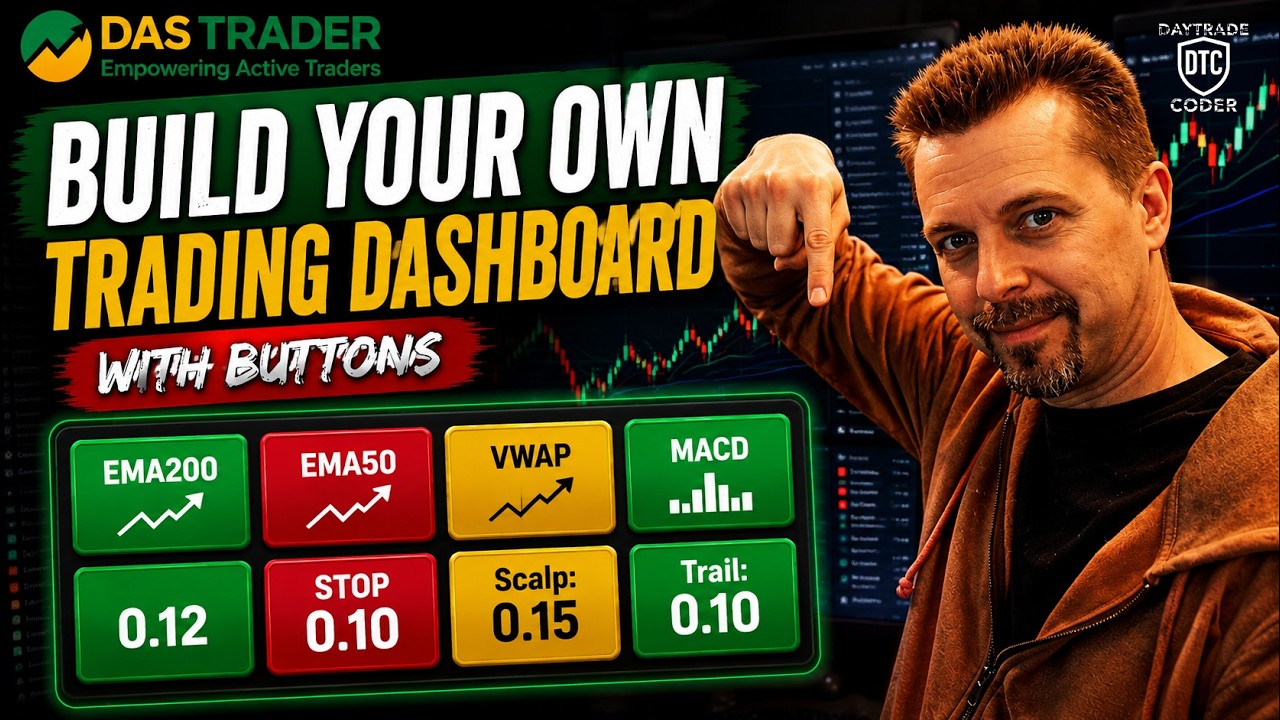
Build Your Own Trading Dashboard in Das Trader Pro
Автор: Preston Lord - DayTrade Coder
Загружено: 2026-06-05
Просмотров: 192
Описание:
Want to build your own custom trading dashboard inside DAS Trader Pro?
In this video, you'll learn how to create a dashboard that displays real-time information from multiple charts, indicators, and scripts directly inside DAS. This project builds on concepts introduced in my Daily 200 EMA video, where we learned how to pull data from one chart and display it somewhere else.
Hi, I'm Preston from DayTradeCoder. After 30+ years of coding and building trading tools, I'm sharing what I've learned about DAS scripting to help traders build better workflows and automation.
This project demonstrates how to combine charts, indicators, variables, timers, and custom display objects into a single dashboard that can help you monitor important trading information at a glance.
Link to Code used in this episode:
https://daytradecoder.com/yt-video/bu...
⏱️ TIMESTAMPS
00:00 - Project Demo & Goals
00:52 - Creating the Dashboard Window
04:51 - Building Custom Buttons (Shares, Buy/Sell)
08:45 - Script Setup (Init & Timer)
10:19 - Deep Dive: Dashboard & Color Logic Code
15:46 - Coding the MACD & Execution Hotkeys
20:50 - Final Testing & Layout Tips
22:42 - Conclusion
Topics covered:
• Using data from multiple charts simultaneously
• Creating custom dashboard displays with DAS objects
• Building reusable script components
• Displaying indicator values and calculated metrics
• Organizing information for fast decision making
• Updating dashboard values automatically with timer scripts
• Expanding the Daily 200 EMA concepts into larger projects
By the end of this video, you'll understand how to create your own custom trading dashboard and display virtually any information available inside DAS Trader Pro.
The techniques shown can be expanded to monitor indicators, trend direction, relative volume, watchlist data, custom statistics, risk metrics, market conditions, and much more.
🔔 Subscribe for more DAS Trader Pro scripting tutorials, hotkeys, automation techniques, and workflow improvements.
🖥️ My Hardware & Trading Setup:
https://daytradecoder.com/my-setup/
🌐 Website:
https://daytradecoder.com
#DASTrader #DASTraderPro #DASScripts #TradingAutomation #DayTradeCoder #DayTrading #StockTrading #TradingDashboard #CustomIndicators #TradingTools
────────────────────────────
DISCLAIMER
The code and information presented in this video are provided for educational purposes only.
I am not a licensed financial advisor, and nothing in this video should be considered financial advice.
Trading involves substantial risk. You are solely responsible for testing, validating, and understanding any script, command, or automation before using it in a live trading environment.
DayTradeCoder is an independent project and is not affiliated with, endorsed by, or sponsored by DAS Trader or DASTrader.com.
Повторяем попытку...
Доступные форматы для скачивания:
Скачать видео
-
Информация по загрузке: