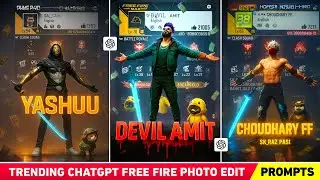
Apna Character Toy Image Kaise Banaye! 😍 How To Create Character Toy Image With Ai 🔥
Автор: Royan Gamerz
Загружено: 2025-09-07
Просмотров: 378
Описание:
🔥 Abhi Instagram par ek zabardast AI Toy Character Photo Trend chal raha hai!
Is video me maine step by step bataya hai ki aap Google Gemini aur ChatGPT ki madad se apna Toy Character AI Photo kaise bana sakte ho.
👉 Is video ke andar aapko 2 AI Prompts milenge:
1️⃣ Toy Character Photo Prompt – Apne photo ko directly ek toy character image me convert karne ke liye.
2️⃣ Face Replacement Prompt – Kisi existing photo me apna photo replace karne ke liye.
💡 In dono prompts ko use karke aap apna trending Instagram AI toy photo free me generate kar sakte ho.
---
📌 Prompts (Copy & Paste)
🔹 Prompt 1 – Toy Character Image (Direct Photo to Toy Image )
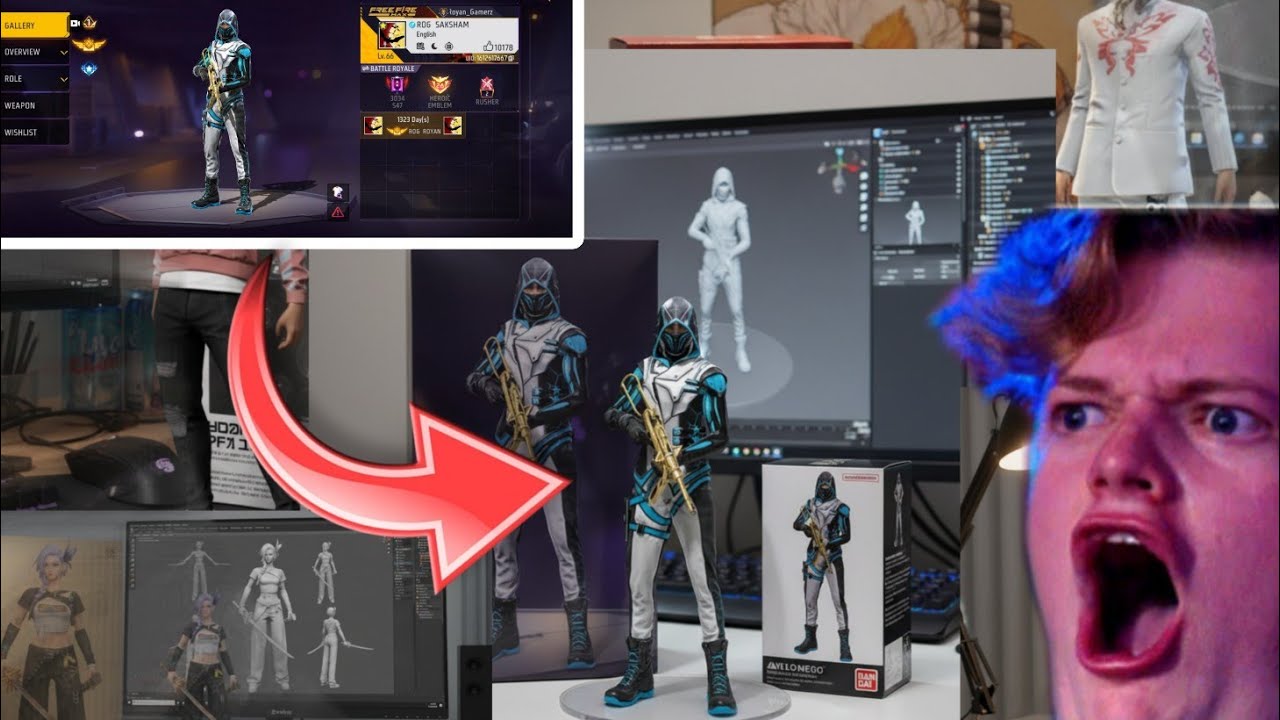
Using the nano-banana model, create a 1/7 scale commercialized PVC figurine of the characters in the provided picture.
The figurine should be in a realistic style and placed indoors on a computer desk.
The figurine stands on a round transparent acrylic base (no text).
On the computer screen, show the Zbrush modeling process of this figurine.
Next to the screen, place a BANDAI-style toy packaging box featuring two-dimensional flat illustrations of the original artwork.
Behind the figurine, show a larger packaging box printed with the character artwork from the original photo.
In front of the box, place the figurine version of the given photo on the acrylic base.
The PVC material of the figurine should look clearly represented and glossy, giving a commercial product feel.
The whole image should look like a real photograph clicked in ultra-realistic detail, with 1:1 ratio and full Ultra HD quality.
🔹 Prompt 2 – Replacement Prompt
Take the first image where a character appears in multiple places (action figure, box art, and 3D model on a monitor). Replace that original character completely with the character from the second image I provide. Keep the background, desk, lighting, box, and monitor exactly the same. Make sure the replacement character is shown everywhere in the same pose/style as in the second image
👉 Dono prompts maine apne Instagram par bhi daale hain – wahan se bhi easily copy kar sakte ho 👇
📸 Instagram Page – 👉 Follow Here
https://www.instagram.com/royangamerz...
---
🎯 Keywords (Searching Words)
AI photo generator, Instagram toy trend, AI toy character photo, free AI image generator, Google Gemini AI tutorial, ChatGPT AI photo, toy character editing, Instagram trending photo edit, toy look AI, free Fire AI photo edit, free Fire toy character edit, trending AI photo banane ka tarika, AI face replacement, free fire montage edit, gaming video edit with AI, toy ai generator free
---
🔥 Hashtags
#AIphoto #ToyCharacter #InstagramTrend #AIedit #ChatGPT #GoogleGemini #ToyPhoto #AIphotoedit #FreeFire #FreeFireEdit #FreeFireIndia #FreeFireMax #AIGeneratedArt #AITrends #ToyCharacterAI
---
👉 Video ko pura dekho taki aapko sari steps samajh aaye.
👉 Like, Share aur Subscribe karna mat bhoolna ❤️
Повторяем попытку...
Доступные форматы для скачивания:
Скачать видео
-
Информация по загрузке: