Android: How to Switch Between RCS and SMS (Turn Chat Features On or Off)
Автор: Quick Tutorials
Загружено: 2026-02-11
Просмотров: 24
Описание:
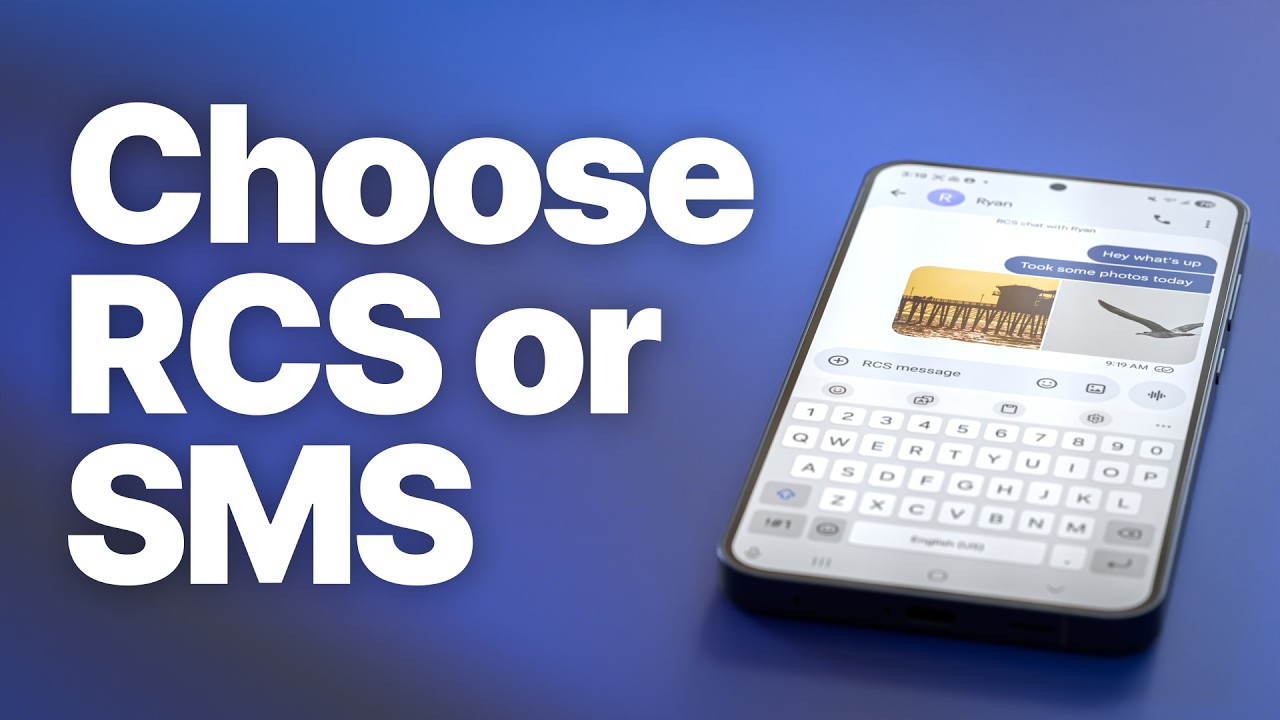
In this video, I show you how to switch between RCS (Chat features) and regular SMS/MMS on Android.
If your messages are sending as “Chat” and you want to switch back to SMS — or if RCS isn’t working and you need to turn it off — here’s how to do it.
📍 On most Android phones (Google Messages app):
1. Open Messages
2. Tap your profile icon (top right)
3. Go to Messages settings
4. Tap RCS chats or Chat features
5. Toggle it On or Off
• ON = Messages send as RCS (over Wi-Fi or mobile data)
• OFF = Messages send as traditional SMS/MMS
If you want to force a single message to send as SMS:
• Long-press the message
• Tap Send as SMS/MMS
RCS requires mobile data or Wi-Fi and both people must have RCS enabled. If not, messages automatically fall back to SMS.
⸻
📱 Android Tips & Tutorials Playlist:
• Android Tablets – Guides, Tutorials & Tips
⸻
My favorite Samsung setup:
• Samsung Galaxy S25 Ultra: https://amzn.to/3Nh9kB3
• Samsung Galaxy Buds: https://amzn.to/4ozVwP0
• Samsung 15W Wireless Charger: https://amzn.to/4rua6dz
• Samsung Galaxy SmartTag2 Bluetooth Tracker: https://amzn.to/4pKJCmn
• Samsung Galaxy Tab S11: https://amzn.to/48e9st0
When you purchase through links on our site, we may earn an affiliate commission at no extra cost to you. This helps us continue to create guides like this for our audience.
Повторяем попытку...
Доступные форматы для скачивания:
Скачать видео
-
Информация по загрузке: