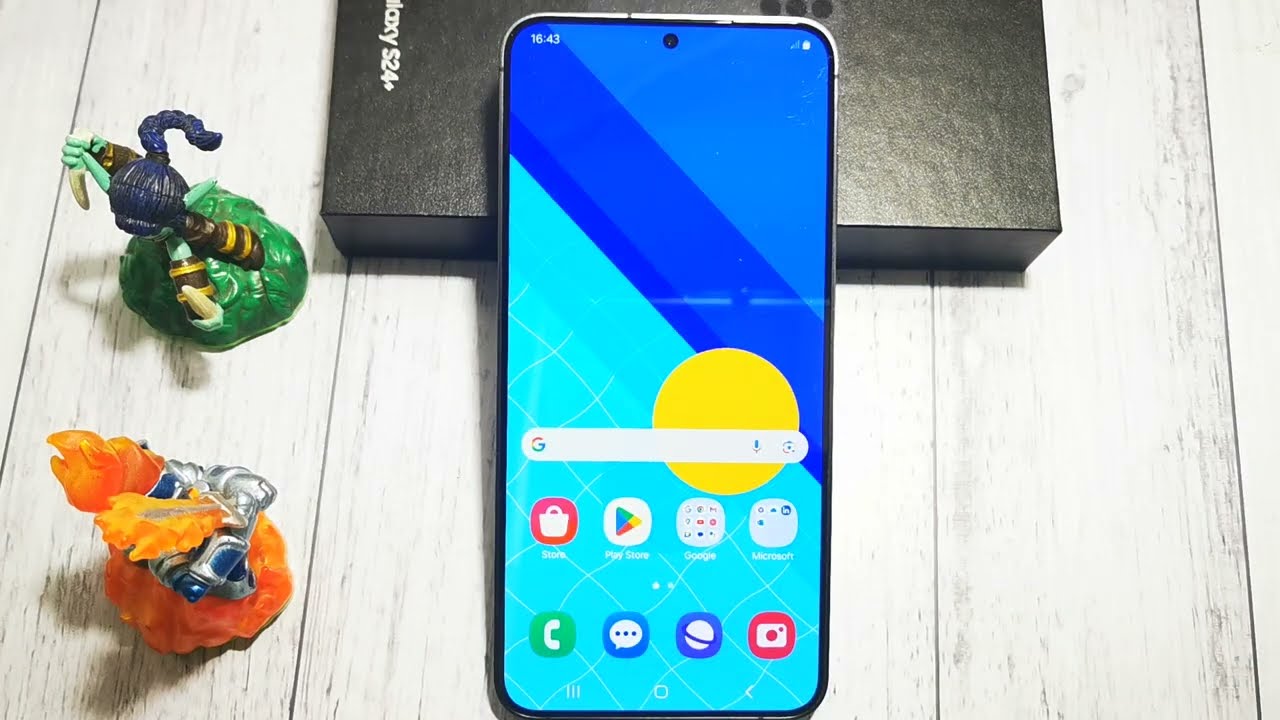
🚫📵 How to Prevent Application Access to SMS Functions on Samsung Galaxy S24+ 🚫📵
Автор: GSM DIY
Загружено: 2025-07-23
Просмотров: 46
Описание:
Protect your privacy by blocking apps from accessing your SMS functions on the Samsung Galaxy S24+. This guide will help you revoke SMS permissions for any app that doesn’t need to send, receive, or read your text messages.
Steps to Prevent App Access to SMS Functions on Samsung Galaxy S24+:
Method 1 – Through Privacy Settings:
Open the Settings app on your Samsung Galaxy S24+.
Tap on Privacy.
Select Permission manager.
Tap on SMS.
Find and select the app you want to restrict.
Choose Don’t allow to block SMS access.
Method 2 – Through App Info:
Open Settings.
Tap on Apps.
Select the app you want to manage.
Tap on Permissions.
Tap on SMS.
Select Don’t allow.
Important Notes:
Revoking SMS access prevents apps from reading or sending text messages.
Only allow SMS permission to trusted apps like your default messaging app or authentication services.
You can restore access anytime if needed.
Now you control which apps can access your SMS functions on your Samsung Galaxy S24+!
Повторяем попытку...
Доступные форматы для скачивания:
Скачать видео
-
Информация по загрузке: