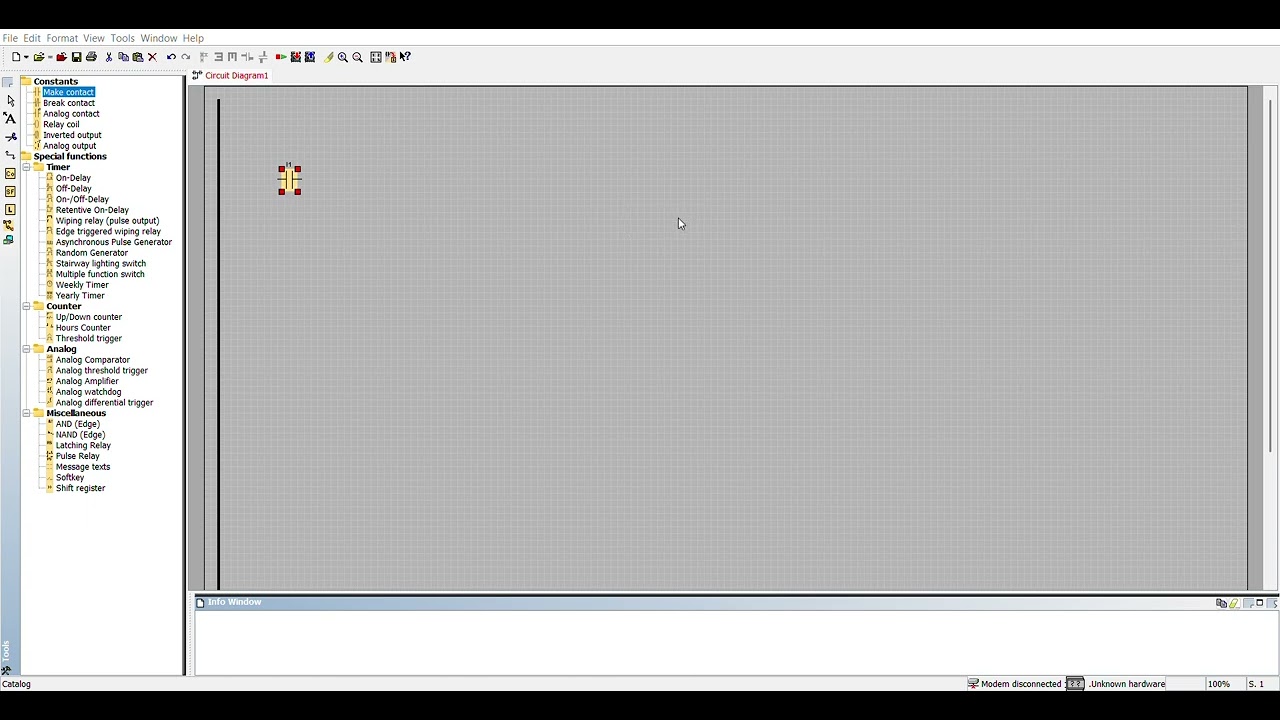
How to Convert HMI to SCADA PC Station in Siemens TIA Portal (Step-by-Step)
Автор: ElectroLight
Загружено: 2026-02-04
Просмотров: 66
Описание:
Mastering the HMI to SCADA Migration in Siemens TIA Portal!
Are you trying to scale your automation project from a standard Comfort Panel to a full PC-based SCADA system? In this tutorial, I show you exactly how to convert an HMI design into a SCADA PC Station using Siemens TIA Portal and WinCC Runtime Professional/Advanced.
Converting your project manually is time-consuming. I’ll show you the "Change Device" method and the manual migration steps to ensure your tags, screens, and alarms transition perfectly to the PC station without losing data.
🔍 What You’ll Learn:
1. How to add a PC Station and WinCC Runtime to your TIA project.
2. The step-by-step process of migrating HMI screens to a SCADA resolution.
3. Configuring PG/PC Interface and Communication settings for SCADA.
4. Handling resolution changes and object scaling.
5. Final Compilation and Runtime testing.
🛠️ Hardware & Software Used:
Software: Siemens TIA Portal (v18)
Target: WinCC Runtime Professional / PC Station
Source: SIMATIC HMI Comfort Panel
#Siemens #TIAPortal #SCADA #HMI #WinCC #IndustrialAutomation #PLC #AutomationEngineering #WinCCProfessional #SmartFactory
Повторяем попытку...

Доступные форматы для скачивания:
Скачать видео
-
Информация по загрузке: