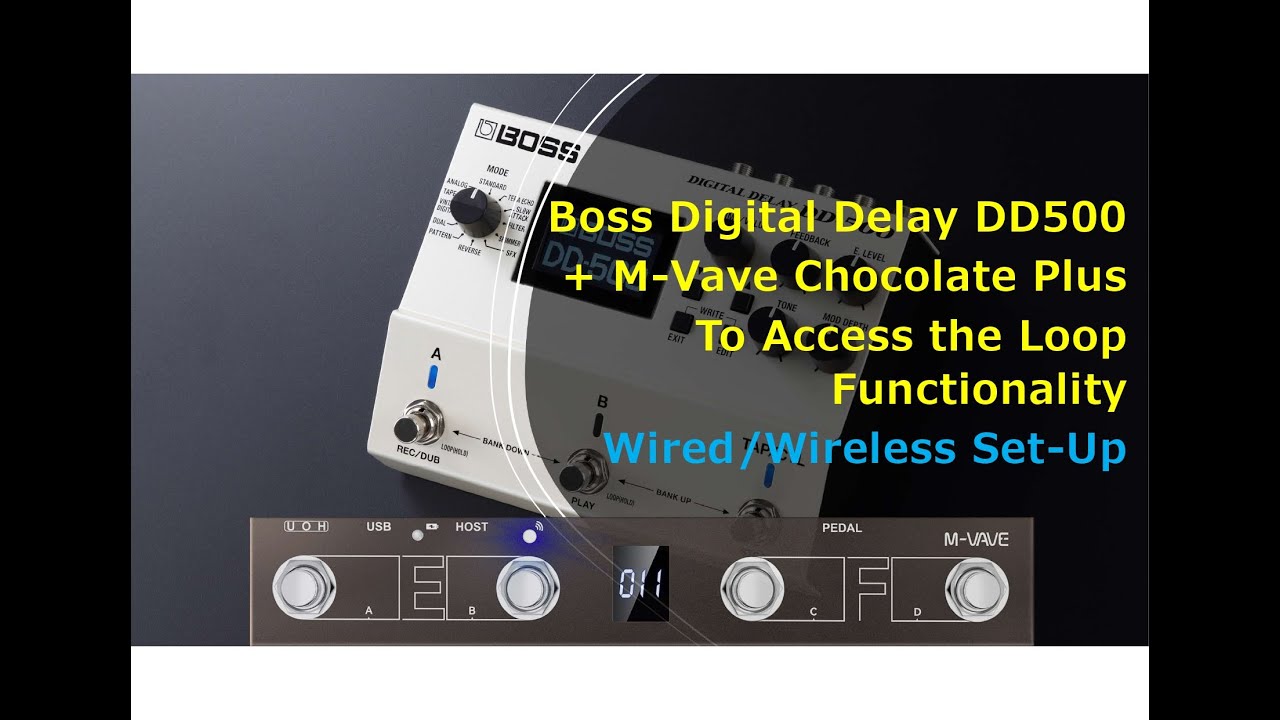
Boss DD500 Loop Control in M-Vave Chocolate Plus
Автор: Silverio Eltagonde Jr.
Загружено: 2024-11-23
Просмотров: 416
Описание:
How to access loop functionality of Boss Digital Delay DD500 using M-vave chocolate plus midi controller version V2 a loop footswitch.
#shortsfeed #shorts #short #shortvideo #shorts #shortsvideo #short #viralreels #viralshort #video #viralvideo #viralshorts #viralshorts #viralvideos #reels #effects #effectpedals #guitarpedals #guitarcover #boss #bosspedals #nux #mg30 #mg300 #effects #midi #controller #tutorial #midicontrollers #mvave #music #loops #looping #loop #mg400 #multieffect #musicproducer #bosseffects #looper #looperpedal #bosslooper #bossloopstation #bossloop #digitaldelay #bossdd7 #bossdelay #trend #trending #trendingshorts #trendingvideo #trendingreels #trendingnews
Tutorial for M-vave chocolate plus connection set-up
• Nux Mg30 + m-vave chocolate plus midi cont...
For wired connection
M-vave chocolateplus wireless midi controller (host mode set-up)
Generic printer data cable (type-A to type-B)
Type A to Type C data cable (for charging the unit) of m-vave chocoplus
For optional wireless connection
Need M-vave MS-1 (midi system) usb midi port B and usb power charger
The custom Midi CC I set-up for DD500 loop functionality are as follow.
Loop On/Off (22, 127)
Loop Record/Dub (23, 127)
Loop Play (24, 127)
Loop Stop (25, 127)
Loop Clear (26, 127)
Custom Rx Channel=16, Tx Channel=0
Please note that cc value show above are my own preferences cc value not the
default or factory pre-set midi value of DD500. Please do note also that midi value for OFF=0 & ON=127 for all boss pedals respectively such us RV500, MD500, DD200 and other models.
Повторяем попытку...
Доступные форматы для скачивания:
Скачать видео
-
Информация по загрузке: