How to use the Scan My Car function available on your My Citroën Application?
Автор: Citroën Belux
Загружено: 2021-05-11
Просмотров: 540
Описание:
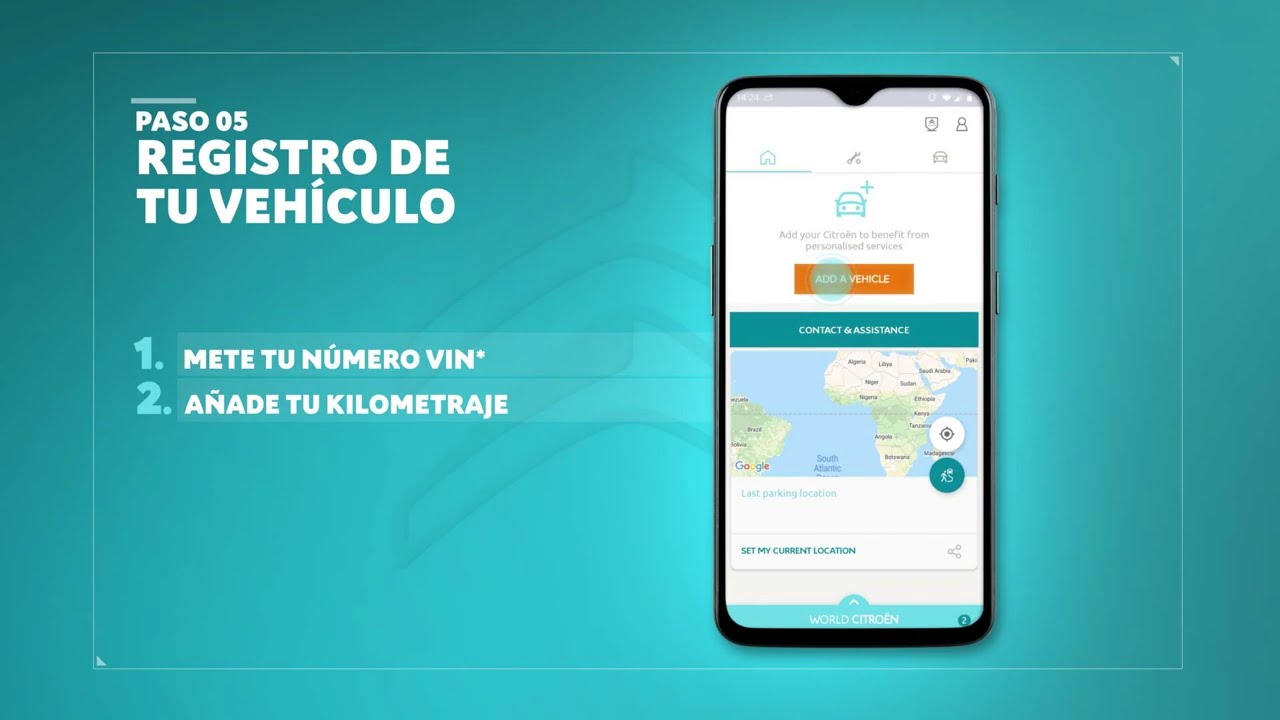
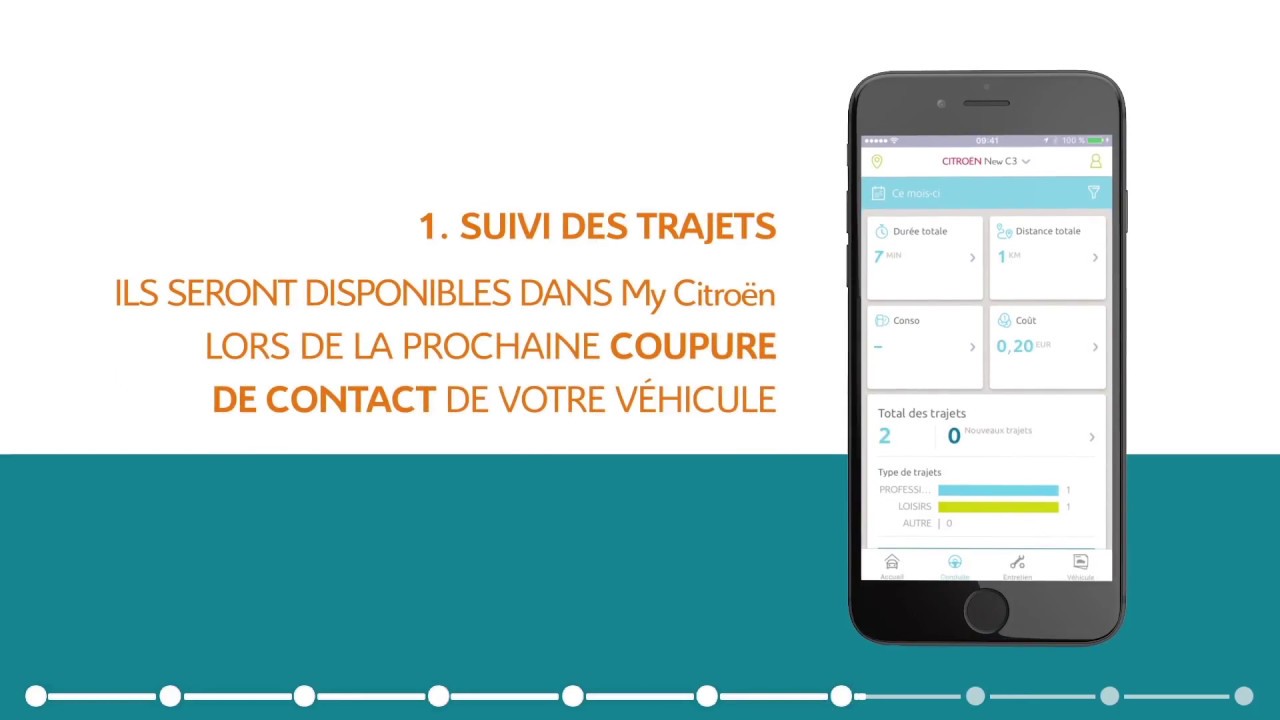
Thanks to the My Citroën application which can be downloaded to your mobile via Apple Store or Google App Store, you can access the interactive documentation for your Citroën car to get started.
It couldn't be easier to use Scan My Car!
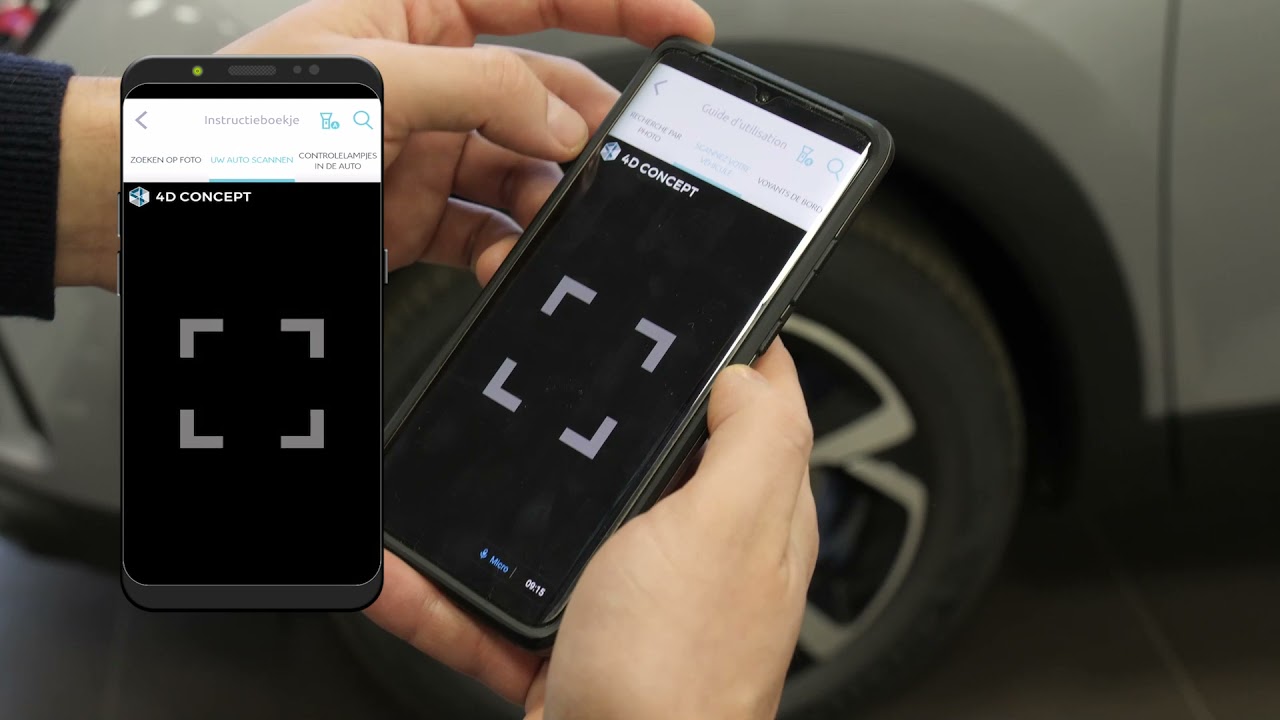
Click on the Vehicle icon at the top right of your mobile screen. Access the Vehicle documentation, then consult the user guide. For more information on an item in your car, you can search by photo or scan an item in your vehicle. The application allows you, for example, to find all the information on the touchscreen tablet, the Citroën Connect Box, the handset, the seats of your vehicle or even exterior parts such as lights or rims. From the Scan your vehicle menu, scan the desired item, then browse through the sections to get all the detailed information: description, precautions for use, installation guide, etc.
Within easy reach and in a few clicks, consult your car's on-board documentation on My Citroën App. It's both practical and fun!
My Citroën App is available on:
Google Play : https://play.google.com/store/apps/de...
Apple Store : https://apps.apple.com/be/app/mycitro...
Citroën application in our website:
https://www.citroen.be/nl/over-citroe...
Discover Citroën technologies:
https://www.citroen.co.uk/about-citro...
Join Citroën on social networks:
/ citroen.belux
/ citroenbelux
/ citroenbelux
Повторяем попытку...
Доступные форматы для скачивания:
Скачать видео
-
Информация по загрузке:

![2025 Citroen C3 (1.2 100 hp ] | POV Test Drive by Giulia](https://imager.clipsaver.ru/BuCHpD-gHPo/max.jpg)