Скачать
How to take measurements in PhotoShop - Adobe Photoshop Tutorials
Автор: kvchosting
Загружено: 2010-09-27
Просмотров: 9071
Описание:
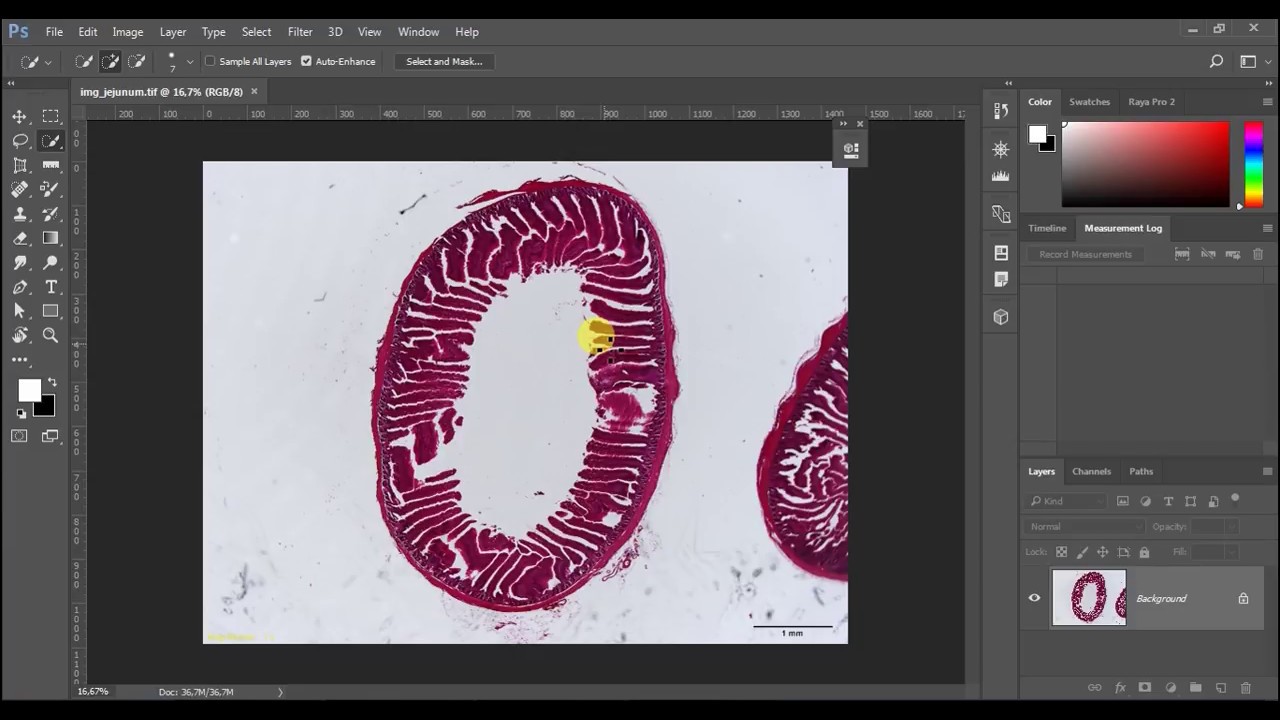
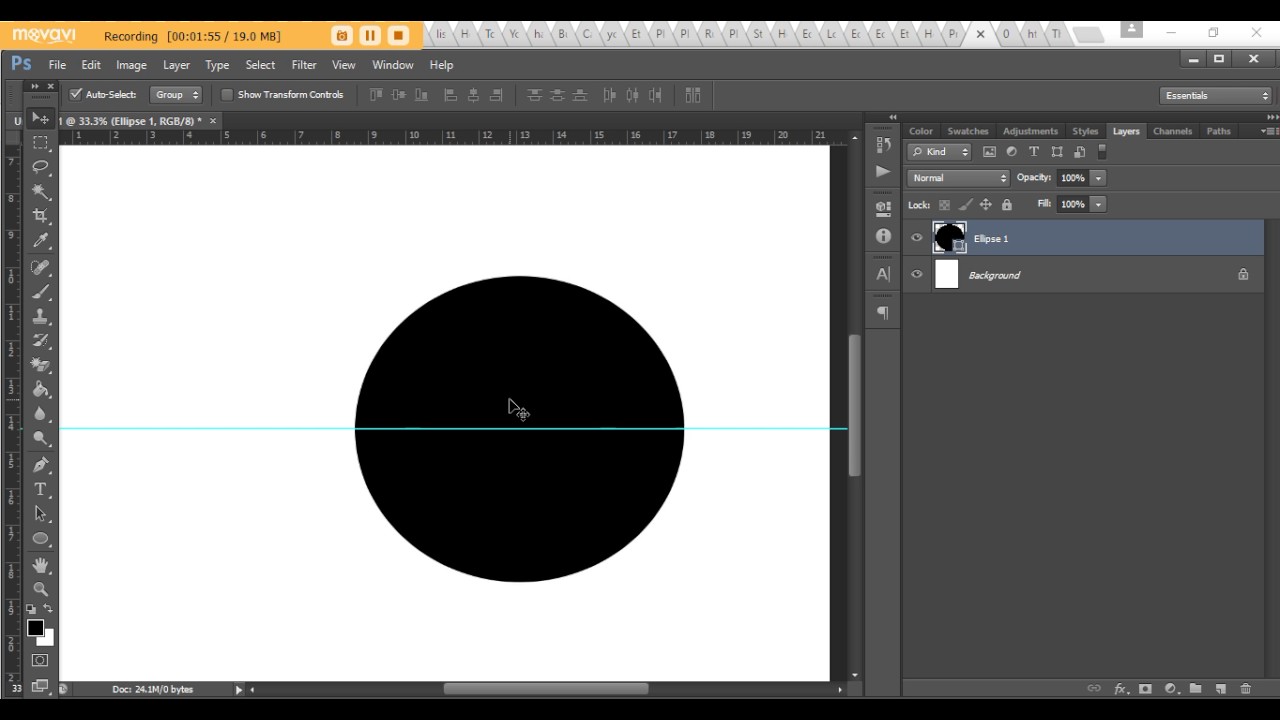
•Open a picture in PhotoShop. Click on Windows tab and select Info button.
•Select the ruler tool, which can be found out by clicking on Eye dropper tool. Click on Ruler tool.
•Click and drag the mouse anywhere on the image to create the line. The X-Y coordinates will be mentioned. Drag the mouse and hold shift while clicking.
•Click on Clear button to clear the measurements.
Не удается загрузить Youtube-плеер. Проверьте блокировку Youtube в вашей сети.
Повторяем попытку...
Повторяем попытку...

Доступные форматы для скачивания:
Скачать видео
-
Информация по загрузке: