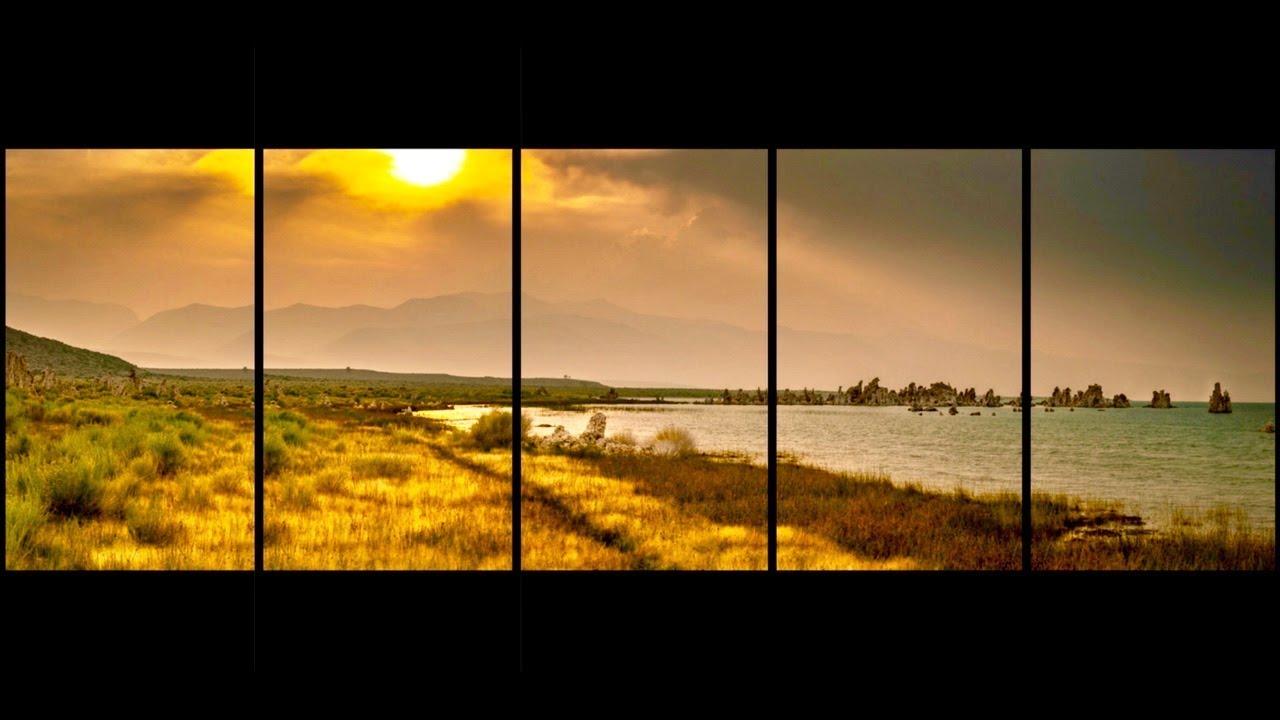
Panoramic Photography: How to Edit & Blend Photos
Автор: Charles N Photography
Загружено: 2020-11-07
Просмотров: 4241
Описание:
This tutorial is Part 3 of a 3 part series that I’ve created on Panoramic Photography. In this tutorial I’ll be using Adobe Lightroom Classic to edit a set of images and then use the following three programs (Lightroom CC, Microsoft I.C.E and PTGui) to show how these programs work in stitching a set of images into a panoramic image.
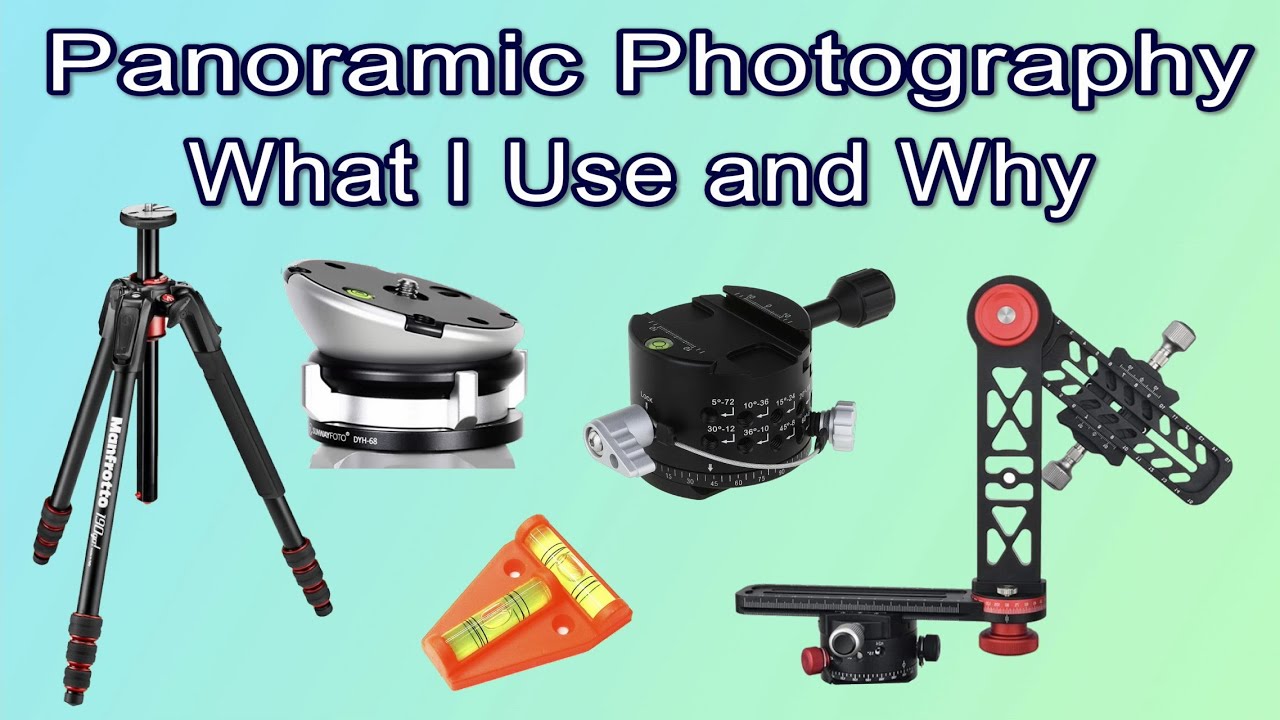
Part 1 explains in details what gear you need to photograph panoramas.
Part 2 explains how to shoot panoramas and how to maximise you success rate when taking panoramic images.
Microsoft Image Composite Editor “I.C.E”:
https://northrup.photo/microsoft-ice/
Video Time-line
00:00 Panoramic Photography: How to Edit & Blend Photos
00:11 Introduction into editing & blending images to create a panoramic image
01:20 Using Adobe Lightroom Classic to edit a set of images
09:27 Blending a set of images into a panoramic image using Lightroom Classic
12:48 Saving/Exporting our images in Lightroom Classic
14:23 Blending a set of images into a panoramic image using Microsoft I.C.E
17:55 Blending a set of images into a panoramic image using PTGui
24:26 Editing and Blending 2 sets of images into a multi-row panoramic image using Lightroom Classic and PTGui
Social media Links!
Facebook: https://bit.ly/39TcPEO
Gear used during this video:
Samsung Galaxy S10
Vanguard Altra 264AP Tripod
BOYA BY-WM4 Mark II 2.4G Wireless Microphone
Filmic Pro App: https://bit.ly/3bsKN3i
Повторяем попытку...

Доступные форматы для скачивания:
Скачать видео
-
Информация по загрузке: