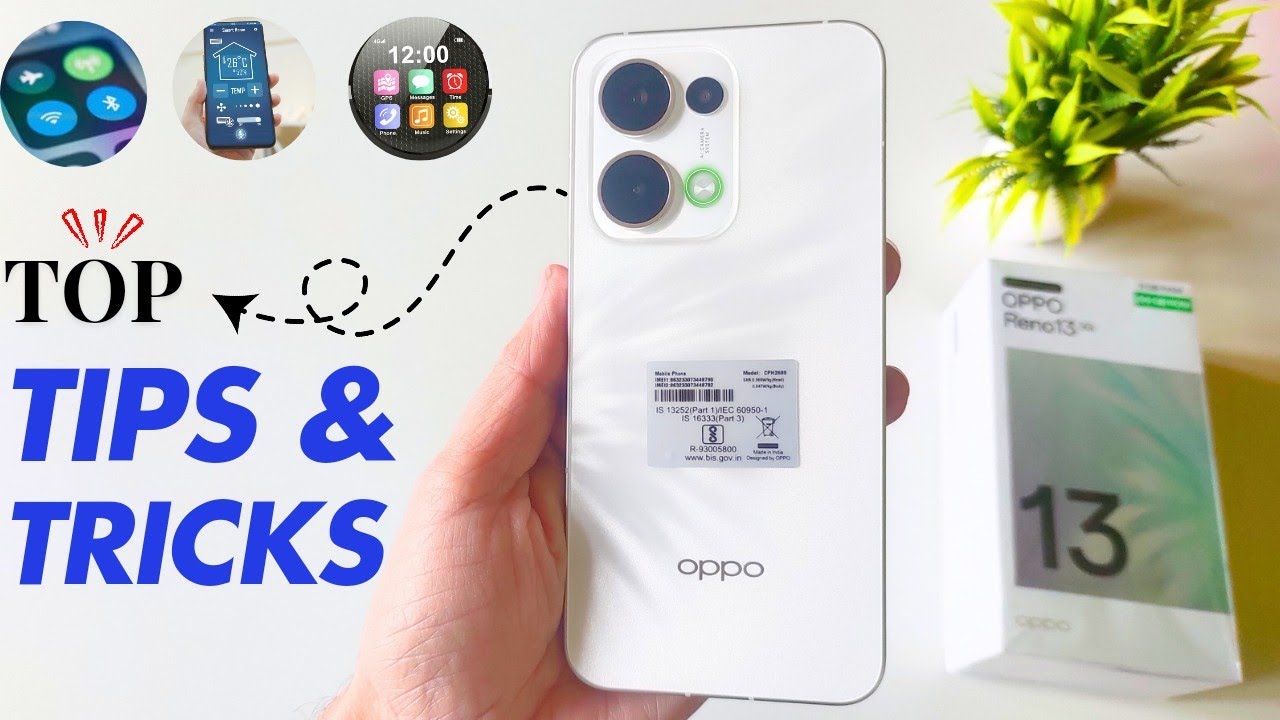
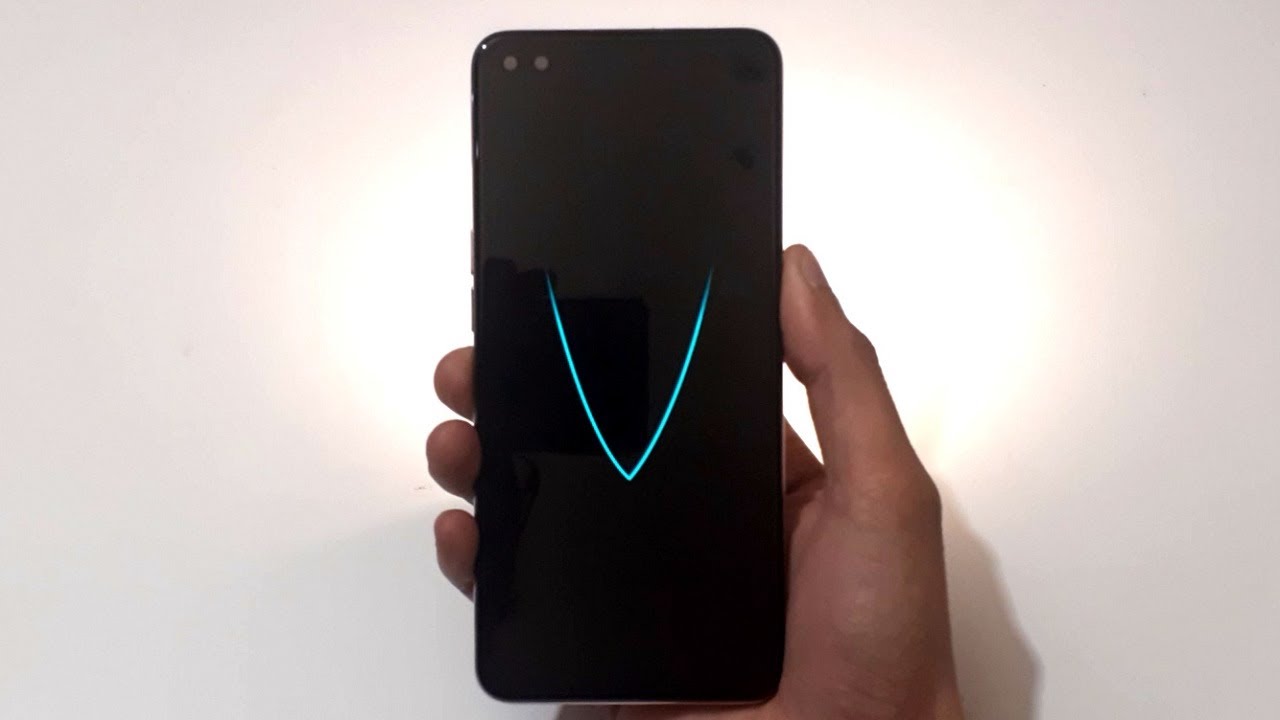
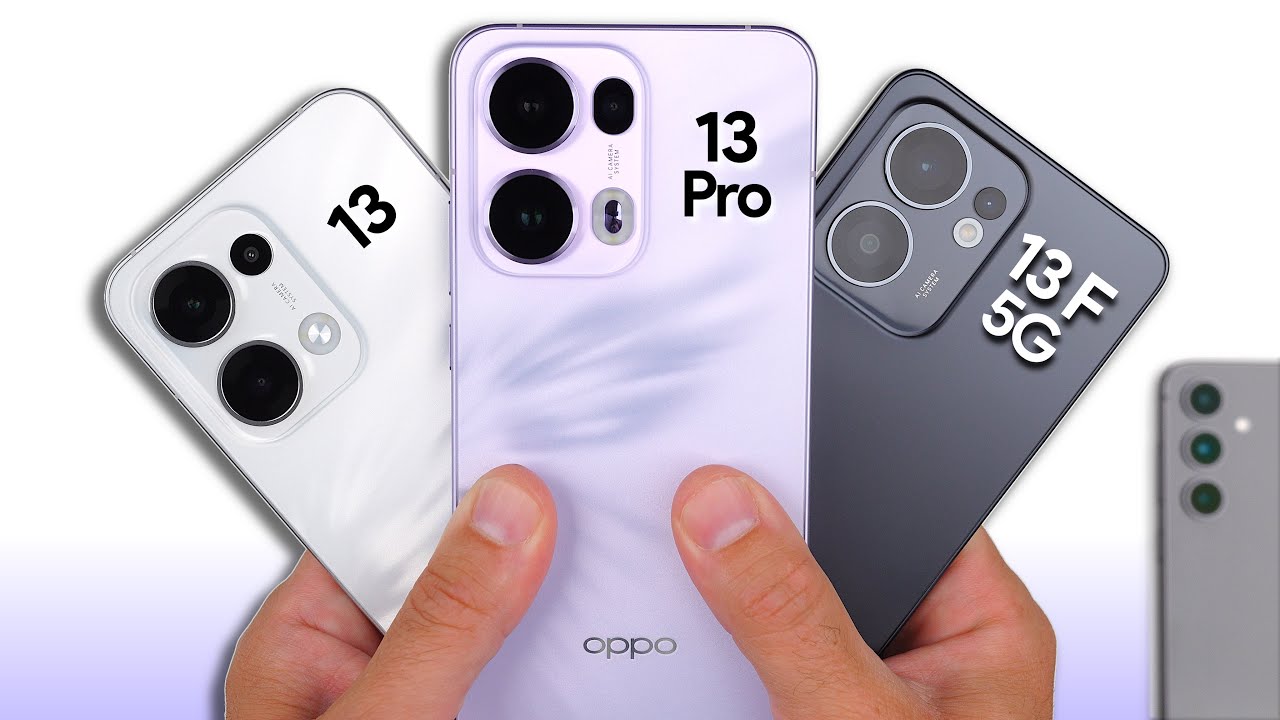
How to Double tap to wake up Oppo Reno 13 Pro
Автор: TechQA
Загружено: 2025-01-18
Просмотров: 3260
Описание:
How to Enable Double Tap to Wake on OPPO Reno 13 Pro
0:09 Before
0:16 Step by step guide
0:51 Result
The Double Tap to Wake feature on the OPPO Reno 13 Pro allows you to wake up your device's screen simply by double-tapping it. This is a convenient way to check notifications or access your phone without pressing the power button. Follow these steps to enable the feature:
Step 1: Open Settings
Locate and tap the Settings icon on your home screen or app drawer.
Step 2: Navigate to Gesture Settings
Go to Convenience Tools:
Scroll down and select Convenience Tools (or Advanced Features, depending on your software version).
Tap on Gestures & Motions:
Look for the option labeled Gestures & Motions and tap it.
Step 3: Enable Double Tap to Wake
Locate Double Tap to Wake:
In the Gestures & Motions menu, find the toggle for Double Tap to Wake.
Turn It On:
Toggle the switch to enable the feature.
Step 4: Test the Feature
Lock your device by pressing the Power Button.
Double-tap the screen to wake it up and verify that the feature is working.
Optional Settings
Double Tap to Turn Off Screen:
You can also enable the Double Tap to Turn Off Screen feature if available:
Go to Home Screen Settings by long-pressing an empty area on the home screen.
Look for Double Tap to Turn Off Screen and enable it.
Power Saving Mode:
Ensure that Power Saving Mode is not overly restricting gestures, as it might disable certain features.
Troubleshooting
Feature Not Working:
Ensure your screen is free of dirt or smudges that could interfere with touch sensitivity.
Restart your device if the feature doesn’t work after enabling it.
Software Updates:
Check for software updates in Settings - About Device - Software Updates to ensure your phone is running the latest version.
#techqa
#opporeno13
#opporeno13pro
#opporeno13series
#smartwake
#taptolock
#taptowake
#doubletaptowake
Повторяем попытку...

Доступные форматы для скачивания:
Скачать видео
-
Информация по загрузке: