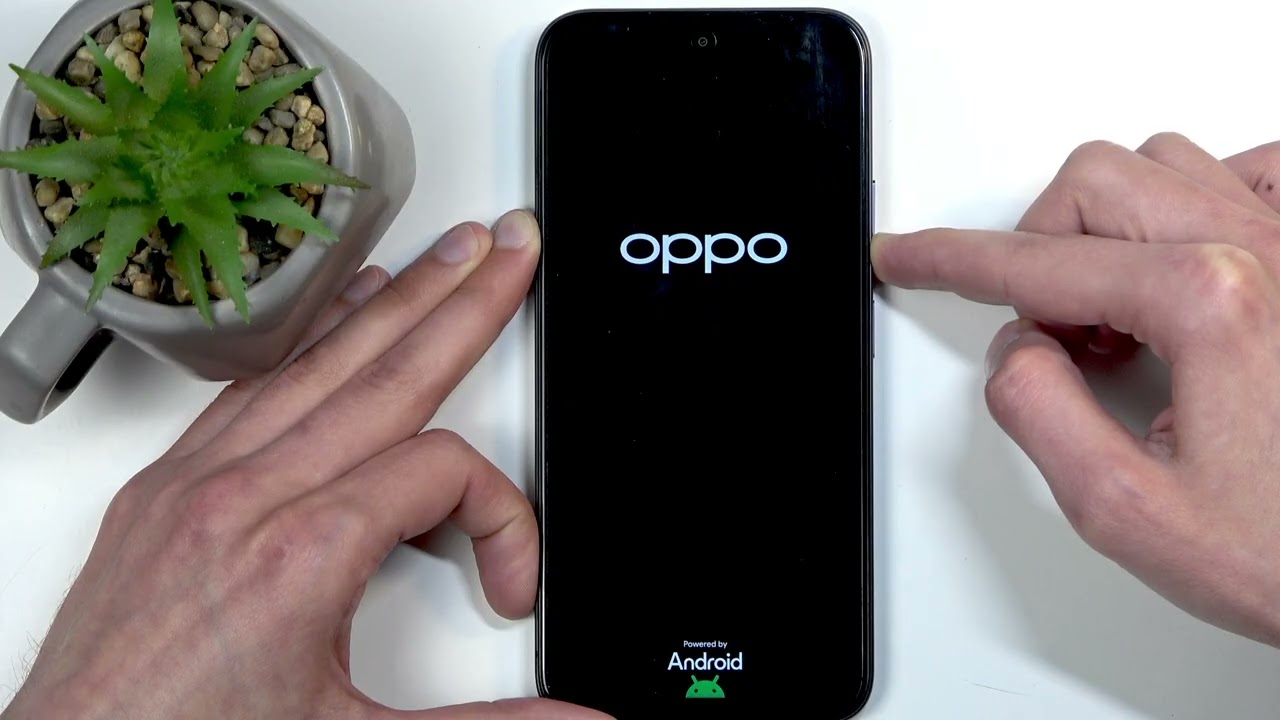
OPPO A6x – How to Enable & Set Up Portable Hotspot
Автор: HardReset.Info
Загружено: 2026-02-21
Просмотров: 168
Описание:
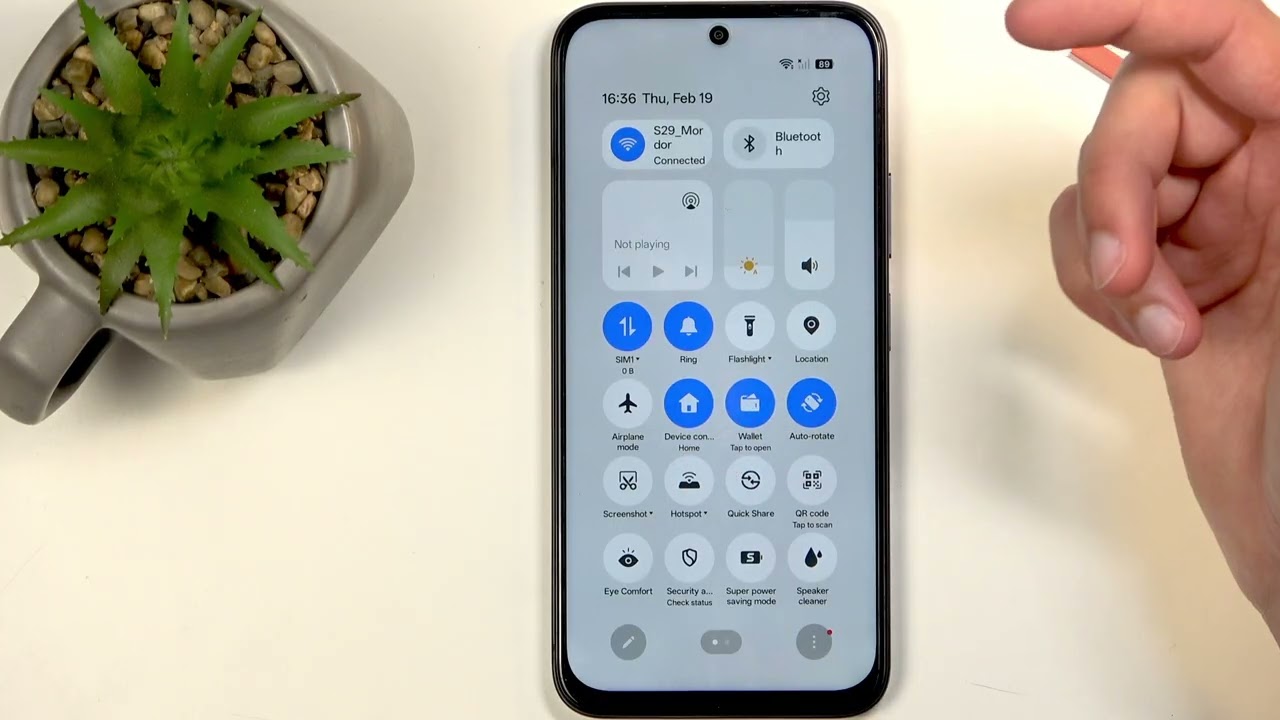
In this video I show how to enable and set up the portable hotspot on the OPPO A6x 4G. You will learn how to open Quick Settings, add the hotspot toggle if it's missing, open More settings to change the hotspot name and password (password must be at least 8 characters), choose AP band, enable or disable the automatic "turn off personal hotspot" after 10 minutes, check Wi‑Fi and hotspot coexistence, and set a data usage limit under Connection Management to avoid extra charges. These steps help you share mobile internet securely while saving battery and data on your OPPO A6x 4G.
How to enable portable hotspot on OPPO A6x 4G?
How to change hotspot password on OPPO A6x 4G?
How to set a data usage limit for hotspot on OPPO A6x 4G?
0:00 Intro – OPPO A6x and what we'll do
0:10 Open Quick Settings and find the hotspot toggle
0:37 Add the hotspot toggle (tap the pencil and add)
0:50 Open Hotspot → More settings
1:06 Change hotspot name & password (min 8 characters)
1:52 AP band note and saving settings
2:12 Auto‑turn off personal hotspot after 10 minutes – recommendation
3:00 Wi‑Fi and hotspot coexistence; enable hotspot
4:40 Connection Management – set Data Usage Limit
6:29 Wrap up – like, subscribe, and tips
#OPPOA6x #OPPO #PortableHotspot #HotspotSetup
Find out more:
https://www.hardreset.info/devices/op...
Follow us on Instagram ► / hardreset.info
Like us on Facebook ► / hardresetinfo
Tweet us on Twitter ► / hardreseti
Support us on TikTok ► / hardreset.info
Use Reset Guides for many popular Apps ► https://www.hardreset.info/apps/apps/
Повторяем попытку...
Доступные форматы для скачивания:
Скачать видео
-
Информация по загрузке: