Sony Alpha Nex-5 Sweep Panorama Photos in 1080p HD
Автор: Mike's HD-4k Videos
Загружено: 2010-08-13
Просмотров: 19584
Описание:
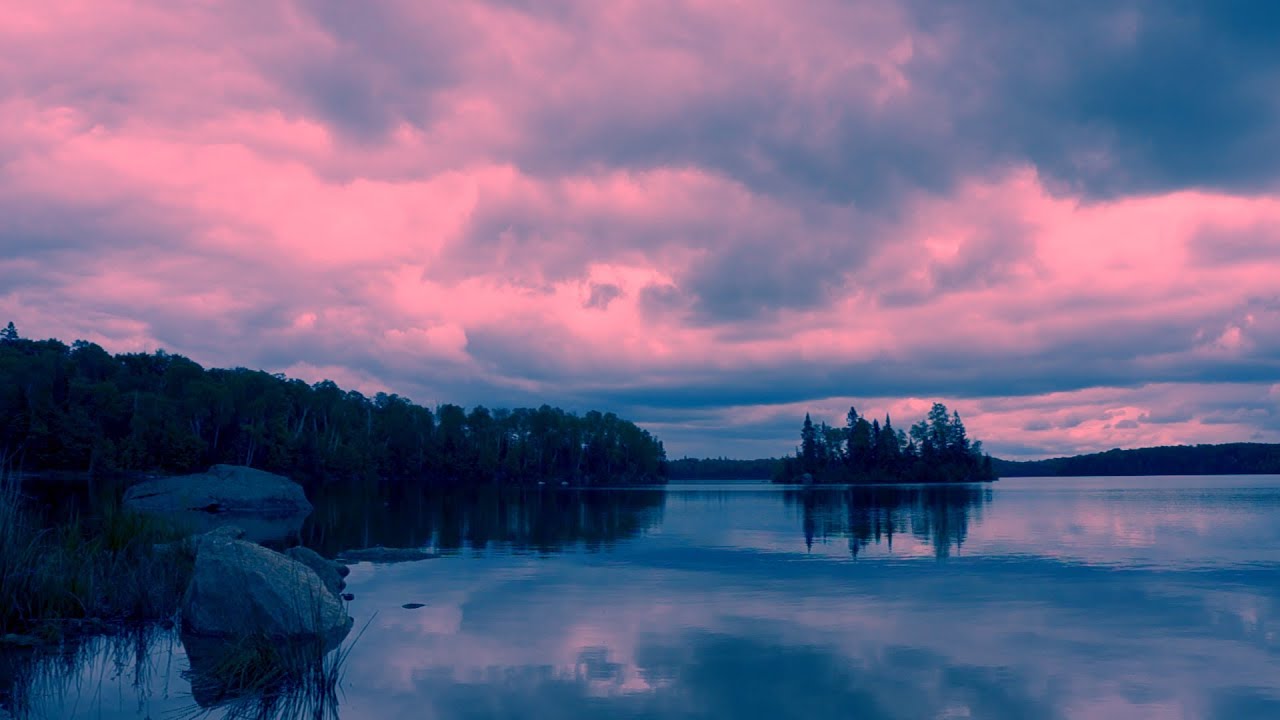
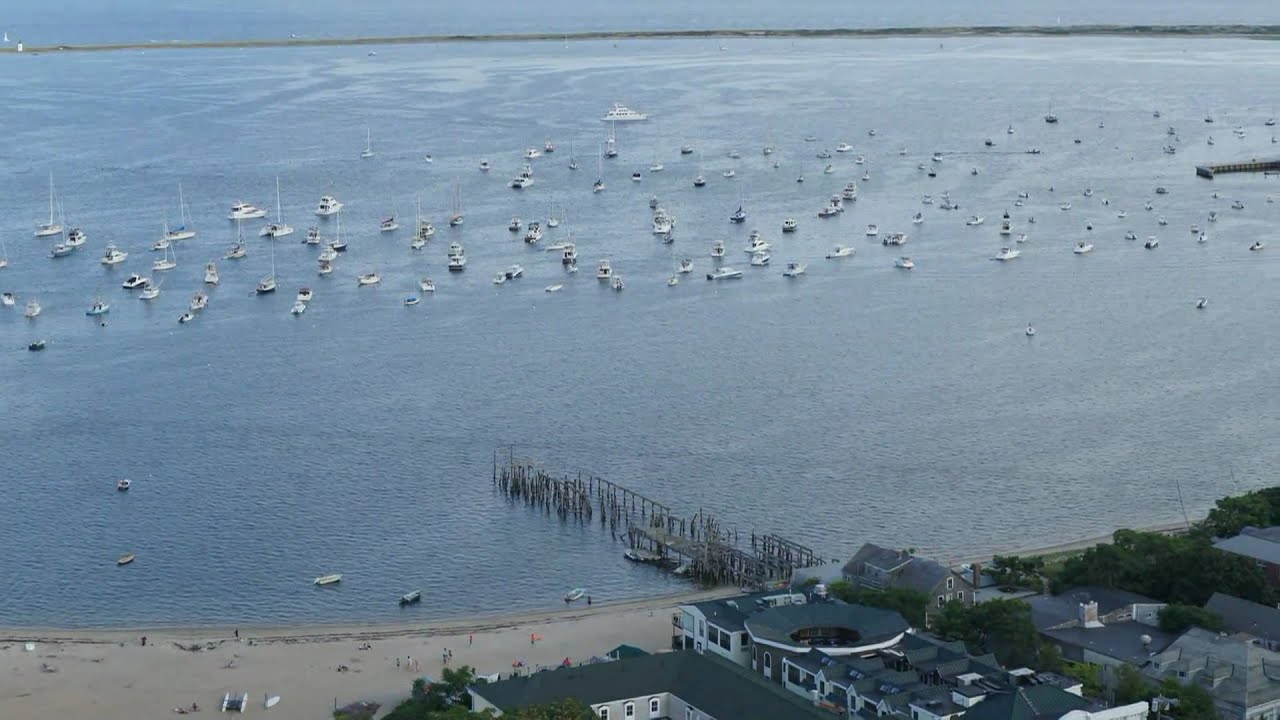
Some sweep panorama photos I took with my Sony Alpha Nex-5 camera in New Hampshire and Province Town MA, including the fish hook at the tip of Cape Cod. Best seen on an large HD TV from a AVCHD disk in a blu ray player.
Used Pinnacle Studio 14 to make the video.
The background music is "American Vista" and is a royalty free music which comes with the video editing software.
BTW, all 8 processors of my Intel I7 are running over 90% CPU usage when rendering/transcoding the video. TipOfCapeCod.mp4
Updated Aug 19, 2010:
You should set the video to at least 360p when viewing in a window and to 760p or 1080p when viewing it full screen. Depending on your download speed, you may have to pause the video while downloading to give the buffer time to fill. The YouTube quality is good but nothing compared to seeing it on a large screen HD TV from the video file I created.
Updated Aug 16, 2010 with additional Info:
Many of the newer Sony still cameras have a feature called "Sweep Panorama" where it takes many photos as you sweep pan the camera and stitches them together in the camera to make a panorama photo. That way you see the results right away instead of doing it on a computer later and too late to correct or change anything.
The widest zoom of the lens is 27mm (35mm film equivalent). I usually have the camera vertical as I sweep to get the widest view. The sweep panorama has stranded, extra wide, and 3D modes. I have not seen results of the 3D mode yet. I usually use extra wide mode when the camera is vertical and standard mode when the camera is horizontal.
For example:
The camera was vertical for the second to last photo creating a 5,536 wide x 2,160 height pixel photo. The camera was horizontal in the last photo creating a 12,416wide x1,856 height pixel photo. Both are extra wide mode.
My video editor wants to use the full photo so it is extremely letter boxed, especially the last one. I use the Pinnacle video editor's pan and zoom feature to zoom the photo to full frame in height. This cuts the ends of the photo. I then use the video editor's pan feature to start the pan at one end of the photo and end the pan at the other end.
Rendering make the video 1080p. The music comes with Pinnacle Studio 14 and the length of the music auto adjusts to the length of the video. It losses a lot on Youtube but, the video file looks fantastic when played on my new Samsung 58 inch HD 1080p TV!
Повторяем попытку...
Доступные форматы для скачивания:
Скачать видео
-
Информация по загрузке: