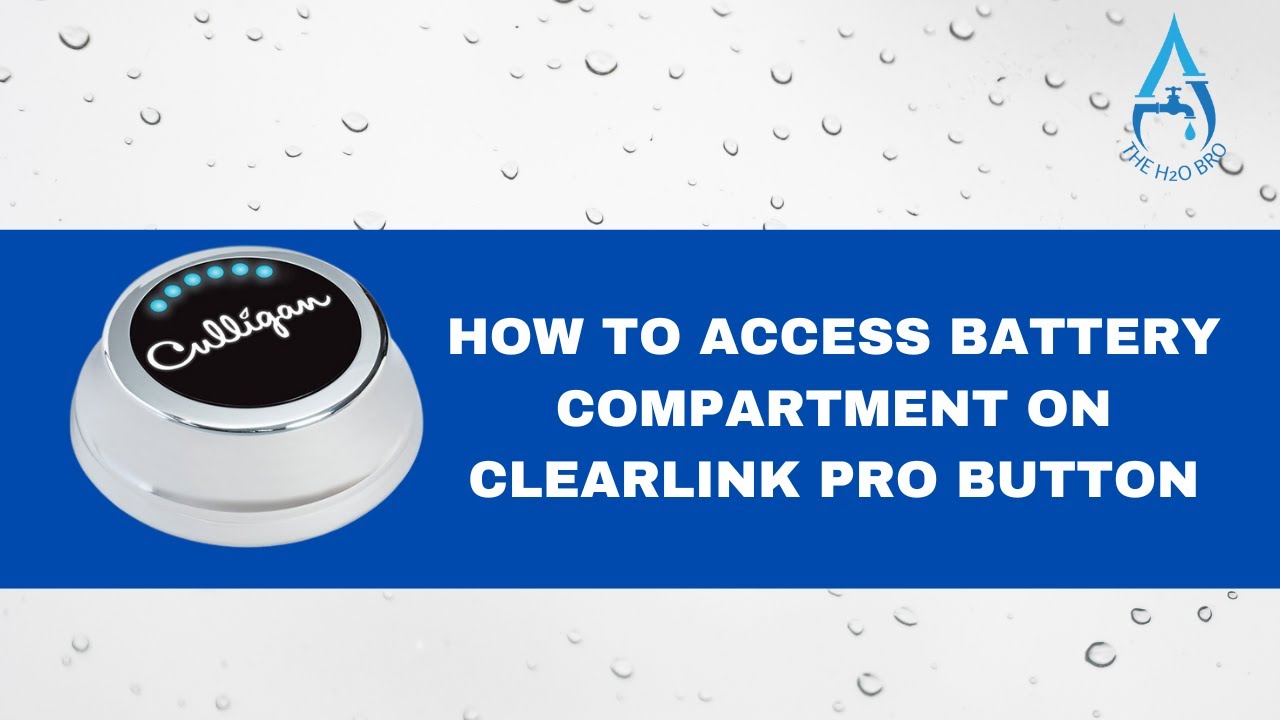
How to access the battery compartment on a Culligan ClearLink Pro button
Автор: TheH2OBro
Загружено: 2024-04-26
Просмотров: 5494
Описание:
In this informative tutorial, we'll guide you through the process of accessing the battery compartment on your Culligan ClearLink button like a pro. Whether you're troubleshooting connectivity issues or simply need to replace the batteries, we've got you covered with step-by-step instructions.
🔧 What You'll Learn:
1️⃣ Locating the Battery Compartment: Discover the precise location of the battery compartment on your ClearLink button for quick and easy access.
2️⃣ Removing the Cover: Learn how to safely remove the cover of the battery compartment without causing damage to your ClearLink button.
3️⃣ Battery Replacement: Follow along as we demonstrate the proper technique for replacing the batteries, ensuring seamless functionality of your ClearLink system.
4️⃣ Troubleshooting Tips: Get insider tips on troubleshooting common issues related to battery replacement and connectivity.
With The H2O Bro's expert guidance, accessing and maintaining your ClearLink button has never been simpler. Say goodbye to guesswork and hello to smooth operation!
Watch now and gain the confidence to keep your Culligan ClearLink system running efficiently. Subscribe to The H2O Bro channel for more water-related tips, tricks, and tutorials. Don't forget to hit the notification bell so you never miss an update! 💧🔧 #CulliganClearLink #BatteryReplacement #H2OBro #WaterPurification #DIYMaintenance
Повторяем попытку...
Доступные форматы для скачивания:
Скачать видео
-
Информация по загрузке: