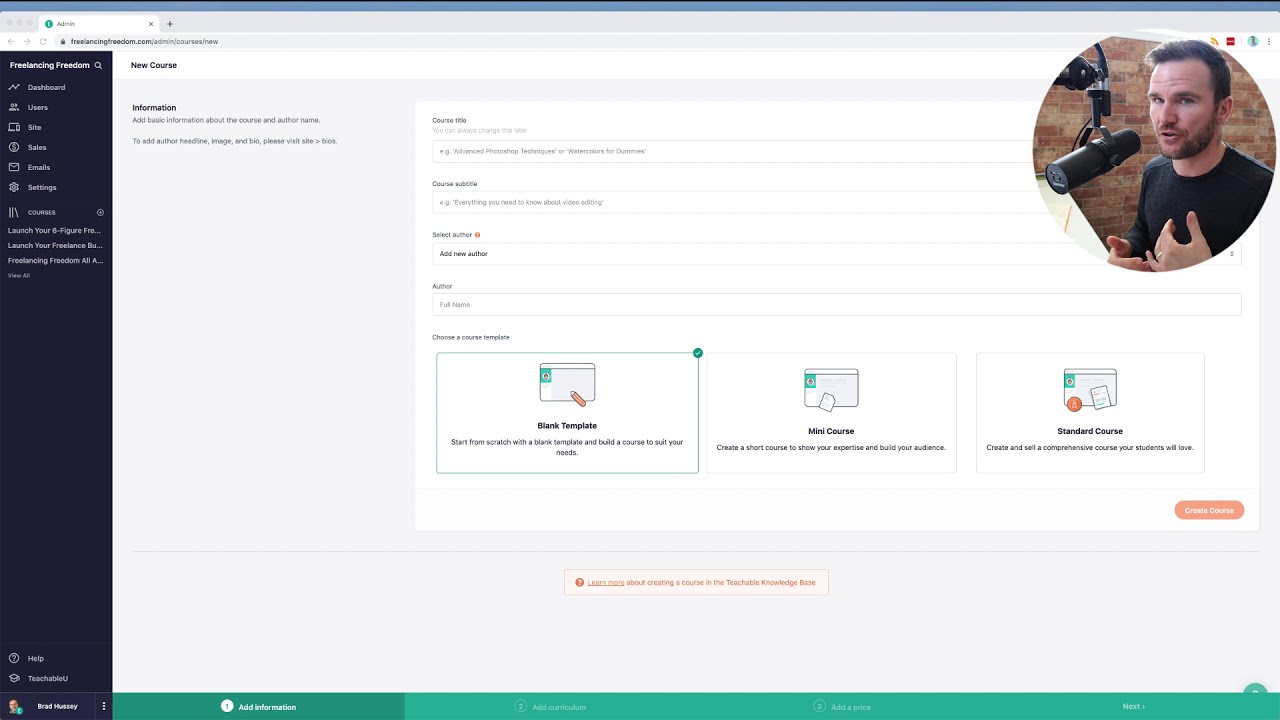
How to Create Free Scheduled Webinars for Teachable [no sound] Using scheduled private YouTube Live
Автор: Laurel Papworth
Загружено: 2017-08-24
Просмотров: 2250
Описание:
Steps for going Live on Teachable lectures using YouTube Live (BETA or CLASSIC) - Beta 1)go to left hand side and 2) scroll DOWN to Other Features. 3) Choose LIVE. You get taken to My_Live_Events there. Classic version as above. If watching and can't see clearly? CHANGE COG TO HD: Want your students to attend a scheduled webinar in your Teachable school? How to use Google Hangouts/YouTube live for a private or public scheduled webinar, embedding the video into a Teachable lecture and turning Teachable comments on for the discussion. (You can use the YouTube livestream for discussion too). Don't forget to download the webinar later, or unpublish on YouTube if you want it REALLY hidden.
/ my_live_events
No sound sorry as I was on the train :)
#fbo, #socialmedia #onlinecourses #education #howto #teachable
Youtube Playlist for online courses and #Edusocial • LECTURE SERIES: Edusocial and Online Cours...
Partner Deals for You
Want to set up an online course for FREE? http://bit.ly/HomeTeachable [ you get a free school and courses, upgrade to Basic when you want]
Don't pay monthly for a shopping cart for your Wordpress site or Teachable school - pay a one-off fee and done! http://bit.ly/LPthrivecart [this one might expire soon]
Повторяем попытку...
![How to Create Free Scheduled Webinars for Teachable [no sound] Using scheduled private YouTube Live](https://imager.clipsaver.ru/bNmxVy8StOU/max.jpg)
Доступные форматы для скачивания:
Скачать видео
-
Информация по загрузке: