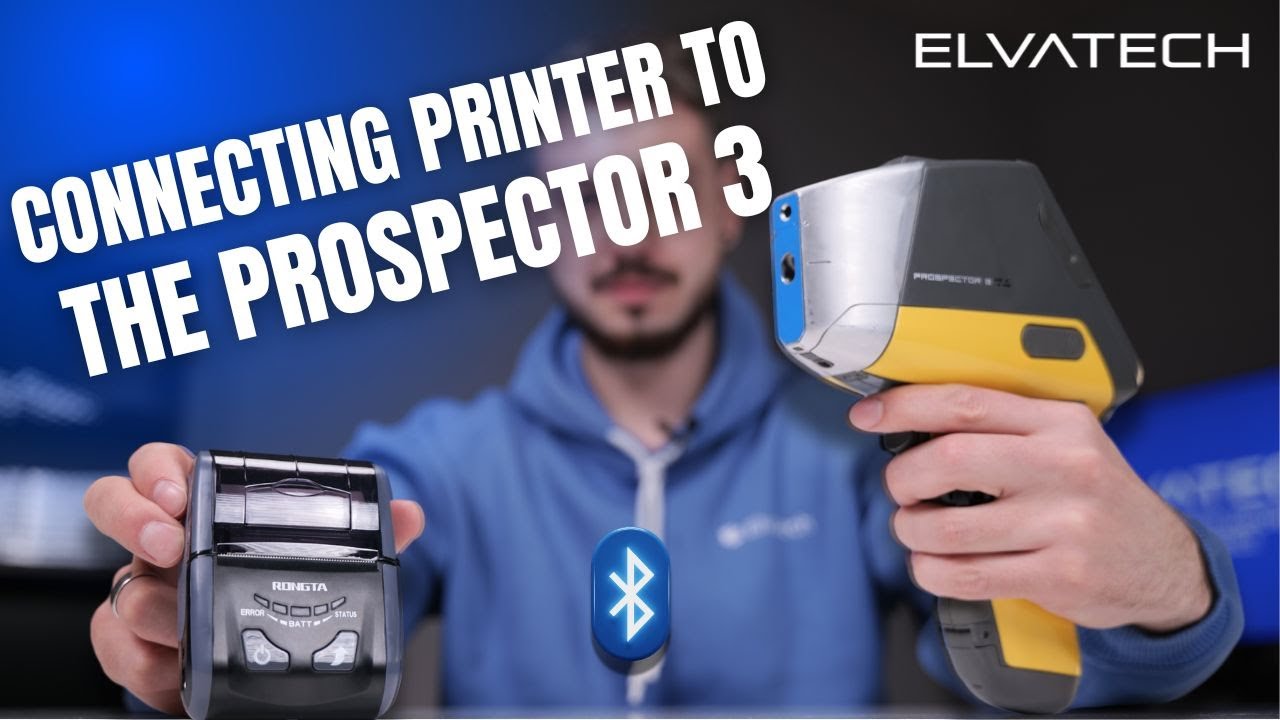
Connecting Bluetooth printer to the ProSpector 3 xrf analyzer.
Автор: Elvatech
Загружено: 2025-04-29
Просмотров: 216
Описание:
How to Connect a Portable Bluetooth Printer to Your ProSpector 3 Analyzer | Elvatech Tutorial
Welcome to the official Elvatech channel!
In this tutorial, we’ll walk you through the simple process of connecting a portable Bluetooth thermal printer to your ProSpector 3 XRF analyzer — so you can print measurement results instantly, wherever you are.
Whether you're operating in the field, on a production line, or in a jewelry store, having a compact printer connected directly to your analyzer boosts efficiency and streamlines your workflow.
🖨️ ElvaX software supports two report printing methods:
Quick thermal receipts using a portable thermal printer via Bluetooth or Wi-Fi
Full PDF or text reports via a shared network printer
In this video, we focus specifically on the Bluetooth setup for thermal printing, showing you how fast and easy it is to configure your system.
✅ Perfect for professionals who need fast, on-the-spot documentation
✅ No PC required – just your analyzer and printer
✅ Reliable and mobile — ideal for on-the-go analysis
If you have any questions or want to explore our full range of analyzers and accessories, our team is always here to help.
👉 Don’t forget to like, subscribe, and hit the bell icon so you never miss a tutorial or update from Elvatech!
https://elvatech.com
[email protected]
+19292439906
Thanks for watching — see you in the next video!
#XRF #ProSpector3 #Elvatech #PortablePrinter #ThermalPrinter #AnalyzerSetup #BluetoothPrinter #XRFAnalyzer #FieldAnalysis #JewelryTesting #MetalsAnalysis #TechTutorial #ElvaX
Повторяем попытку...
Доступные форматы для скачивания:
Скачать видео
-
Информация по загрузке:









![Почему взрываются батарейки и аккумуляторы? [Veritasium]](https://imager.clipsaver.ru/a3-3R9zwyGY/max.jpg)